| 449
Image Capture Application Scanner Driver
Image Capture Application Scanner Driver
Introduction
The ICA driver scans the images from the printer using Apple's Image Capture Application
over the network (USB connection not supported). This driver is developed for Mac OS
10.8 Mountain Lion/10.9 Mavericks/10.10 Yosemite/10.11 El Capitan.
Launching the ICA Driver User Interface
1 Connect the printer on the network and install the Dell ICA driver on Macintosh
Computer.
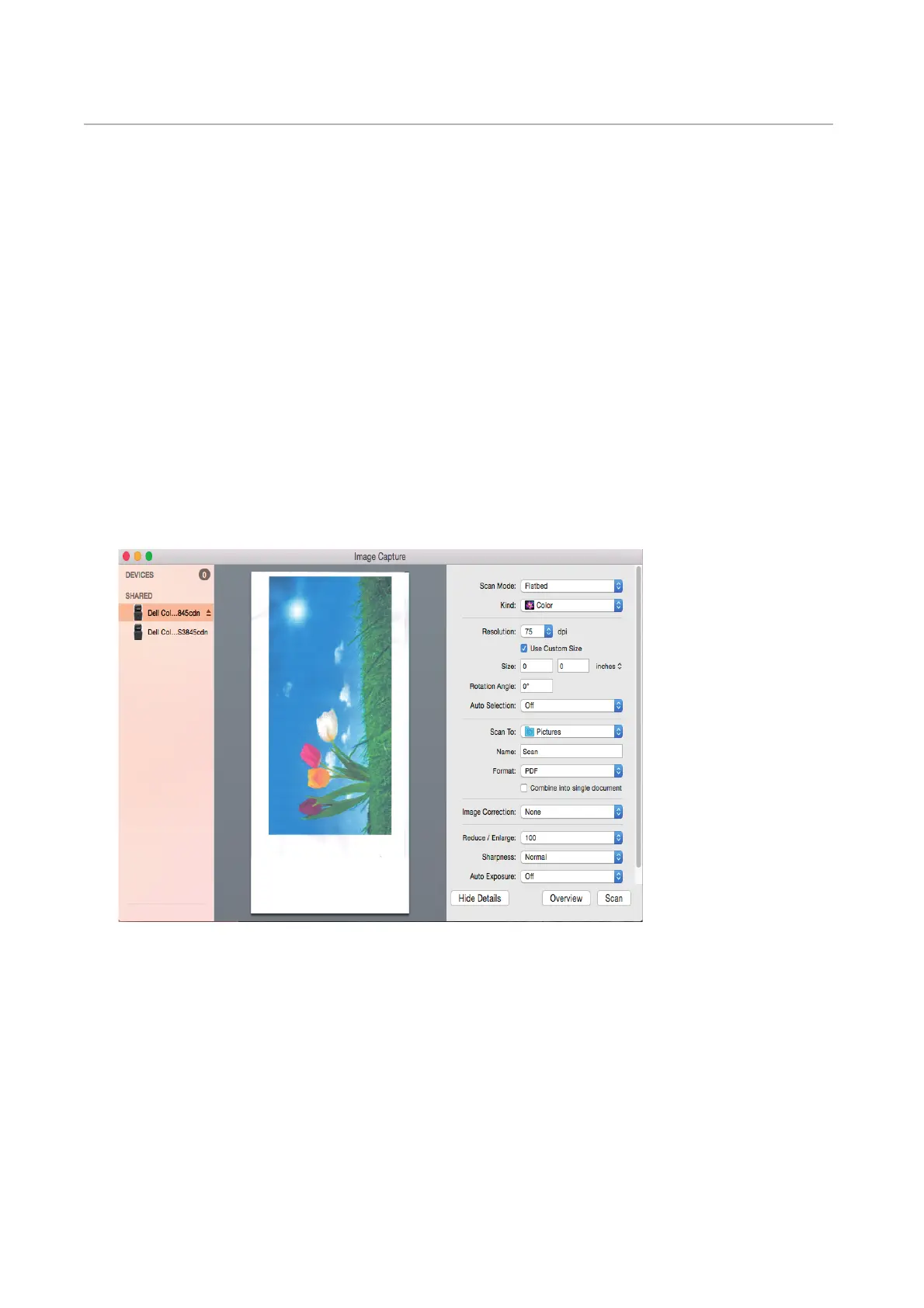
2 Go to Applications J Click on Image Capture Application.
3 All network connected printers will be listed under the shared folder.
4 Select a printer from the shared folder list. The ICA Driver user interface will be
launched.












 To Next Page