418 | Print Quality Problems
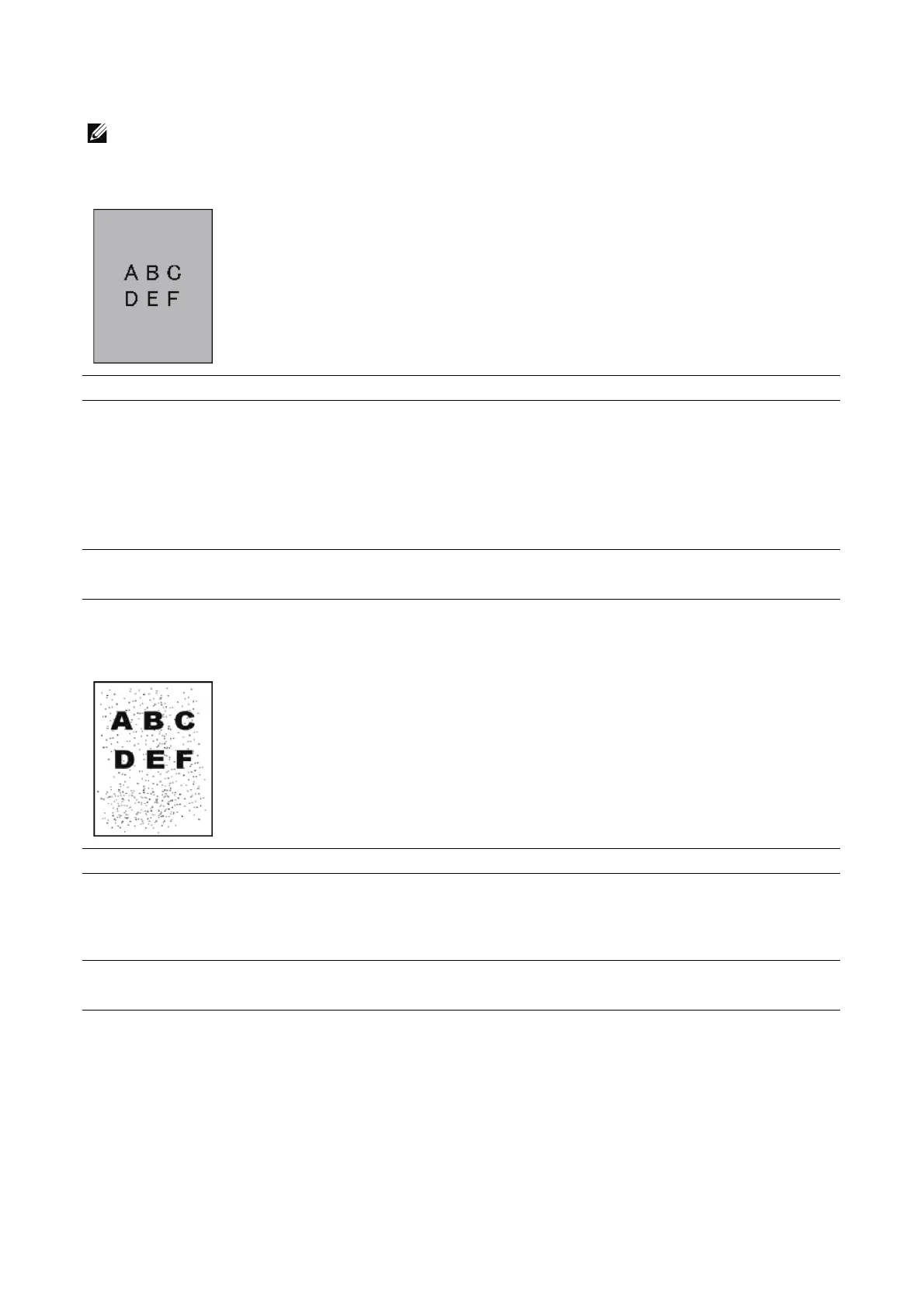
Fog (background)
• This can occur on glossy or coarse media. Before checking anything else, try adjusting the 2nd Belt
Transfer Roller (2nd BTR) to eliminate or minimize background.
Bead-Carry-Out (BCO)
Action Yes No
1 If you are using non-Dell brand toner cartridges, enable
the Non-Dell Toner option.
If the fog is occurring in only one color and that color
has a Non-Dell toner cartridge installed, try changing
the toner cartridge to a Dell branded toner cartridge
and make enough prints to purge the toner.
Does this solve your problem?
The task is complete. Go to action 2.
2 Replace the drum cartridges.
Does this solve your problem?
The task is complete. Contact Dell.
Action Yes No
1 If the printer is installed in a high altitude location, set
the altitude of the location using Device > Support >
Altitude Adjustment.
Does this solve your problem?
The task is complete. Go to action 2.
2 Replace the drum cartridges.
Does this solve your problem?
The task is complete. Contact Dell.












 To Next Page