184 | Dell Printer Configuration Web Tool
Add Role
• Role Name
Enter the role name.
You can enter the description of the role.
• Control Panel Permissions
You can select the default permissions on operations from the control panel from
Everything Except Setup, Copy Only, and Access All.
To give the role permissions other than above, set custom permissions. Selecting
Custom Permissions allows setting the Custom Permissions Setup, where you can
set the detailed permissions for each feature.
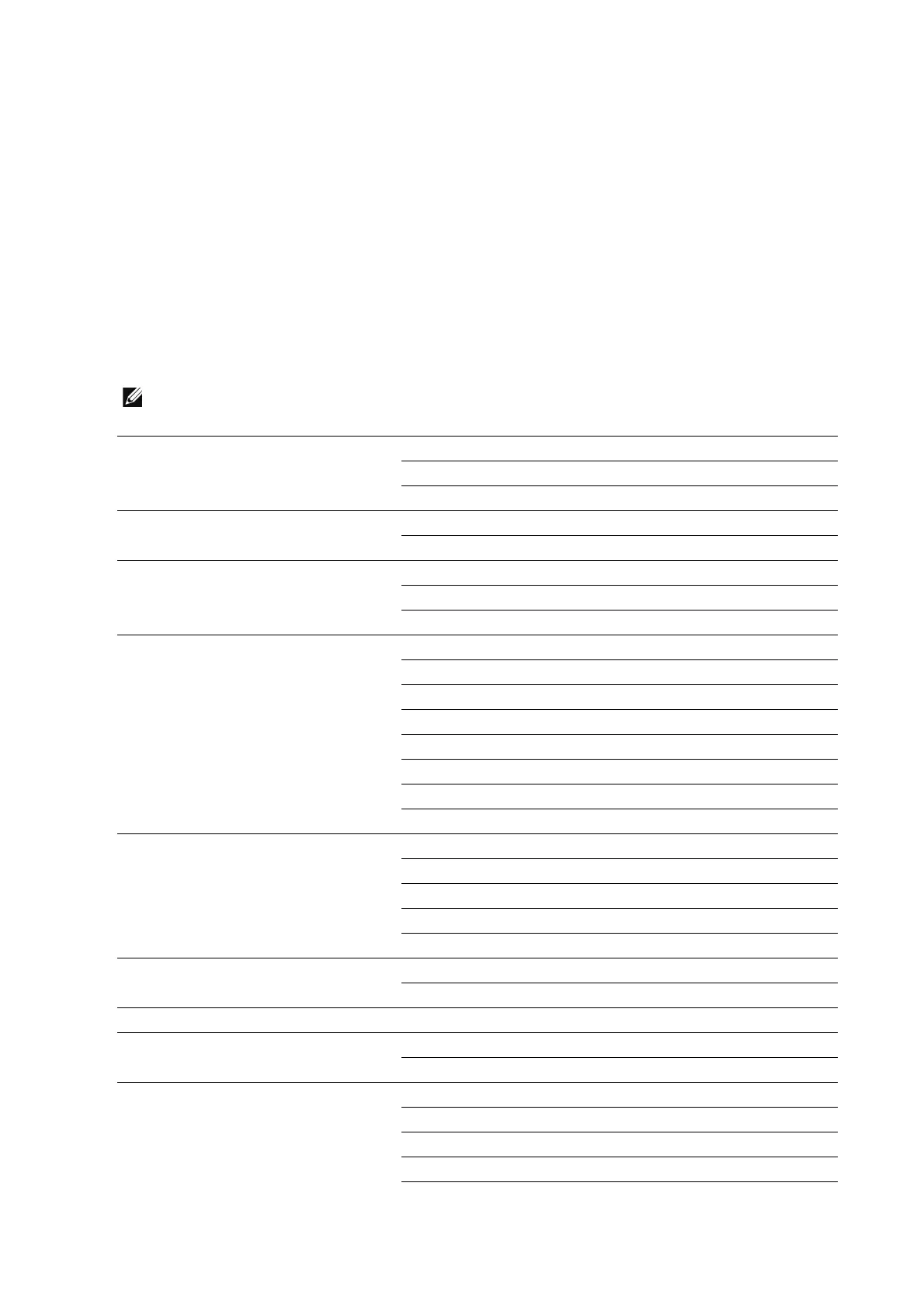
The following shows the Custom Permissions settings.
• Some settings may differ from the list depending on the software version.
Address Book Permissions Access Address Book
Create Contacts and Groups
Edit Contacts and Groups
AirPrint (Scan) Permissions
*1
Access AirPrint (Scan)
Make Color Scans
Copy Permissions Access Copy
Make Color Copies
1-Sided Output
Device Permissions Access Device
View Information Pages (under About) and Support Page
Configure Paper Tray Settings
View Supplies
Configure Supplies Settings
View Billing/Usage
View General, Apps, and Connectivity
View Network Information
Email Permissions Access Email
Send to Self
Manually Enter Recipients
Change File Name and Format
Make Color Scans
Fax Permissions Access Fax
Manually Enter Recipients
Home Permissions
*2
Access Home
ID Card Copy Permissions Access ID Card Copy
Make Color Copies
Jobs Permissions Access Jobs
View Completed Jobs
View Job Details
Delete Jobs
View Secure Fax












 To Next Page