Faxing | 259
5 For Windows
®
, click OK to close the Printing Preferences dialog box, and then click
Print.
For Macintosh, click Print.
For Microsoft
®
Windows
®
:
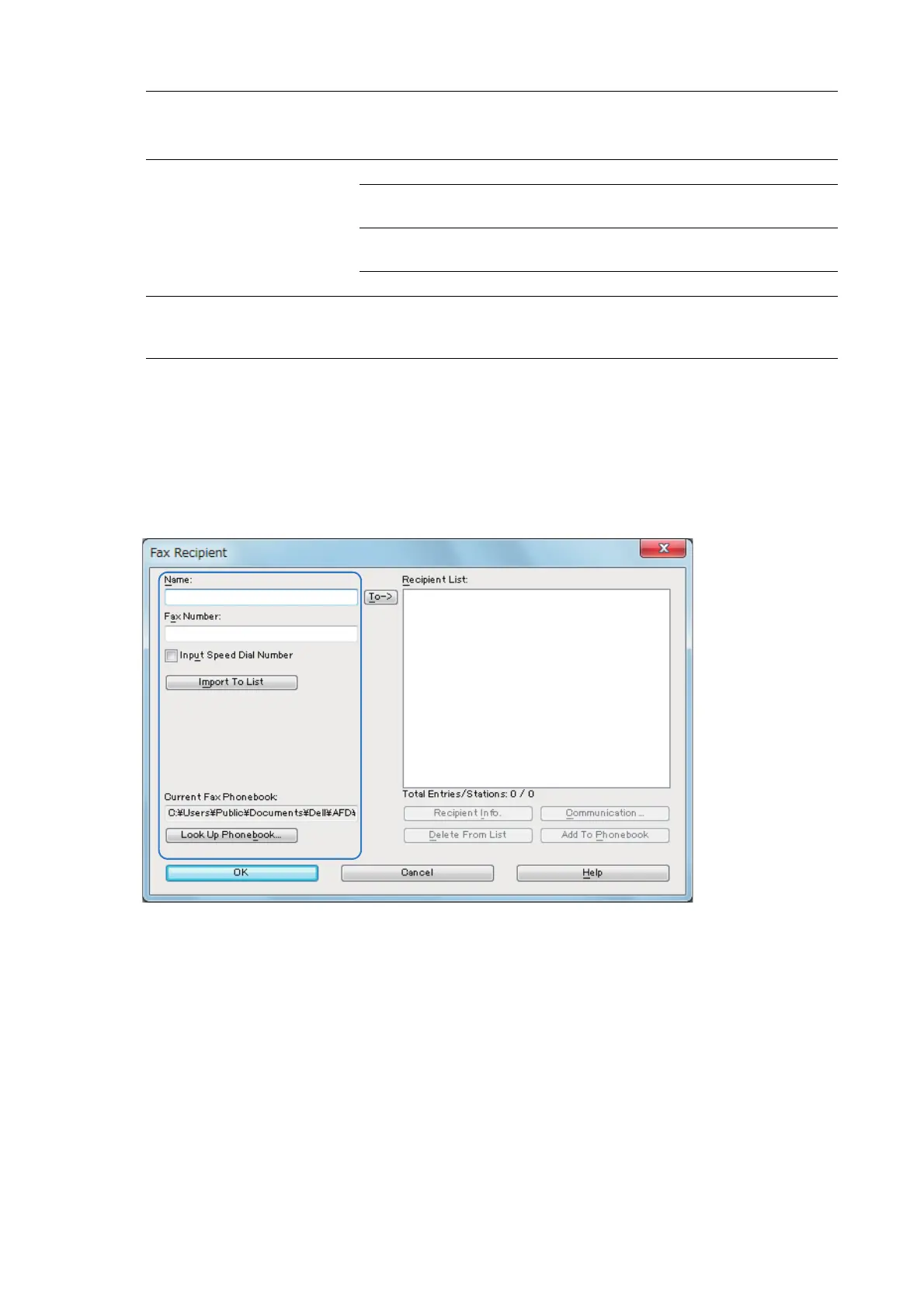
The Fax Recipient dialog box appears.
Fax Resolution Use this setting to specify the resolution when sending a fax.
Available selections are: Standard (100 x 200 dpi), Fine (200 x 200
dpi), Superfine (400 x 400 dpi), or Superfine (600 x 600 dpi).
Transmission report Specify whether to print a fax transmission result.
Report Always: Prints a transmission result after every fax
transmission.
Report On Error: Prints a transmission result only when an error
occurs.
No Report: Does not print fax transmission results.
Send Header Send Header is a function that attaches to a document sent to
destination, sender details (sender name, date and time sent, relay
station ID, number of pages) configured on the fax machine.












 To Next Page