Preparing Printer Hardware | 27
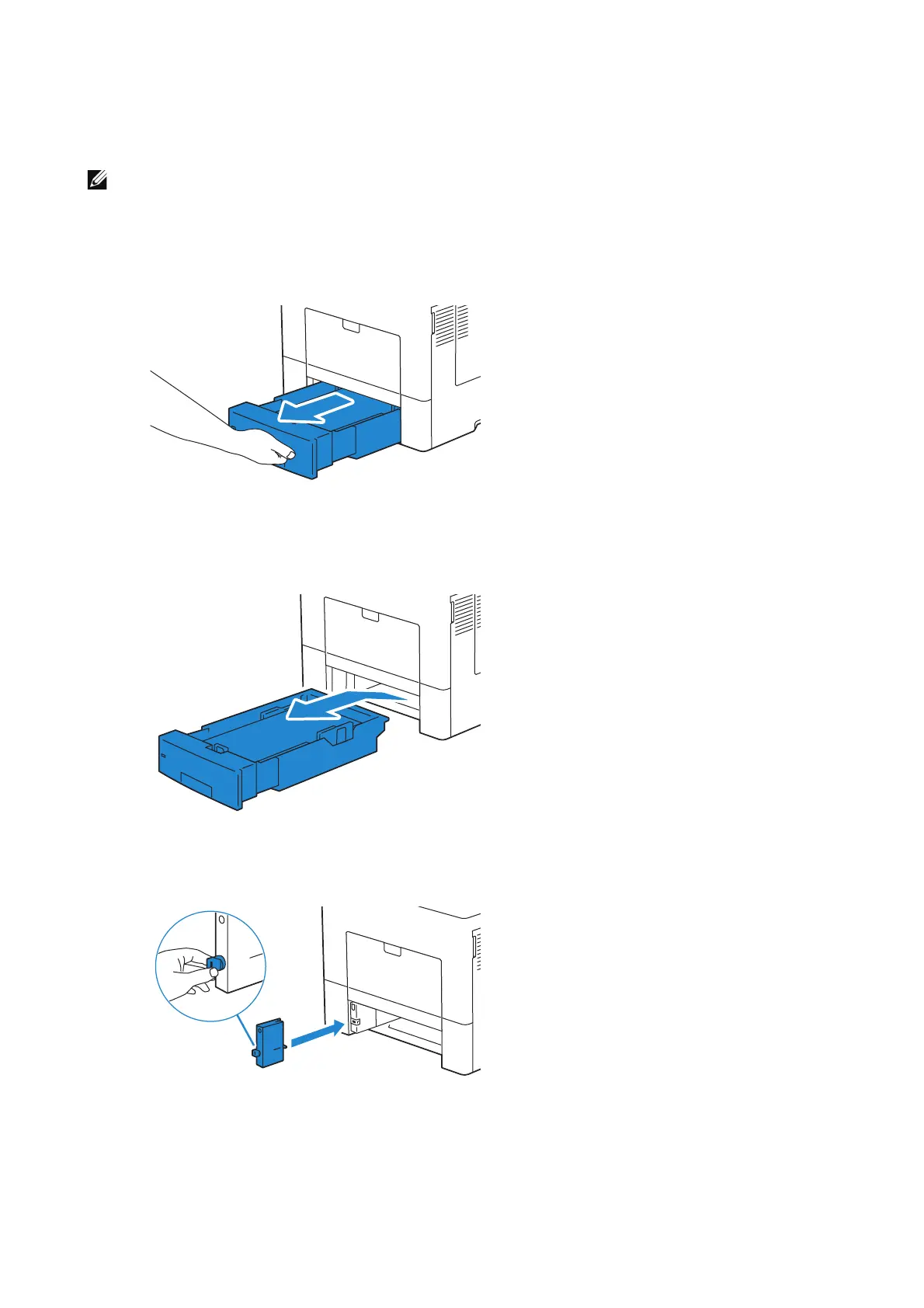
Installing the Kensington Lock Extender
To use the Kensington lock when loading legal-size paper in Tray 1 or the optional
550-sheet feeder, install the Kensington lock extender onto the printer.
• The Kensington lock extender for Tray 1 and the optional 550-sheet feeder (Tray 2) is marked with
the number "1" and "2" respectively on its left side. Do not install the extender for Tray 2 to Tray 1,
and vice versa.
1 Pull the tray out of the printer about 200 mm.
2 Hold the tray with both hands, and remove it from the printer.
3 Hold the stopper of the Kensington lock extender and attach the extender into
position on the printer.












 To Next Page