Preparing Printer Hardware | 29
Installing the Security Cover
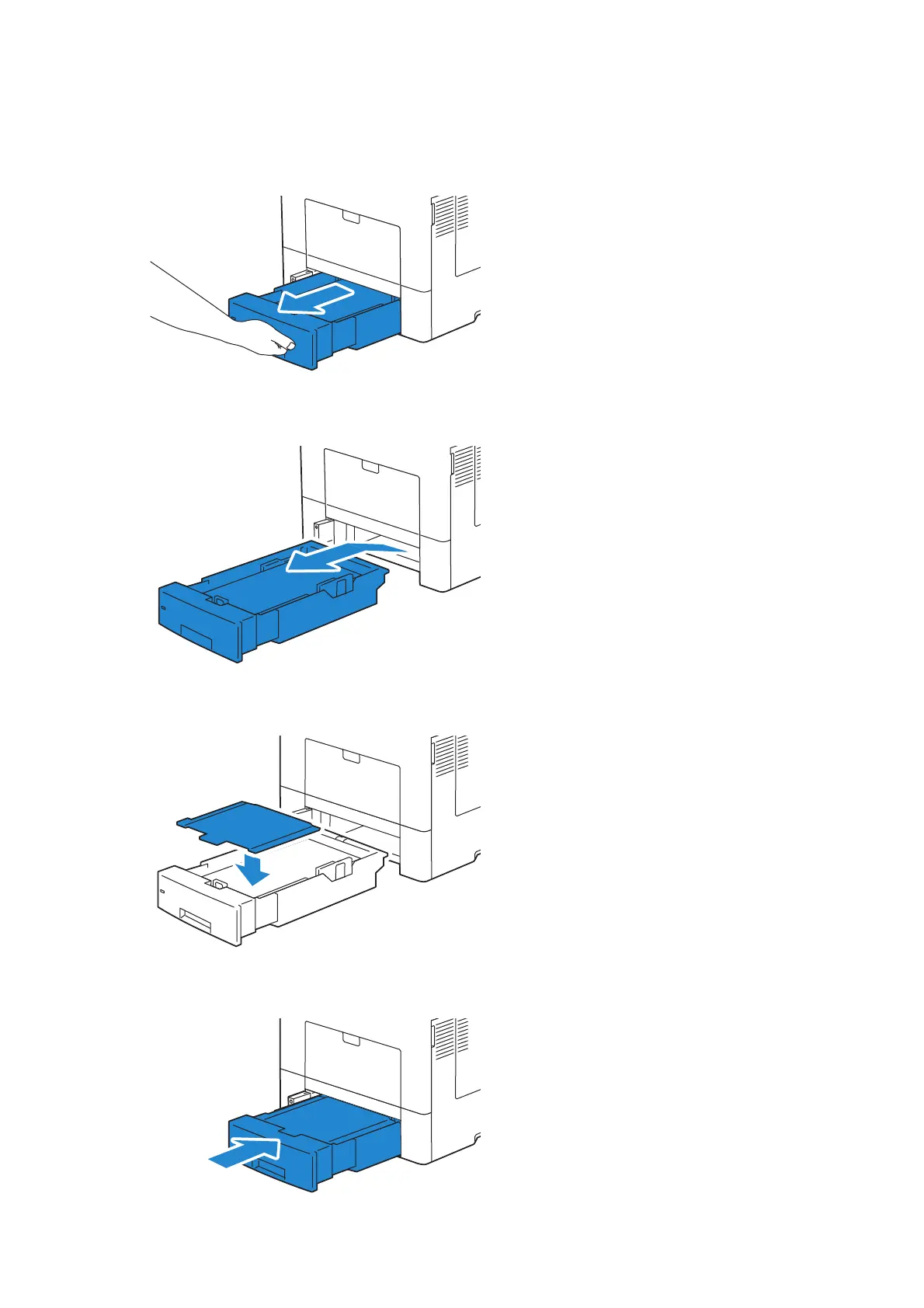
To make your print media in Tray 1 more secure, install the security cover onto Tray 1.
1 Pull Tray 1 out of the printer about 200 mm.
2 Hold Tray 1 with both hands, and remove it from the printer.
3 Place the security cover on the top of Tray 1.
4 Insert Tray 1 into the printer, and push until it stops.












 To Next Page