454 |
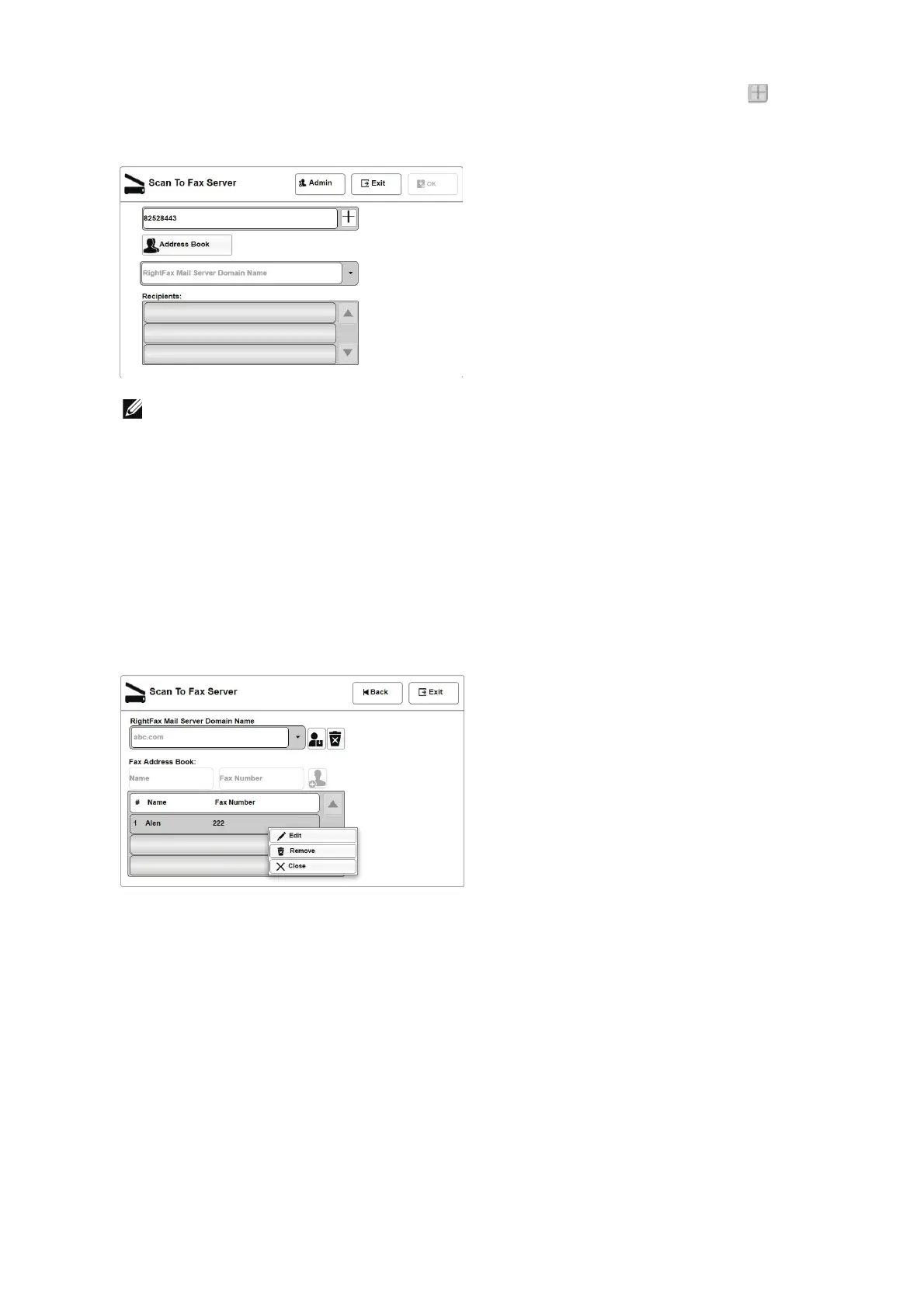
2 Enter the Fax number in Enter Fax Number field and click on the add Icon .
The fax number will be added to the Recipients list.
• The Recipients list can hold a maximum of 10 fax numbers at a time. Adding further entries
beyond this maximum limit will delete (flush) old entries from this list.
Accessing and modifying a fax number in Recipients list
Adding the fax number to the Recipients list
1 Select the fax number from the local Fax Address Book.
2 Select the Add To Recipient option from the pop-up menu. The selected fax number
and the name will be added to the Recipients list.
Removing the fax number from the Recipients list
1 Select the fax number from the Recipients list.
2 Select the Remove option from the pop-up menu to remove the selected fax number
or select the Remove All option to remove all the entries from the Recipients list.
3 Select the Close option to close the pop-up menu.
Send fax to recipients
1 From control panel, select J Scan To Fax Server.












 To Next Page