| 457
Login as Admin
1 From the Control panel, select J SharePoint J Admin. The Admin home page
screen appears.
• Admin should login on device to access Admin features in this application.
• Overview of the Admin Page content
The Admin Page contains the following tabs:
Configuration
To add a new MSPS
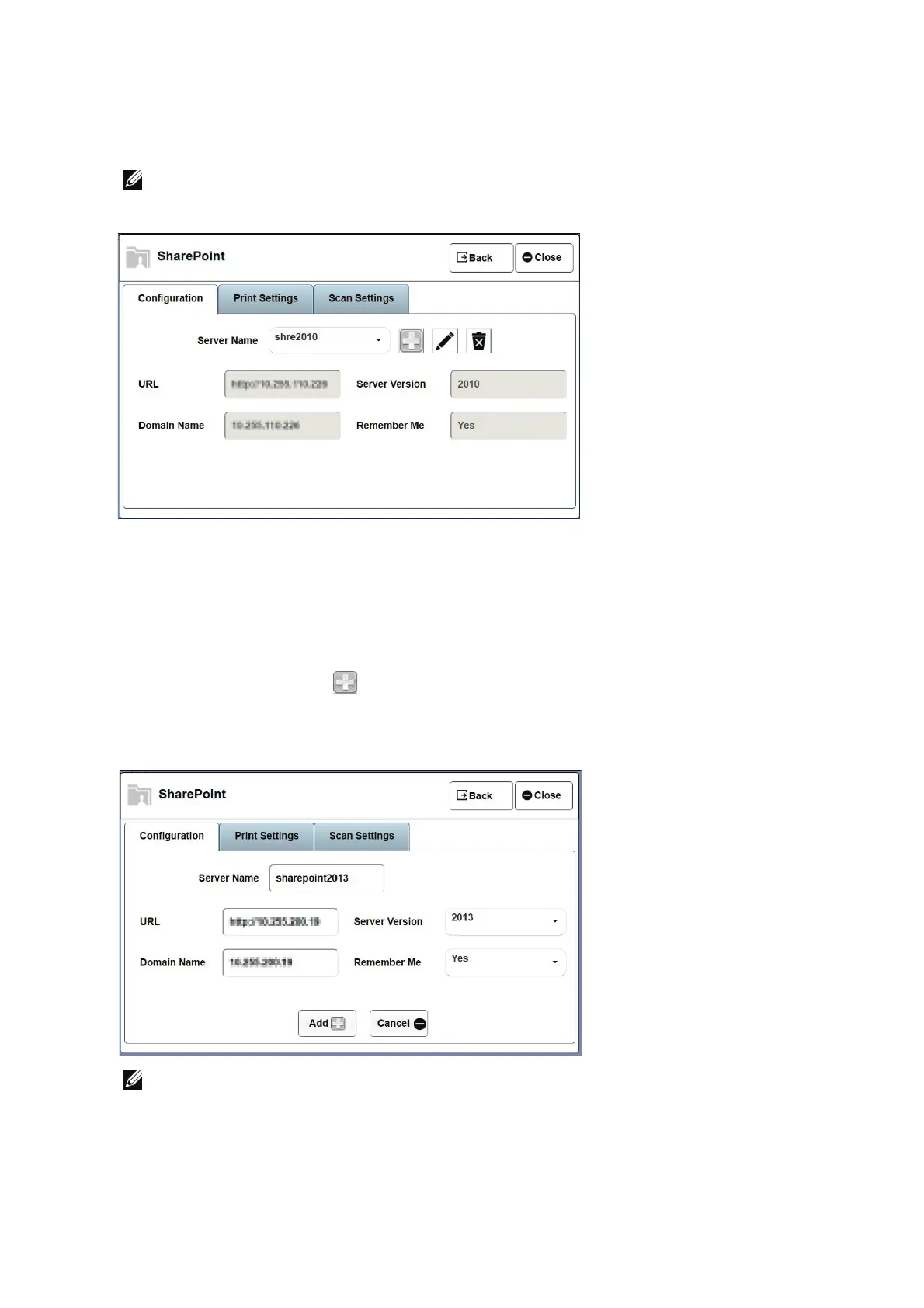
1 Click on Add Server Icon , enter server name (Server name is an alias name for
MSPS URL), MSPS URL, domain name, select server version, Remember Me and Click
on Add button.
• Setting Remember Me as 'Yes' gives "Remember Me" field in the main login page for a normal
user.












 To Next Page