5
Making copies
5-44 ineo 163/213
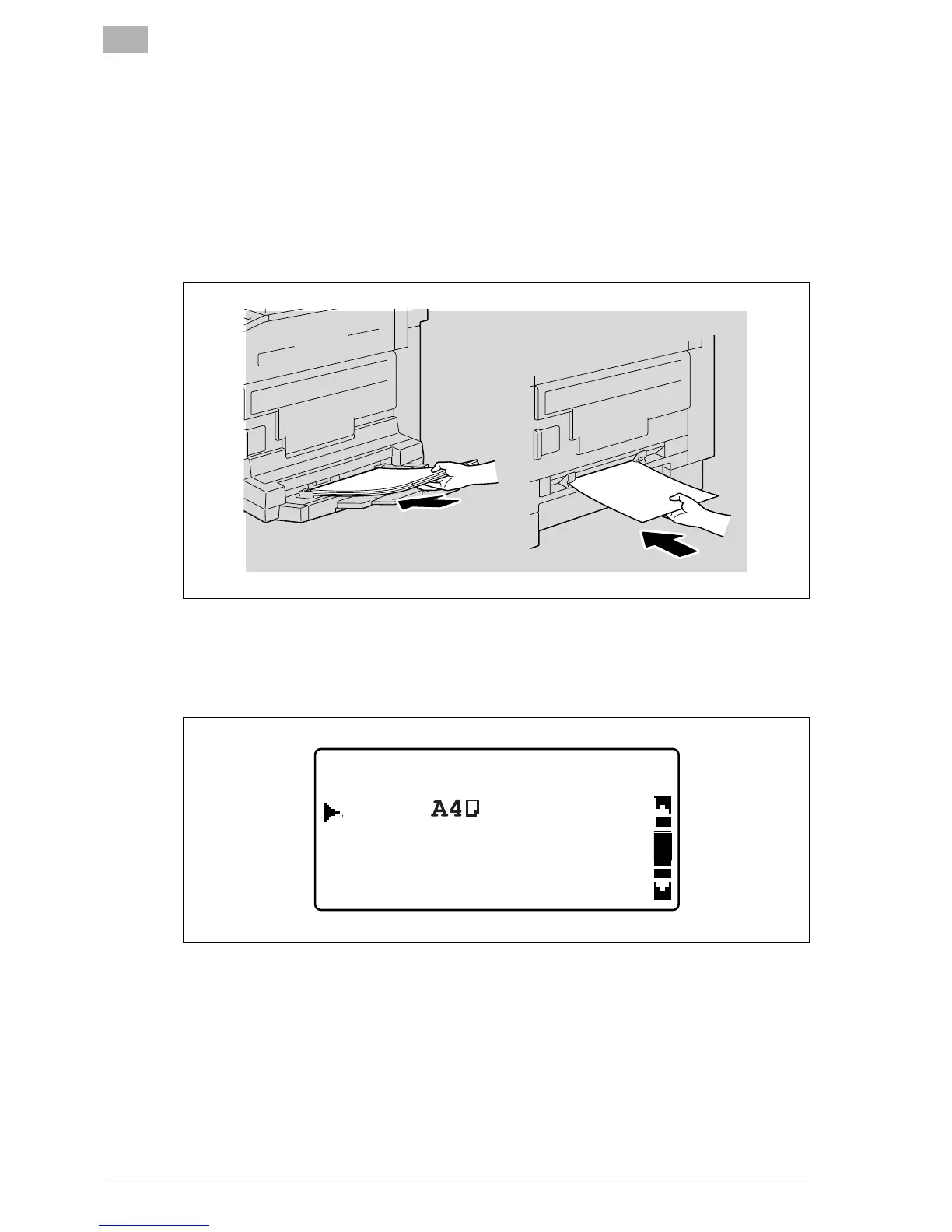
2 Adjust the paper guides in the bypass tray, and then load the paper into
the tray.
– Load the paper so that the side to be printed on faces down.
– Load the paper into the manual bypass tray one sheet at a time.
– A maximum of 100 sheets of paper can be loaded into the multi
bypass tray. Do not load so much paper into the multi bypass tray
that the top of the stack is higher than the , mark.
The BYPASS PAPER SETTING menu appears.
3 Press the [+] or [,] key until "SIZE" is selected, and then press the [OK]
key.
BYPASS PAPER SETTING
MEDIA:PLAIN
RETURN
SIZE:










 To Next Page