96 | SEVEN
™
CONTINUOUS GLUCOSE MONITORING SYSTEM
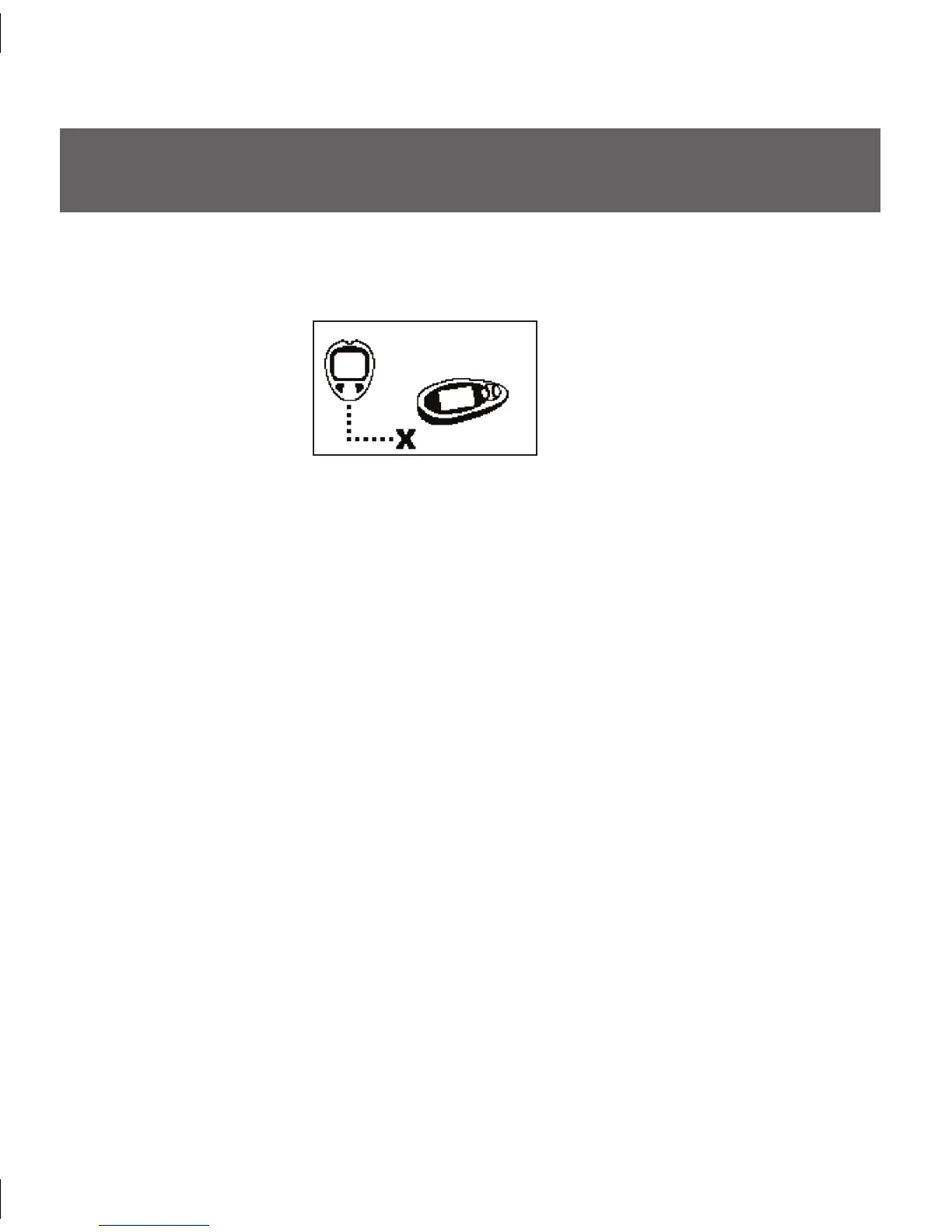
Connection Failure Screen
8.1 PROBLEMS UPLOADING BG READINGS TO YOUR SEVEN
RECEIVER WITH THE CONNECTION CABLE
If the OneTouch Ultra meter and Receiver have trouble connecting to each other, the •
following symbol will be displayed:
Make sure you have done the following during upload:
•
e meter must be “OFF” prior to performing the upload (no display). If necessary, »
press the M button once to turn the meter off, and then reconnect the two devices.
Do not push any meter buttons while performing the upload.
»
e Connection Cable is plugged into the connection port properly. Remember to »
plug the cable into the meter first and then into the Receiver.
e Antenna Symbol (Y) is present in the bottom right corner of the Receiver.
»
If you are still unable to successfully transfer readings to the Receiver:•
Press the M button on the BG meter to view its display and to ensure the meter is »
functioning.
If the meter has no display, replace the meter’s battery. (Note: e meter’s battery
»
should last at least a year.)
If the meter still fails to function after replacing the meter’s battery, replace the •
meter.
Press one of the Receiver buttons and check to see that it is functioning.
•
If the Receiver’s display does not appear, plug the Receiver into the charger to make •
sure that the battery is charged.
If you still do not see a display, contact DexCom Technical Support at
•
1-877-DEXCOM4 (339-2664) for additional help.



 To Next Page