Seven
™
System User’s Guide | 59
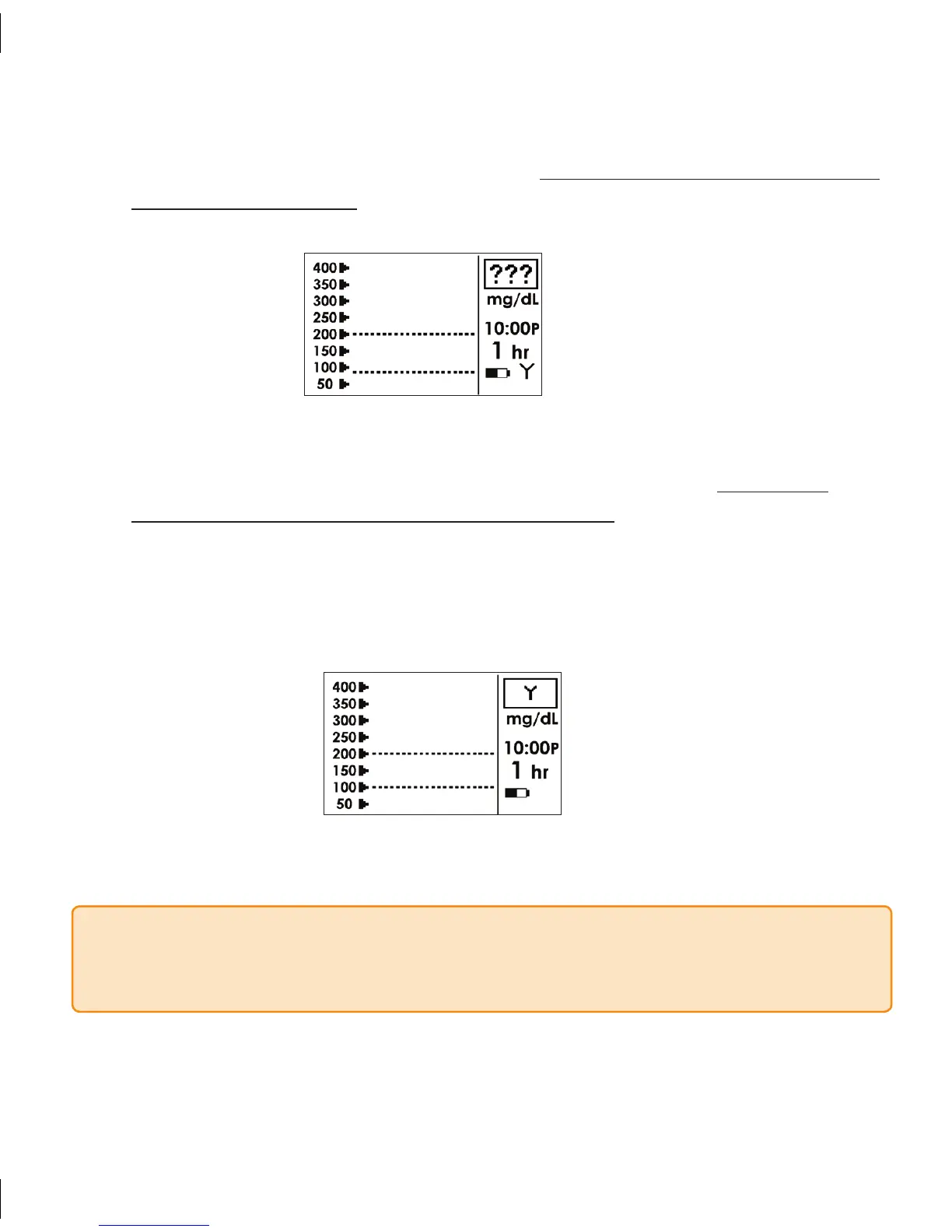
Unknown Glucose Reading Symbol
If the “???” Symbol (shown below) is displayed your Receiver could not understand the b.
sensor signal when you took your BG readings. Do not take any additional fingersticks
for calibration at this time. Wait until you are prompted with the Shaded-Out Blood
Drop Screen again and review Steps 1 and 2.
No Communication Screen
If the “No Communication” Symbol (shown below) is displayed, c. do not take
any additional fingersticks for calibration at this time. Move the Receiver and
Transmitter so that they are within 5 feet of each other and wait at least 5 minutes.
If you are still having problems with communication review Section 4.6.1 also.
When you are prompted with the Shaded-Out Blood Drop Screen again, review
Steps 1 and 2 to calibrate.
NOTE If you are still having trouble with Seven System calibration (e.g., receiving
multiple prompts) following these steps, contact DexCom Technical Support at 1-877-
DEXCOM4 (339-2664) for help.



 To Next Page