If you choose to use Auto Upload for calibration make sure your meter is “registered”
to your Receiver and the Receiver date/time and OneTouch Ultra date/time match.
Registration is not required for Manual Entry.
To register the devices connect the OneTouch Ultra Meter and Receiver following these
steps:
Make sure the OneTouch Ultra Meter display is off (screen is blank) before connecting. 1.
To turn the display off, press the M button once.
Using the connection cable provided: 2.
First plug the cable into the connection port of the BG meter. (e connection a.
port is at the bottom of the meter).
Second connect the wide end of the cable into the Receiver. Make sure the raised b.
Push button on the cable is facing down. (You must do these steps in order).
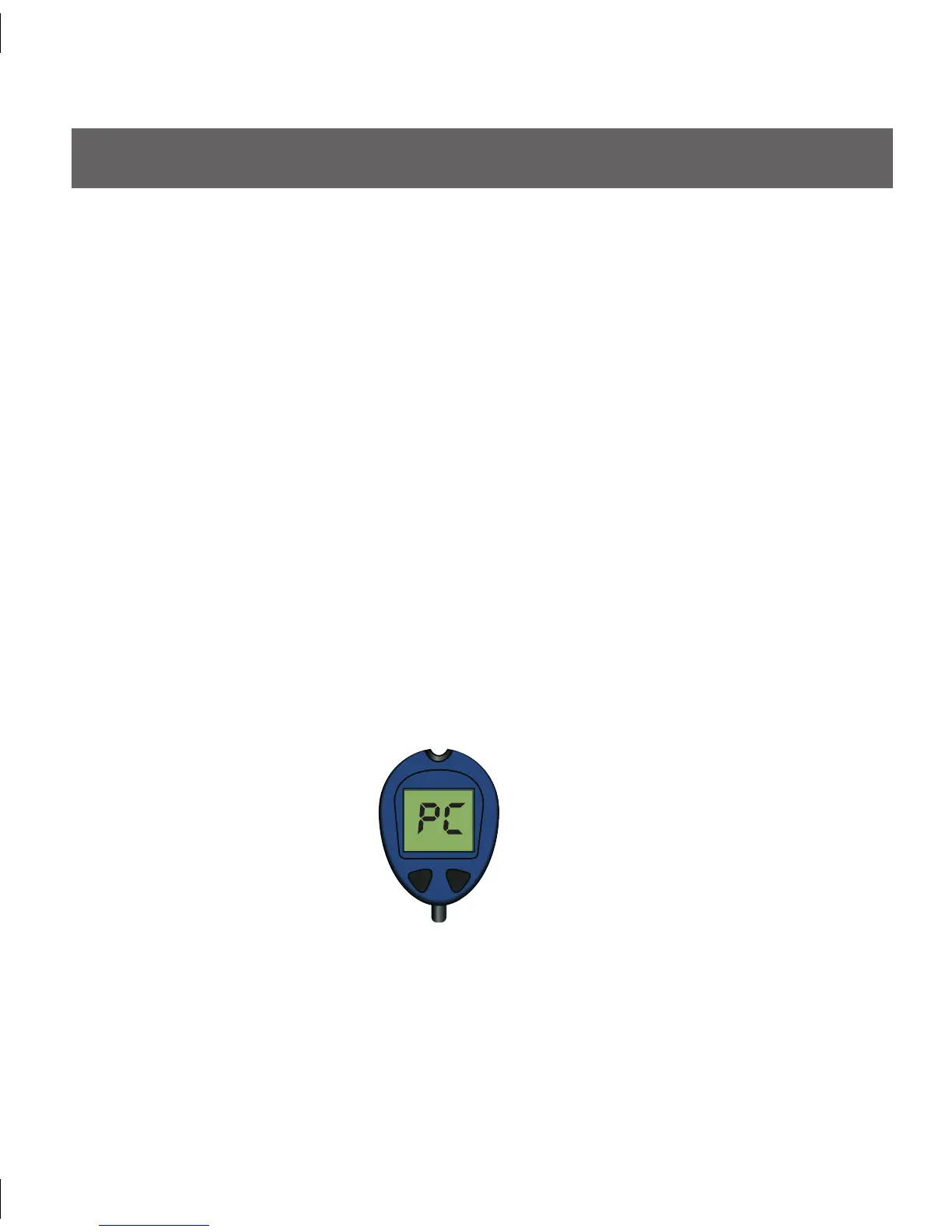
After a few seconds, “PC” will appear on the OneTouch Ultra Meter screen (shown 3.
below):
3.2.1 ONE TOUCH ULTRA METER SEVEN RECEIVER REGISTRATION
3.2 AUTO UPLOAD CALIBRATION



 To Next Page