26 | SEVEN
™
CONTINUOUS GLUCOSE MONITORING SYSTEM
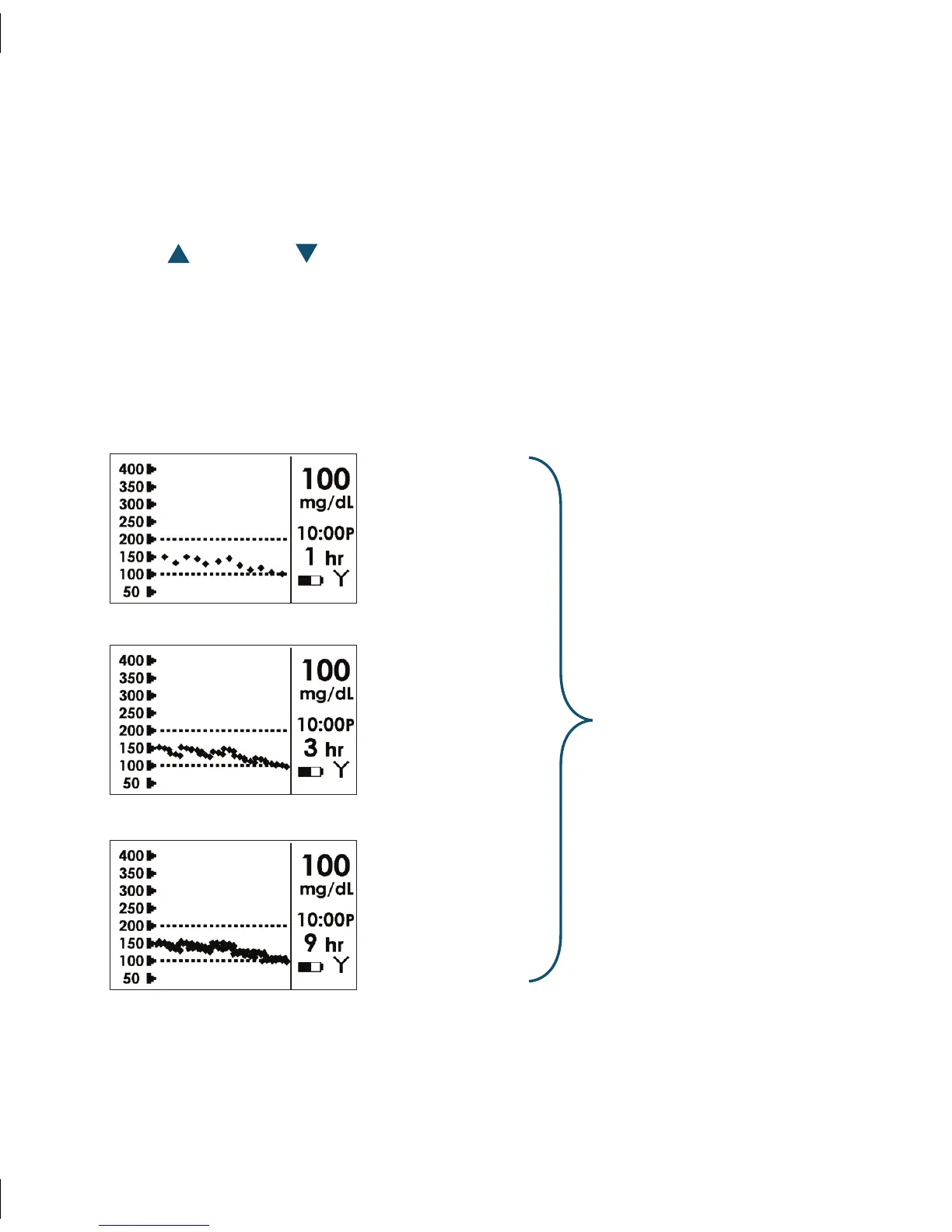
1-Hour Glucose
Trend Screen
3-Hour Glucose
Trend Screen
9-Hour Glucose
Trend Screen
Glucose Trend
Screens
(See Section 4.1)
1.4.2 VIEWING THE SEVEN RECEIVER SCREENS
By default, the Receiver’s Liquid Crystal Display (LCD) screen is turned off to save battery
power. However, you can press any Receiver button to display the 1-hour Trend Screen.
Use the Up and Down Arrow Buttons to move through screens. e OK button
confirms any change you make to a setting, and the C Button sends you back to the
previous screen or to the 1-hour trend screen if you are in the first series of a settings
screen. e chart below shows the Receiver screens you can navigate through to view
glucose readings or set your Seven System settings.



 To Next Page