Seven
™
System User’s Guide | 27
Settings Screens
To get to these screens, once you get to the 9-hr Screen, you must hold
down the Down q arrow for at least 7 Seconds.
NOTE: The Sensor Insertion Screens only appear if a Transmitter serial number has been
entered and you are currently not in a Seven Continuous Monitoring Session.
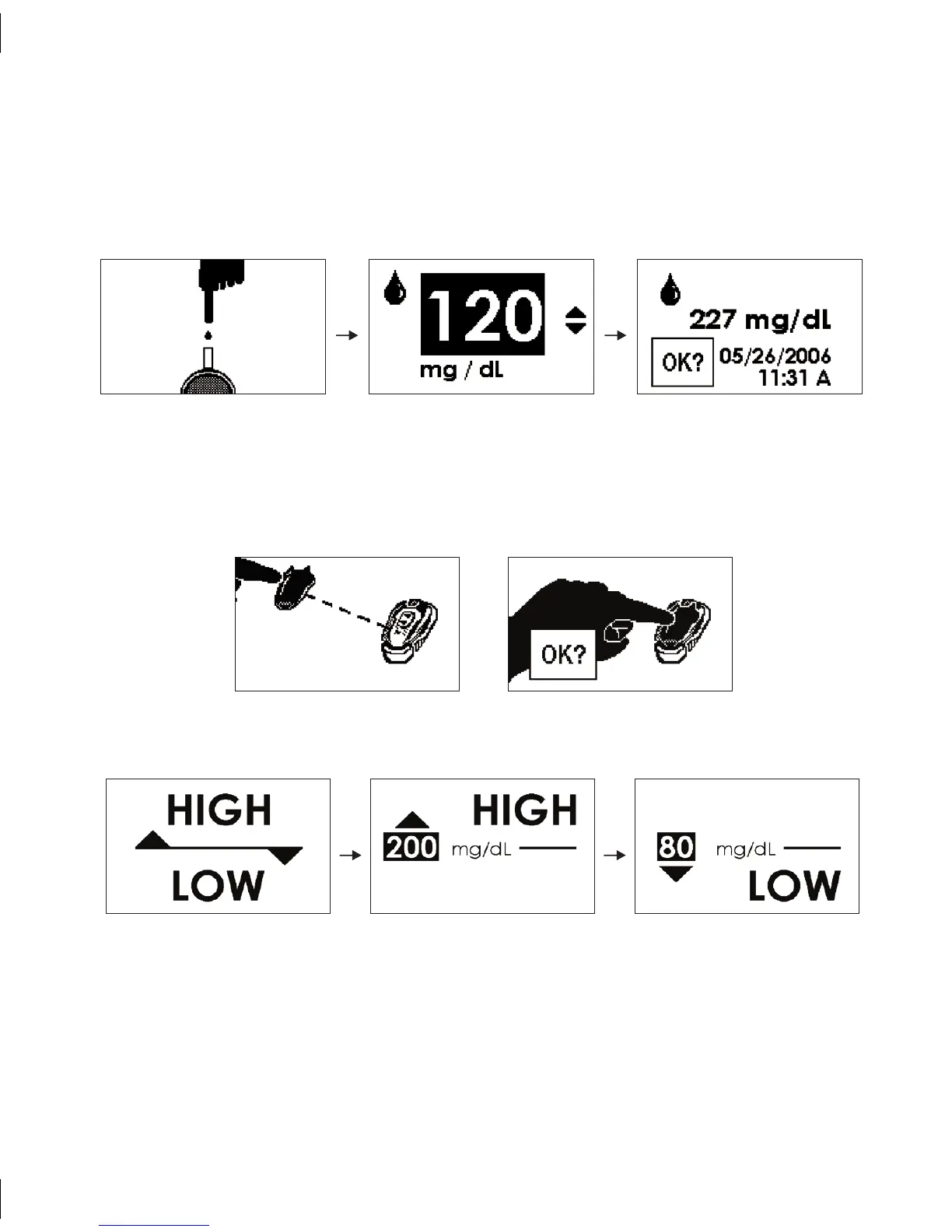
High/Low Alert Settings Screens (See Section 7.1)
OKOK
Sensor Insertion Screens (See Section 2.4)
Manual Blood Glucose Upload Screens (See Section 3.3)
OKOK



 To Next Page