Seven
™
System User’s Guide | 43
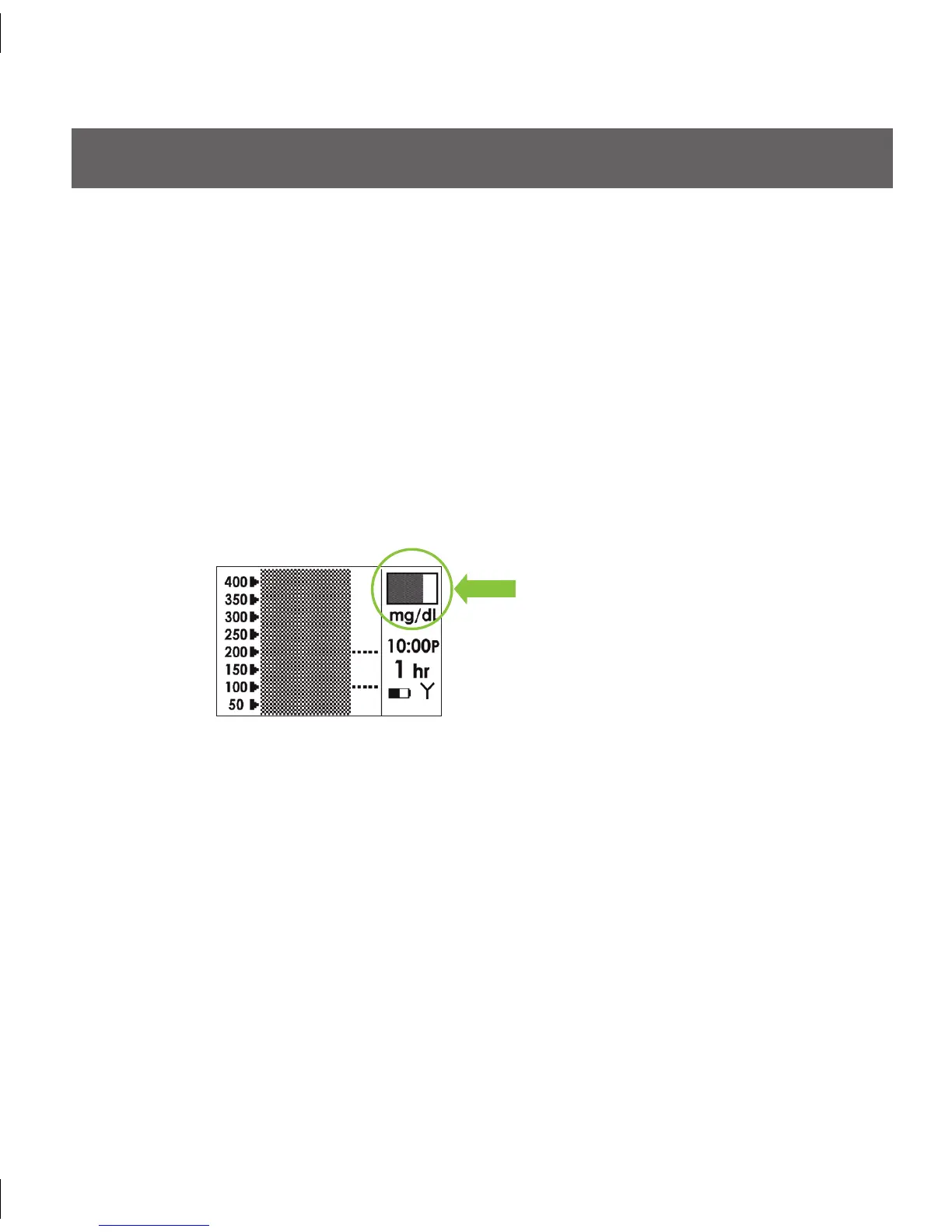
A partial gray status box
indicates your Seven Sensor is
still in the Start-Up period
2.5 SEVEN SENSOR STARTUP PERIOD
e Sensor requires a two hour Start-Up period to “equilibrate” (adjust) to its new
biological environment. e Start-Up period will last 2 hours from the time you have
confirmed the Sensor insertion.
During the Start-Up period, periodically check to see that the Antenna Symbol (Y) is
visible in the bottom right corner of the Trend Screens and that your Receiver battery is
charged.
When you press any button during the Start-Up period, your Trend graphs will be shaded
dark gray. Over time, the dark gray screen will start to disappear indicating that you are
getting closer to initial calibration time. An example of this change is shown below.
At the end of the 2-hour Start-Up period the Receiver will prompt you to notify you that it is
time to calibrate your Sensor. Section 3 describes how to calibrate your Sensor.



 To Next Page