Seven
™
System User’s Guide | 77
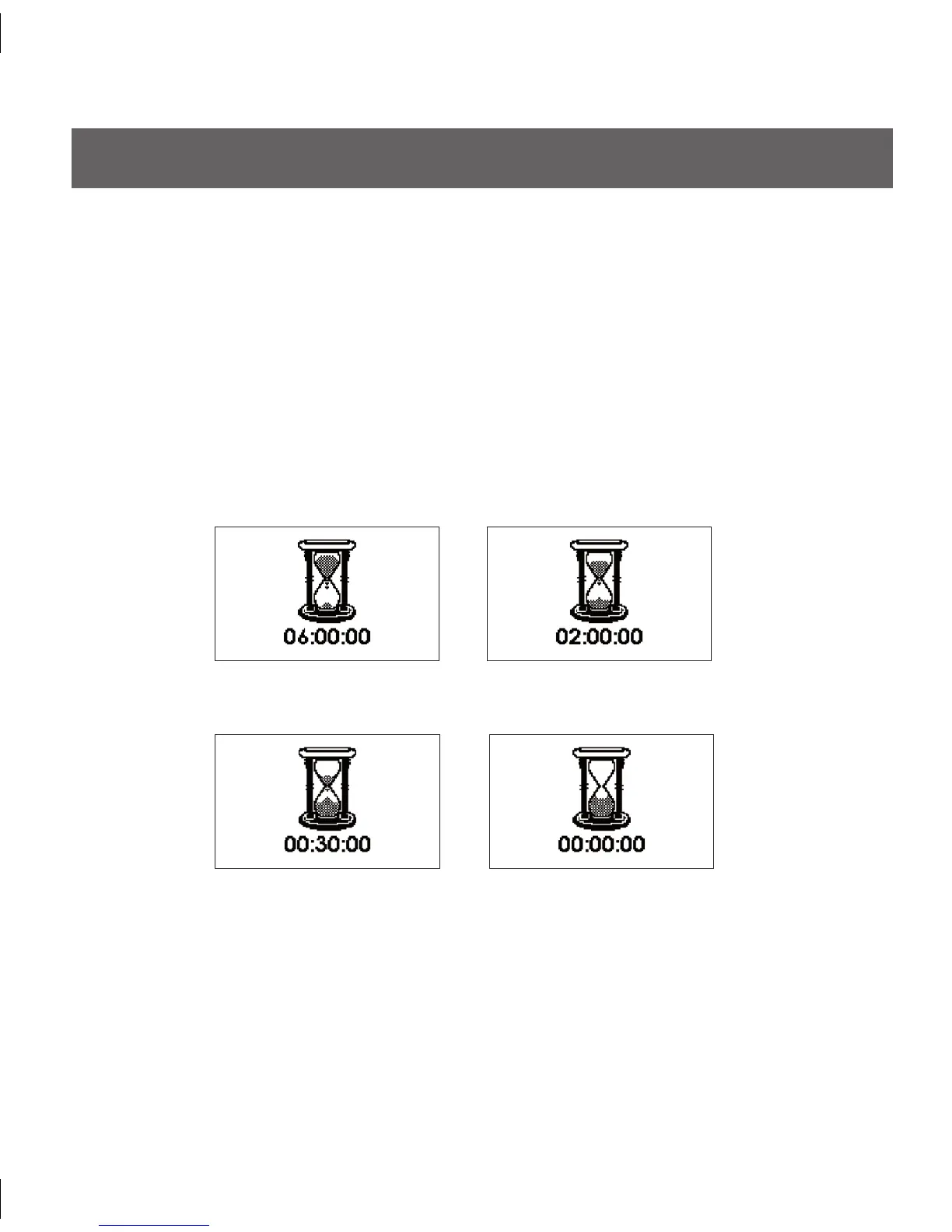
6 hour Sensor
Expiration Notication
2 hour Sensor
Expiration Notication
30-minute Sensor
Expiration Notication
Sensor Expiration Notication
END OF SESSION
5.1 CONTINUOUS GLUCOSE MONITORING PERIOD END
5.1.1 AUTOMATIC SEVEN SENSOR EXPIRATION NOTIFICATION
Your Receiver will notify you of how much time you have remaining until your Seven
System Continuous Glucose Monitoring Session is complete. e Expiration Screen will
appear 6 hours and 2 hours before your 7-Day session ends. At the 30-minute and 0-hour
Expiration Screens, the Receiver will display the Expiration Screen and will also vibrate
and beep over a 15 minute period if not cleared. You can clear all of these screens by
pressing any button on the Receiver. After the 6-hour, 2-hour, and 30-minute reminders
you will still continue to receive Seven System readings. You can remove your Sensor after
the final Sensor Expiration Screen (00:00:00) appears.



 To Next Page