Seven
™
System User’s Guide | 41
Seven Sensor Insertion Screen
2.4 STARTING A NEW SEVEN
CONTINUOUS GLUCOSE MONITORING SESSION
After you have checked that your Seven System is communicating, you need to tell your
Receiver that you have inserted a new Sensor.
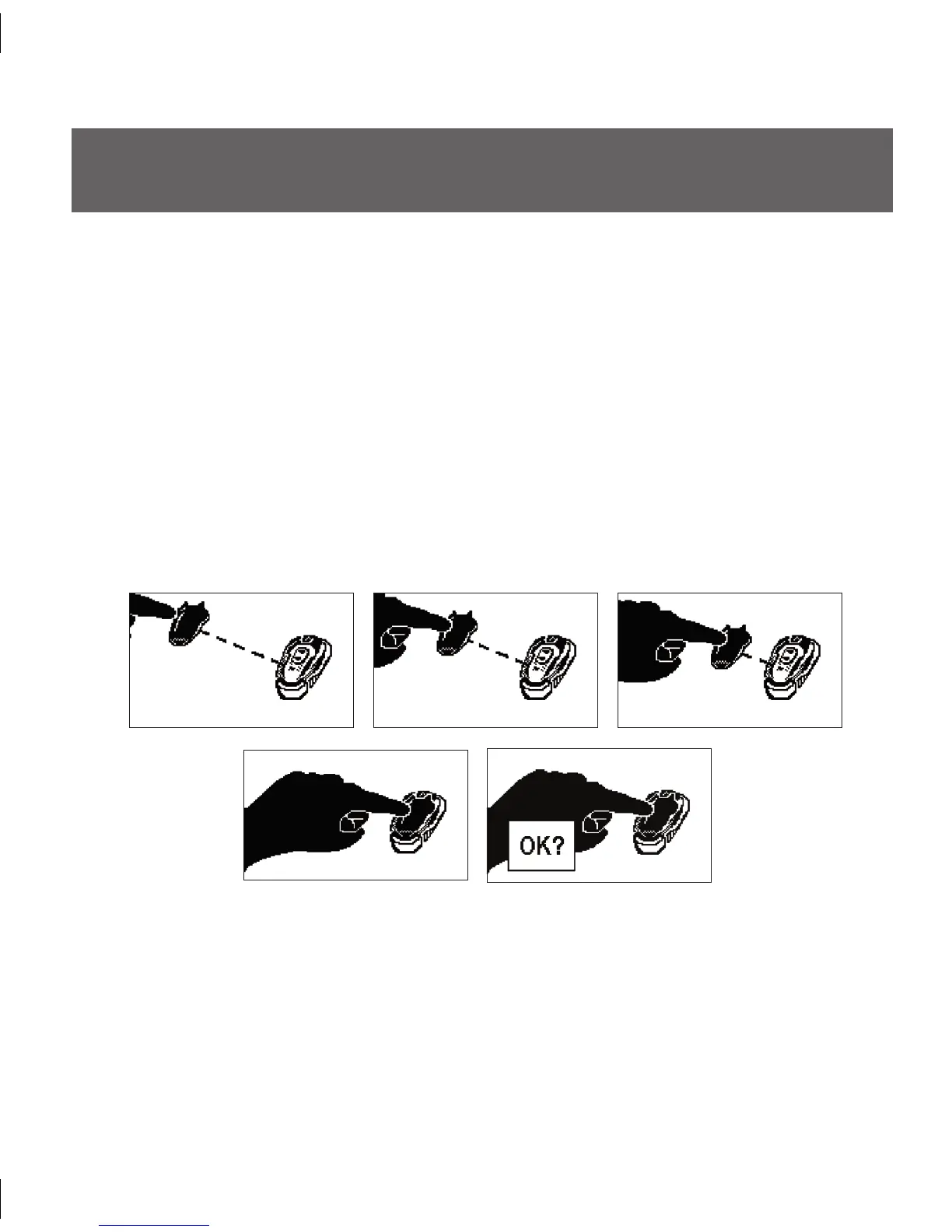
To indicate that you have inserted a new Sensor and to begin the 2-hour Start-Up Period
you must do the following:
Scroll down through the Receiver Settings Screens to the Sensor Insertion Screen by 1.
pressing the Down q Arrow 3 times until you come to the 9-hour Glucose Trend
Screen.
At the 9- hour Screen, hold the Down 2. q Arrow for at least 7 seconds to get to the
Receiver Setting screens.
Scroll down until you arrive at the Sensor Insertion Screen, shown below.3.



 To Next Page