42 | SEVEN
™
CONTINUOUS GLUCOSE MONITORING SYSTEM
Conrmation Screen
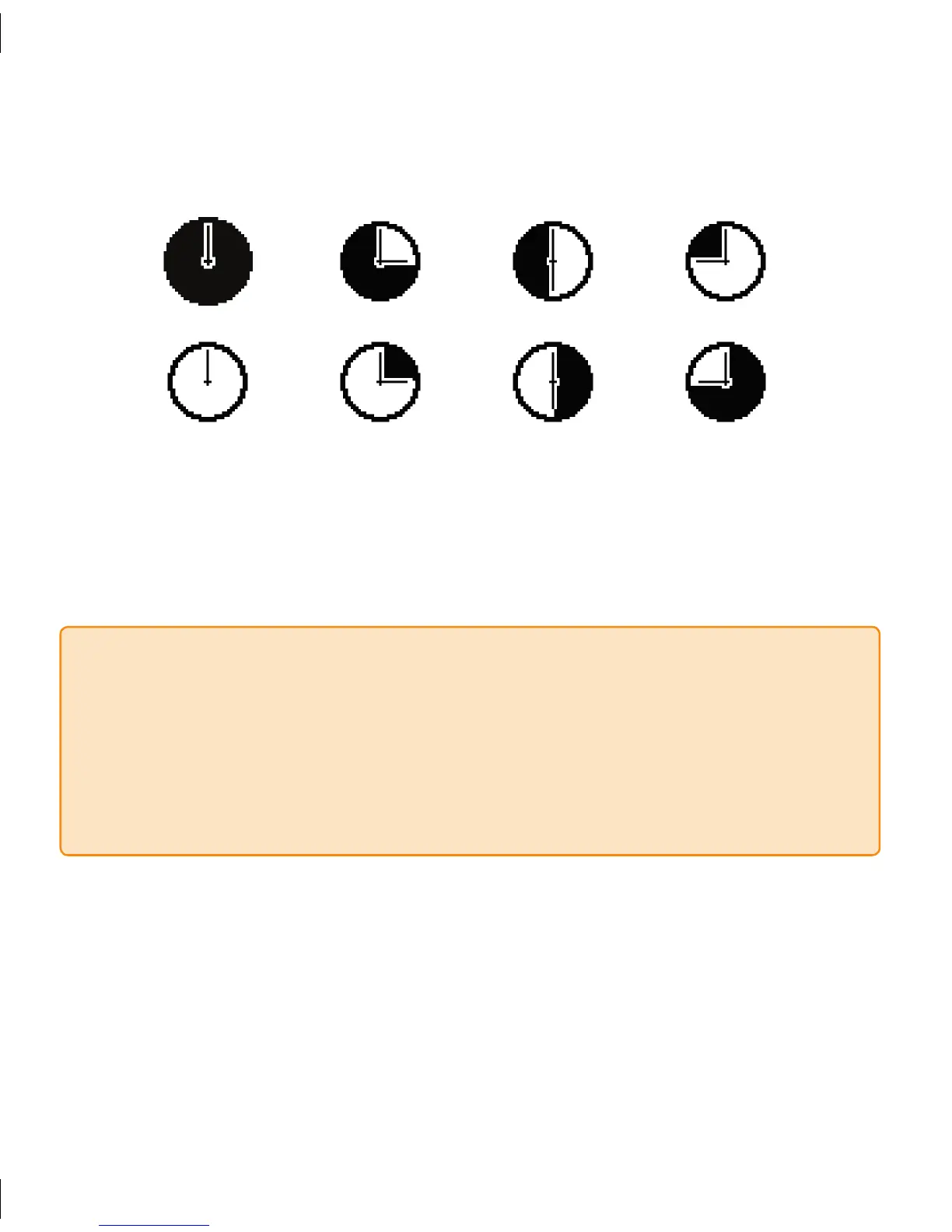
Press the 4. OK button to confirm insertion and then you will see the following series of
screens appear:
After the Receiver has successfully processed the new Sensor Insertion, the Receiver 5.
will return to the grayed out 1-hour Trend Screen and the 2-hour Start-Up period will
begin.
NOTE
e Sensor Insertion Screen will only appear again after an active continuous glucose
•
monitoring session has ended (see Section 5).
You must insert a new Sensor every time you press “
• OK” on the Sensor Insertion
screen.
Each time you insert a new Sensor and press “
• OK” on the Sensor Insertion screen,
you will restart the 2-hour Start-Up period.



 To Next Page