90 | SEVEN
™
CONTINUOUS GLUCOSE MONITORING SYSTEM
p or q
OK
p or q
OK
NOTE
e Receiver date is preset to Pacific Standard Time (PST) at the factory.•
If you are unable to adjust the date/time to the current time zone’s date/time, there •
may be a problem with the Receiver. Please contact DexCom Technical Support at
1-877-DEXCOM4 (339-2664).
Press • OK Button to move to the date.
Use Up
• or Down Arrows to choose the date.
Press
• OK Button to move to the hour.
Use Up
• or Down Arrows to choose the hour
Press
• OK Button to move to minutes.
Use Up
• or Down Arrows to choose the minutes.
When you choose the hours and minutes, the AM/PM will adjust automatically (e.g.
•
if you go from 11:59 AM to 12:00 PM, AM will automatically switch to PM).
Note: If you pass 11:59 PM the date will automatically update to the next day or the
•
previous day based on the arrow direction you are pressing.
If you press
• C at any time, this will not set the time and return you to the Time/Date
Screen.
7.2.2 SETTING THE TIME
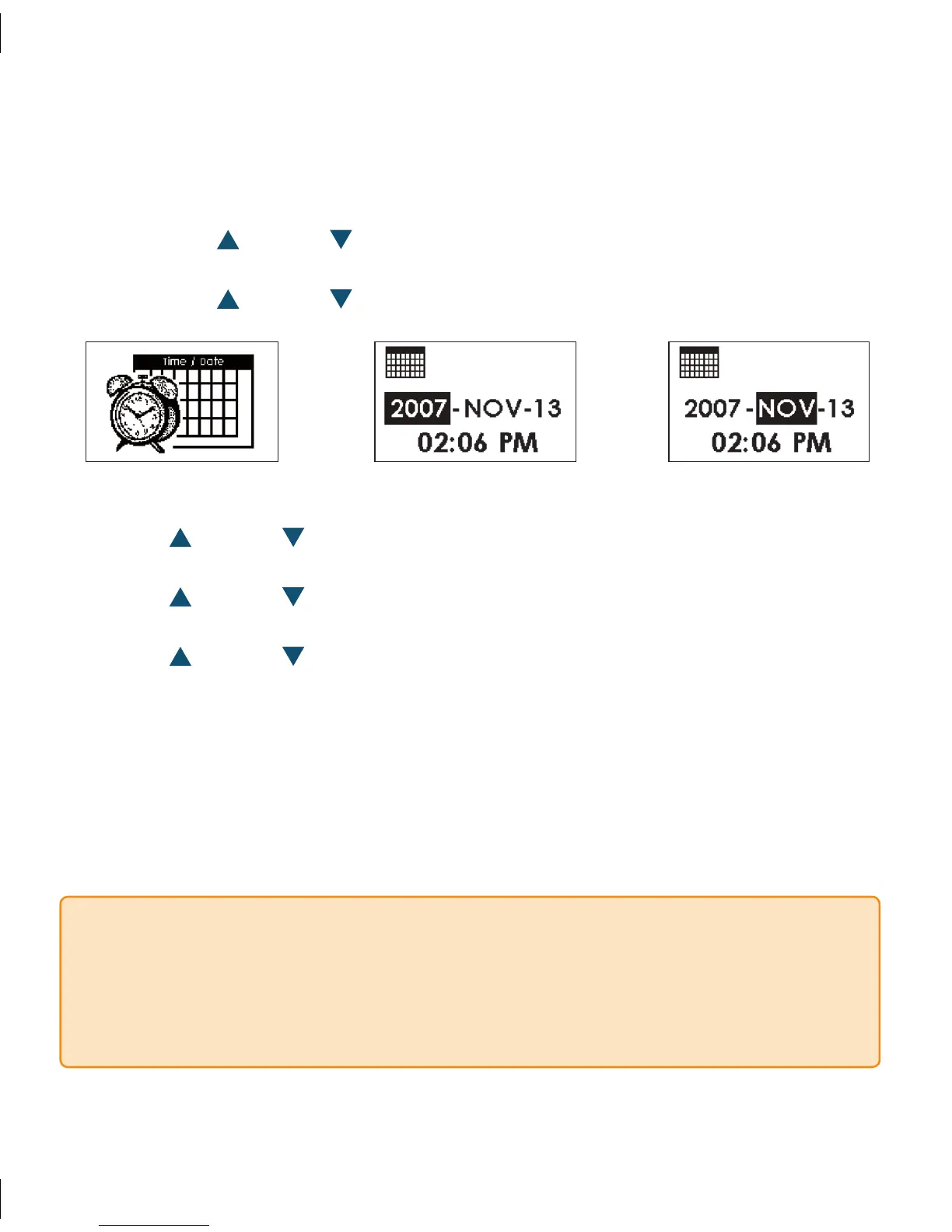
Once you select the Time/Date Screen and press • OK, the Time Settings Screen will
appear.
Press the Up
• or Down Arrows to choose the year.
Press the
• OK Button to move to the month.
Press the Up
• or Down Arrows to choose the month.



 To Next Page