Seven
™
System User’s Guide | 63
e Seven System reports glucose readings from 40 to 400 mg/dL and updates •
glucose readings every 5 minutes.
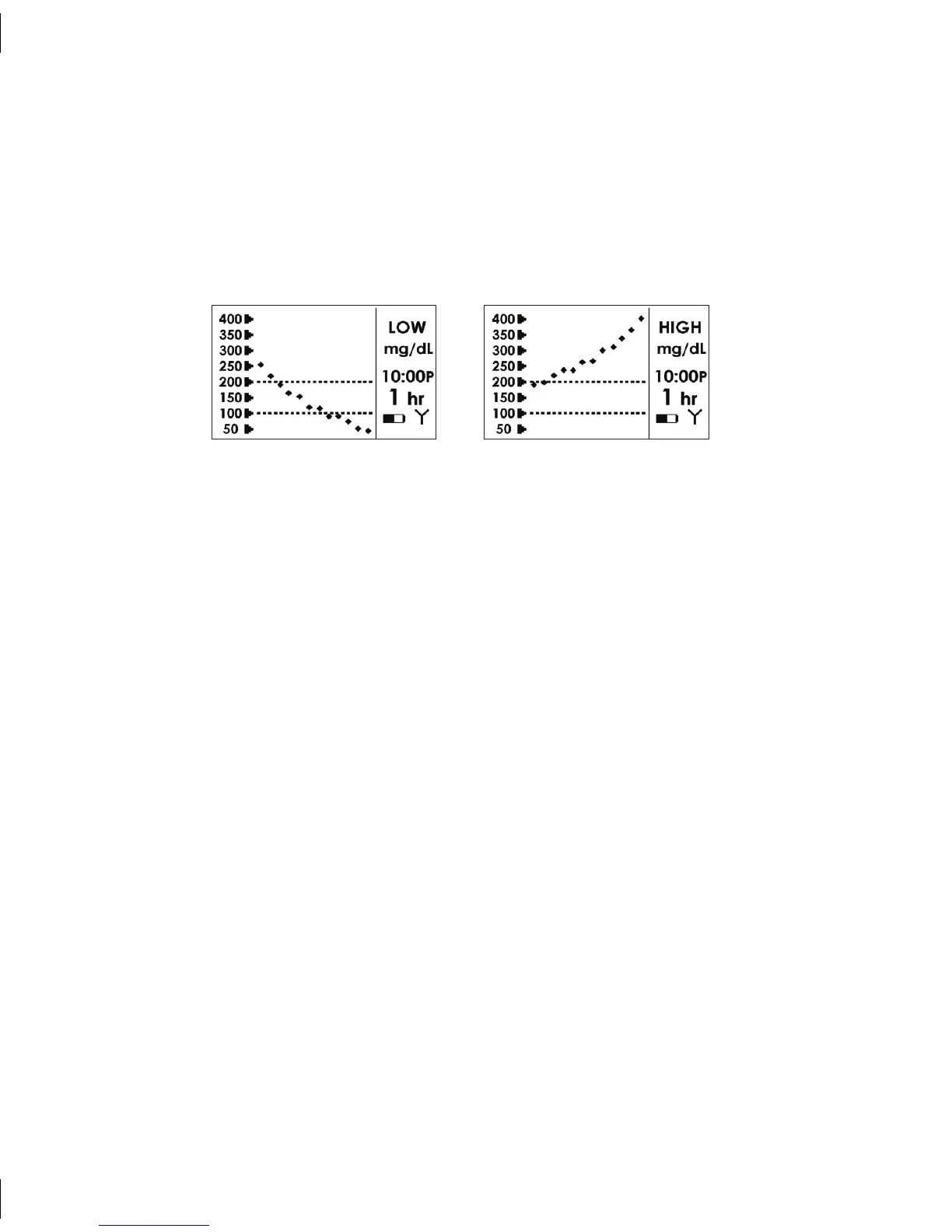
e Seven System reads “LOW” when <40 mg/dL and “HIGH” when >400
•
mg/dL
4.1.1 GLUCOSE TREND SCREEN INFORMATION
Low < 40 mg/dL High > 400 mg/dL
Each “dot” on the glucose trend screen represents a glucose reading.•
e current time is on each Glucose Trend Screen (“A” is AM and “P” is PM).•
e “dashed lines” on the Glucose Trend Screens are the High Alert and Low Alert •
Settings (see Section 7.1 to change these settings)
e 1-hour Trend Screen (1 hr) shows your current glucose reading and the last 1
•
hour of glucose readings.
e 3-hour Trend Screen (3 hr) shows your current glucose reading and the last 3
•
hours of glucose readings.
e 9-hour Trend Screen (9 hr) shows your current glucose reading and the last 9
•
hours of glucose readings.



 To Next Page