Seven
™
System User’s Guide | 53
3.3 MANUAL ENTRY CALIBRATION
3.3.1 ENTERING BG READINGS TO YOUR SEVEN RECEIVER FOR
CALIBRATION USING MANUAL ENTRY
e steps below will guide you through Manual Calibration:
Take a fingerstick reading using your meter.1.
Press the Down 2.
Arrow 3 times until you see the 9-hour Glucose Trend Screen.
Hold the Down 3.
Arrow for at least 7 seconds to get to the Receiver Setting Screens.
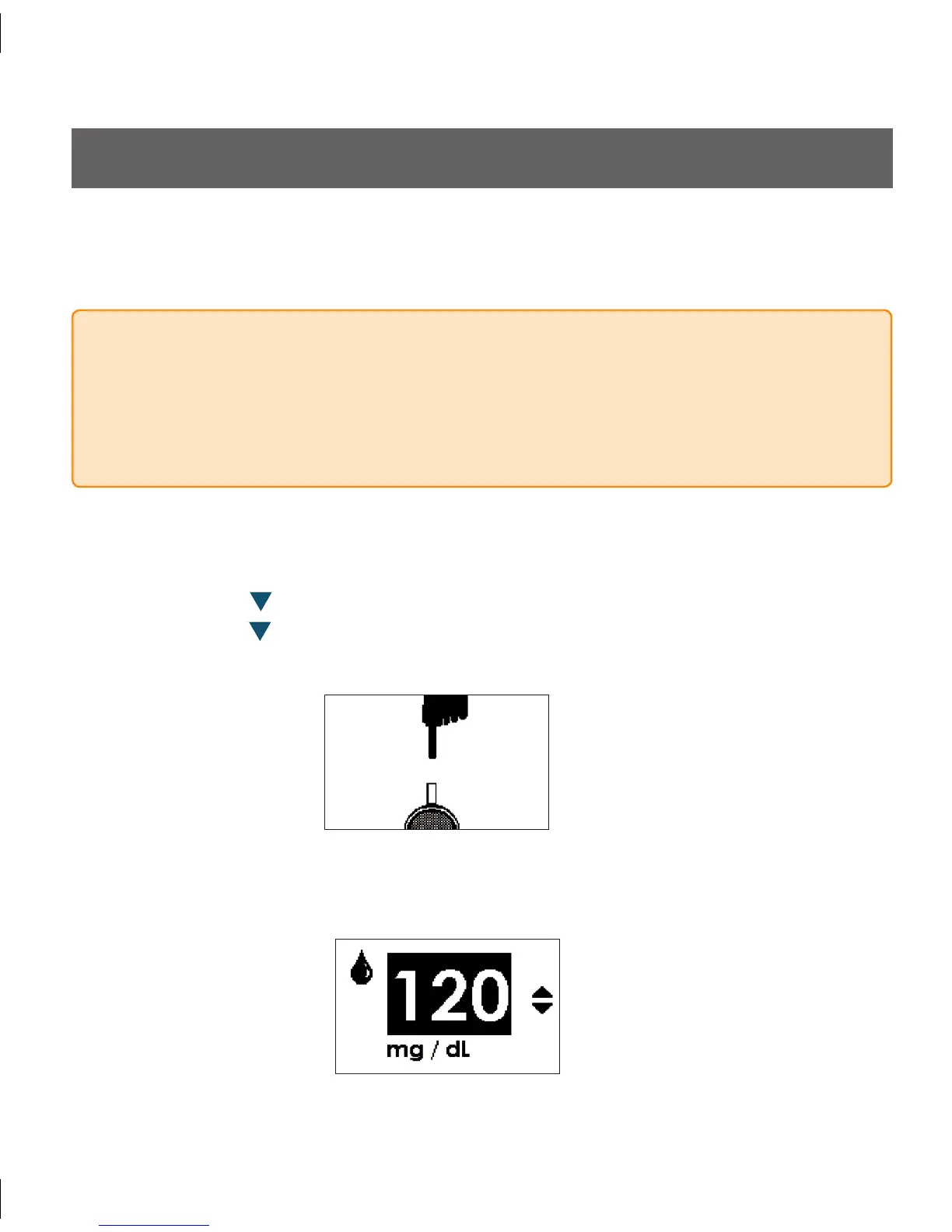
e following Screen will appear:
Manual Entry Upload Screen
PRECAUTION
For Manual Entry Calibration you must enter the exact fingerstick reading that your
blood glucose meter displays. Enter all fingerstick readings for calibration within 5
minutes. Entering incorrect fingerstick readings or fingerstick readings that ocurred
more than 5 minutes ago will affect device performance.
Press the 4. OK button to display the screen for the manual entry:
BG Entry Screen



 To Next Page