92 | SEVEN
™
CONTINUOUS GLUCOSE MONITORING SYSTEM
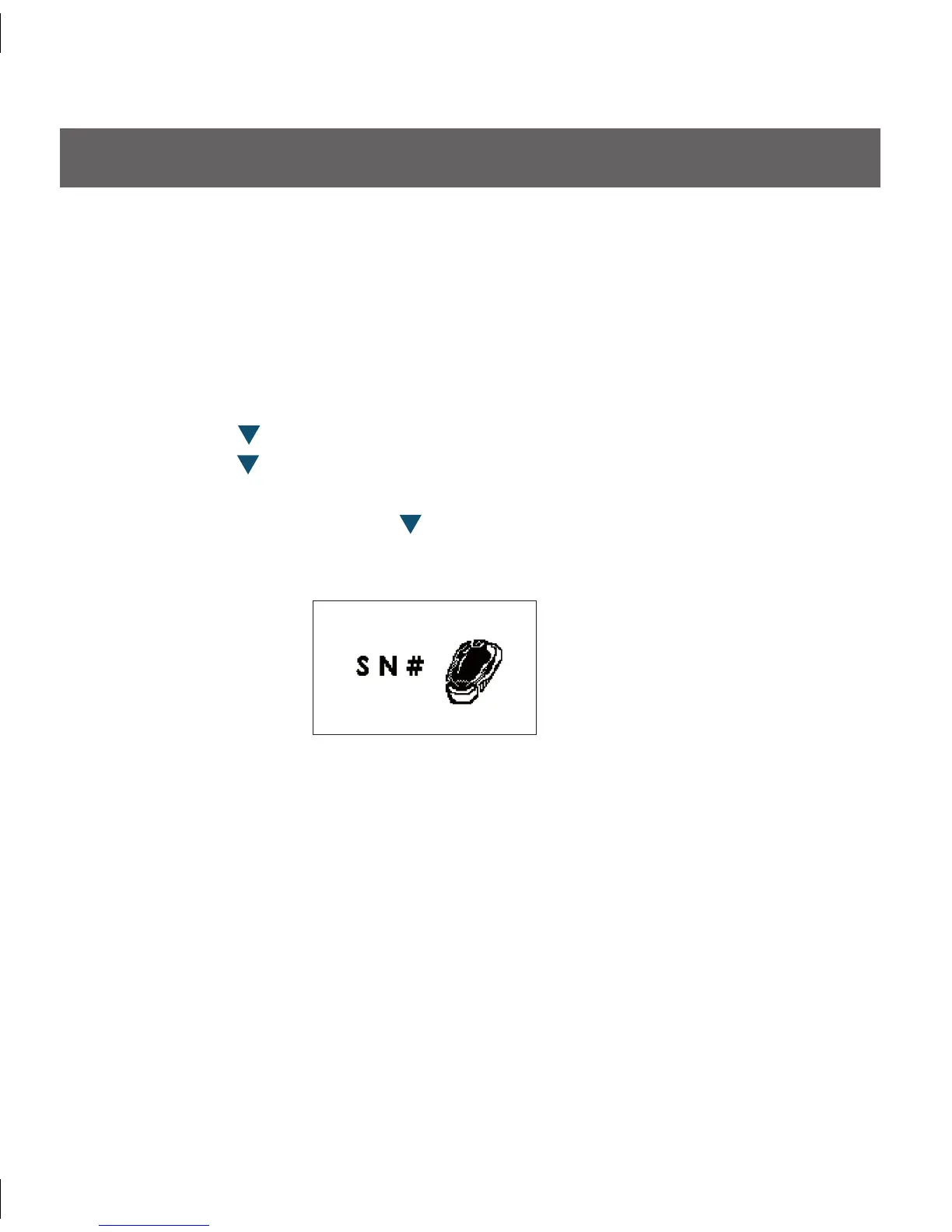
Transmitter Serial Number Screen
7.3 ENTERING A NEW SEVEN TRANSMITTER SERIAL NUMBER SN#
Any time you use a new Transmitter or new Receiver as part of your Seven System, you
must enter the Transmitter Serial Number (SN#) into your Receiver. e Transmitter
Serial Number (SN#) is located as a series of 5 numbers and letters on the back of the
Transmitter.
Entering the SN# will begin the unique wireless radio-frequency (RF) communication
between the Transmitter and Receiver. To do this perform the following steps:
Press the Down 1.
Arrow 3 times until you come to the 9-hour Glucose Trend Screen.
Hold the Down 2.
Arrow for at least 7 seconds until you come to the Settings
Screens.
From this screen, press the Down 3.
Arrow until you arrive at the Transmitter Serial
Number Screen below:
Press the 4. OK Button to display the entry screen for the Transmitter SN#:
e SN# is a series of 5 letters and numbers printed on the back of your Transmitter 5.
(SN# XXXXX).



 To Next Page