Seven
™
System User’s Guide | 93
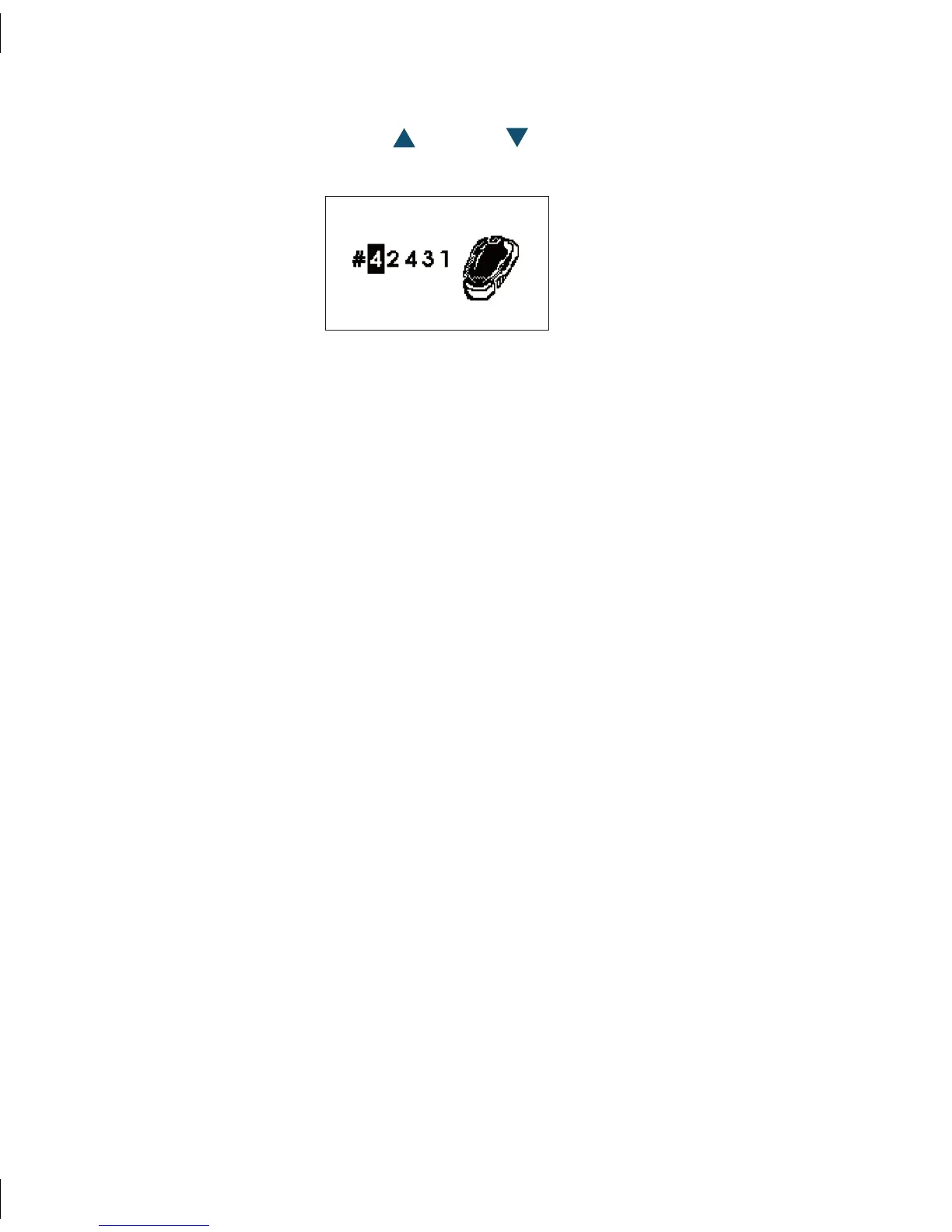
To enter your SN# press the Up 6. or Down Arrows until you arrive at the first
number or letter.
Press the 7. OK Button to accept that number/letter and to move to the next number
or letter.
Continue steps 6 and 7 until you have entered all 5 numbers/letters.8.
Press the 9. OK Button once more to confirm the entire Transmitter Serial Number.
Pressing 10. C at any time while entering in the new Transmitter Serial Number will
return you to the first Transmitter Serial Number Screen and the SN# will not be
changed.
When you have programmed the new Transmitter Serial Number check the Receiver 11.
display in 5 minutes to make sure the Antenna Symbol appears in the lower right
corner and the two devices are communicating.



 To Next Page