Seven
™
System User’s Guide | 79
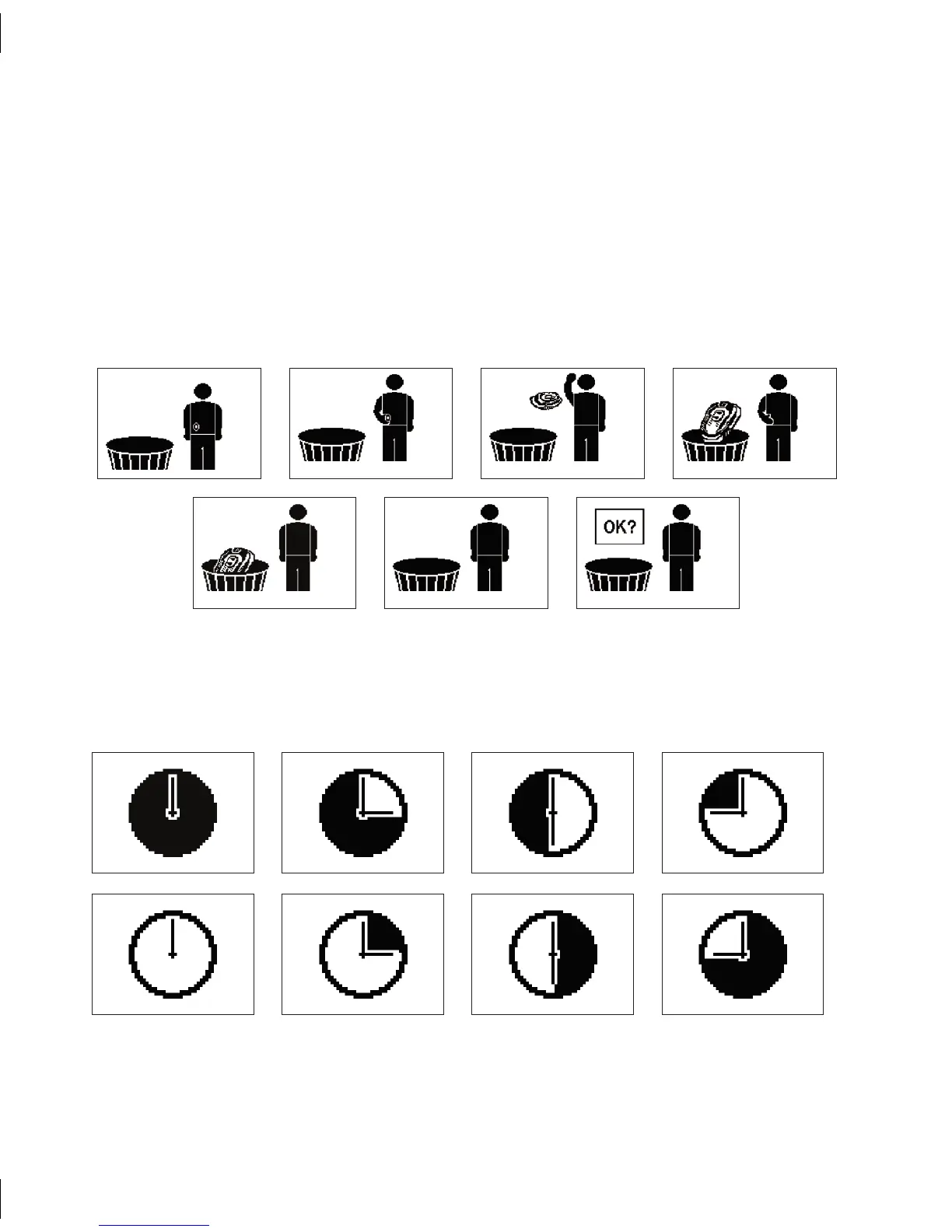
Sensor Removal Screen
Conrmation Screen
5.1.2 MANUAL SEVEN SENSOR SHUTOFF
To manually end your continuous glucose monitoring period, follow the steps below:
Press the Down 1. q Arrow 3 times until you see the 9-hour Glucose Trend Screen.
Hold the Down 2. q Arrow for at least 7 seconds to get to the Receiver Settings screens.
Scroll the Down 3. q Arrow 5 times to arrive at the Sensor Removal Screen, shown
below. Once you see this screen, press the OK button to indicate removal of your
Sensor.
After you see the series of screens below, you have successfully removed your Sensor.4.



 To Next Page