Seven
™
System User’s Guide | 55
3.4 CALIBRATION TROUBLESHOOTING
e following prompts may appear during or shortly after an attempt to calibrate the
Seven System. Review the following troubleshooting methods to ensure successful
calibration.
CONNECTION FAILURE SCREEN
AUTO UPLOAD ONLY
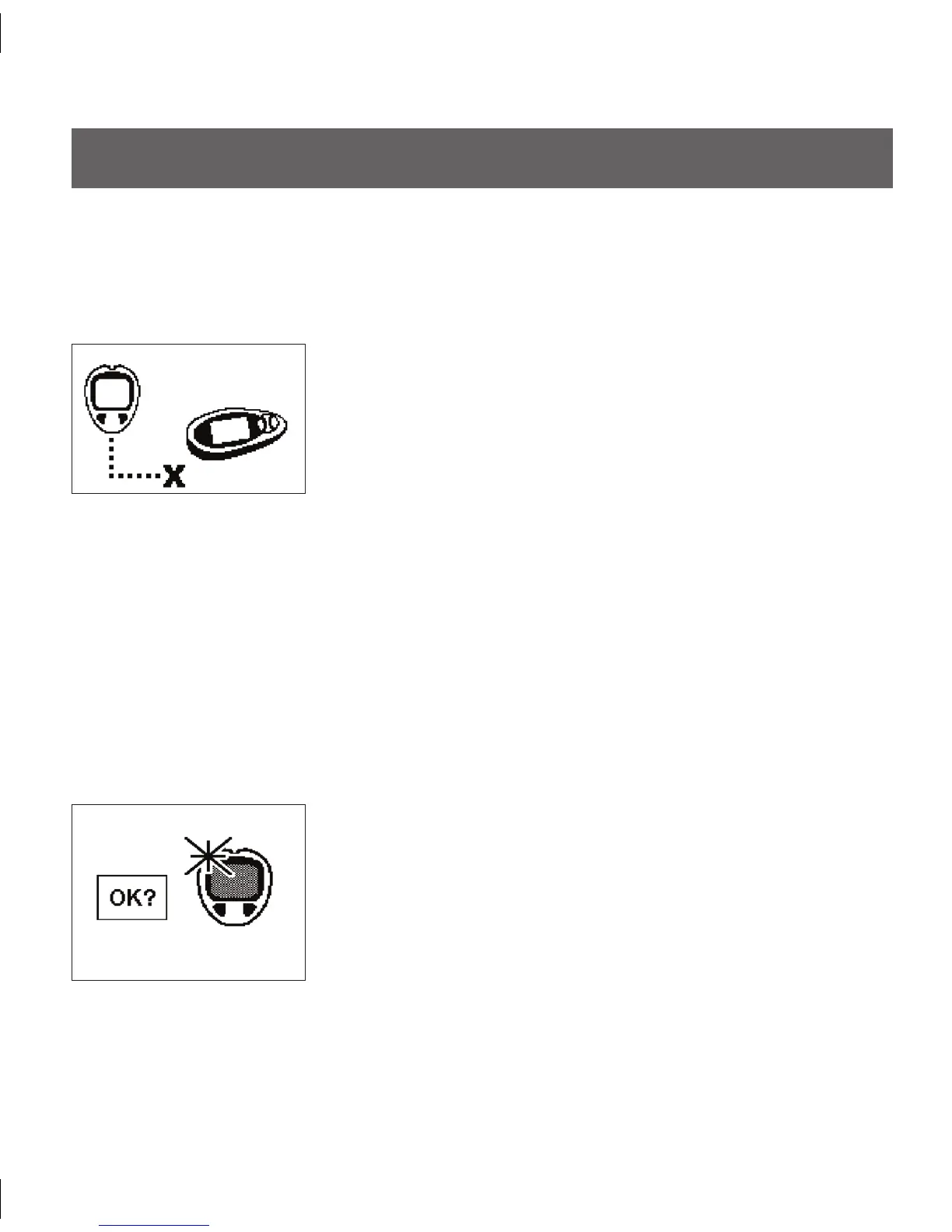
If you see this screen (with an “X” between the dotted
lines), the BG reading transfer failed. In this case, clear the
alert by pressing any Receiver button. No additional BG
fingersticks are required. Disconnect the devices and review
the following:
Make sure that the meter screen is always blank before
•
you connect the 2 devices.
Make sure you plug the Connection Cable into the
•
meter first and into the Receiver second.
Do not disconnect the cable while uploading or before
•
you see the 1-Hour Trend Screen appear.
Re-try upload using the proper step order.
•
NEW METER SCREEN
AUTO UPLOAD ONLY
You will see this screen if you have connected a new/
different meter to your Receiver. Your Receiver will vibrate
twice.
You will be asked to register the meter with your Seven
•
System. See Section 3.2.1.
You will have to take 2 additional BG fingersticks and
•
upload them.



 To Next Page