Seven
™
System User’s Guide | 89
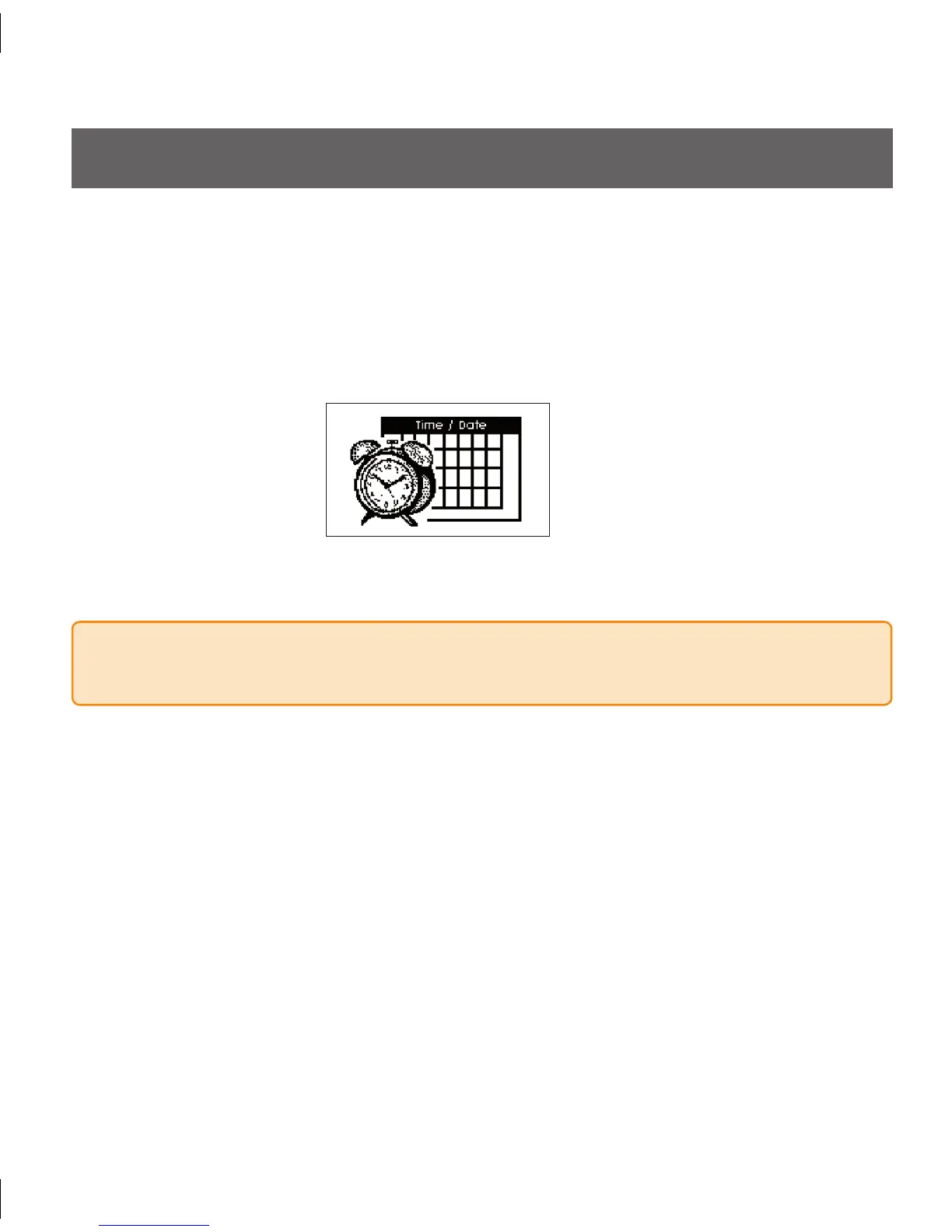
Time / Date Screen
7.2 HOW TO SET THE SEVEN RECEIVER TIME
7.2.1 SEVEN RECEIVER TIME SCREEN
Press the Down • q Arrow 3 times to get to the 9-hour glucose trend screen.
Hold the Down
• q Arrow again for at least 7 seconds to get to the Settings Screens.
Press the Down
• q Arrow until you arrive at the Time/Date Screen:
Press the
• OK Button on the Receiver to set the time.
NOTE:
Make sure to set the correct time on your Seven Receiver.



 To Next Page