88 | SEVEN
™
CONTINUOUS GLUCOSE MONITORING SYSTEM
NOTE
If you scroll above 400 mg/dL the display will read NO. If you press the OK Button to
select this option, you will turn off the high glucose alert. You will not receive any high
glucose alerts at this Alert setting. e High Glucose Alert line will no longer appear on
the Receiver Trend Screens.
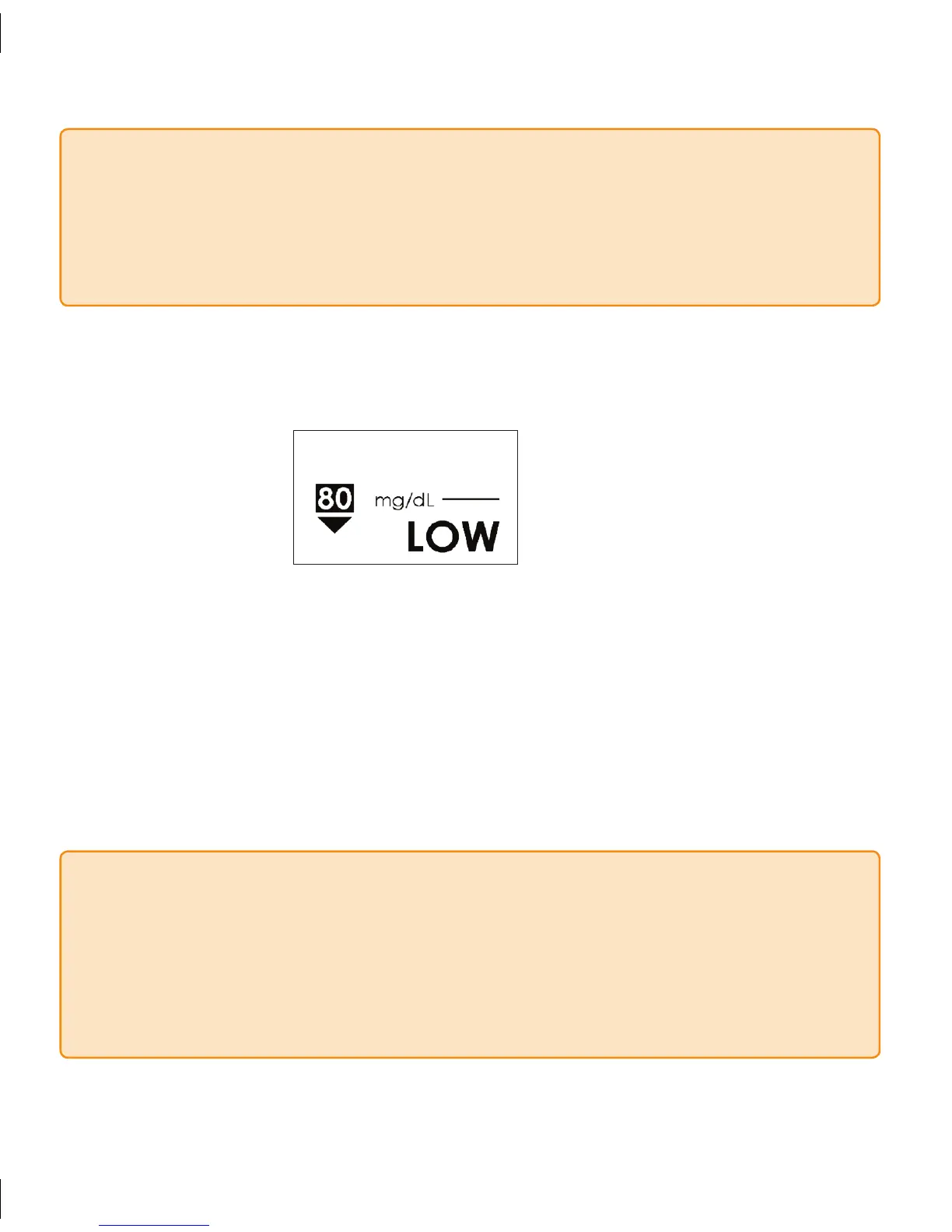
Once you press • OK to select your High Glucose Alert level, you will see the Low
Glucose Alert Screen:
Use the Up
• p or Down q Arrows to increase or decrease the Low Glucose Alert
level by 10 mg/dL.
You may select Low Glucose Alert levels from 60 mg/dL to 90 mg/dL.
•
Select the level recommended by your Diabetes Management Team by pressing the •
OK Button.
Press the
• OK Button after you set the Low Glucose Alert to confirm both high and
low alert settings and then you will return to the Glucose Alert Screen.
NOTE
If you scroll below 60 mg/dL the display will read NO. If you press the OK Button to
select this option, you will turn off the Low Glucose Alert. You will not receive any Low
Glucose Alerts at this Alert setting. e Low Glucose Alert line will no longer appear on
the Receiver Trend Screens. (For safety, there is a Low Glucose ALARM set at 55 mg/dL
that you cannot turn off. See section 4.3).



 To Next Page