44 | SEVEN
™
CONTINUOUS GLUCOSE MONITORING SYSTEM
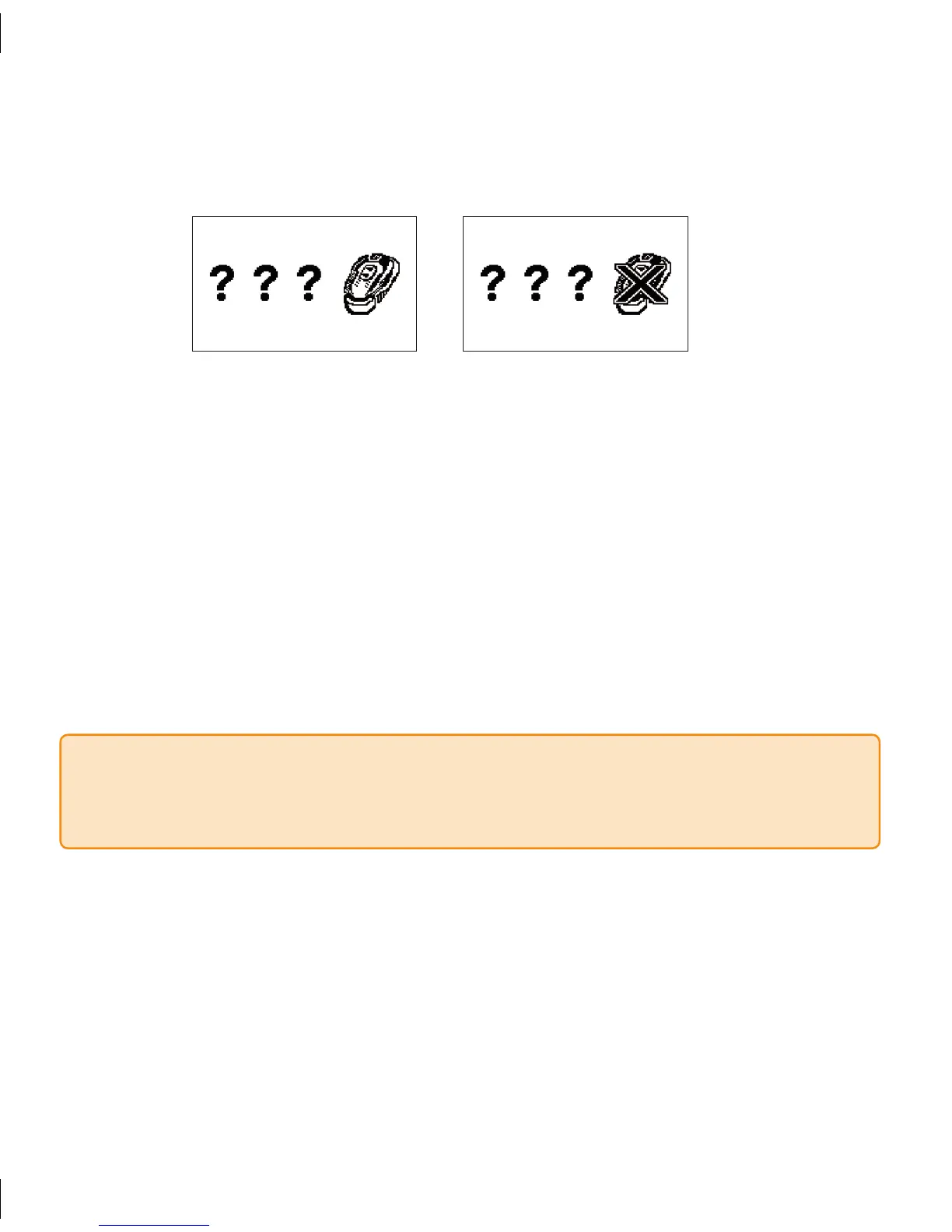
Failed Sensor Screen
If you see this screen, the Sensor is not working properly or you may have dislodged the
Sensor or Transmitter. You might need to replace your Sensor. To replace your Sensor,
remove your Sensor Pod by gently peeling up the adhesive patch from your skin (this will
pull out the Sensor Probe). Remove the Transmitter from the Sensor Pod (see Section
5.2). Clean and dry the bottom of the Transmitter with a damp cloth or alcohol swab
before your next use.
To begin a new session, you must insert a new Sensor, go through a new 2-hour Start-
Up Period, and calibrate your Sensor before you can receive more continuous glucose
information.
2.5.1 PROBLEMS DURING THE STARTUP PERIOD
During the Start-Up period you may see the Failed Sensor Screen.
NOTE
If you have dislodged the Sensor or Transmitter you will have to replace your Sensor.
•
is screen is not the same as “???” in the Status Box (see Section 4.6.2).•



 To Next Page