Seven
™
System User’s Guide | 85
6.2 CHARGING YOUR SEVEN RECEIVER BATTERY
To charge the Receiver battery, connect the charger cable into the port on the •
bottom of your Receiver. Make sure the “Push” button side of the charger cable is
facing down.
Connect the plug into a standard power outlet.
•
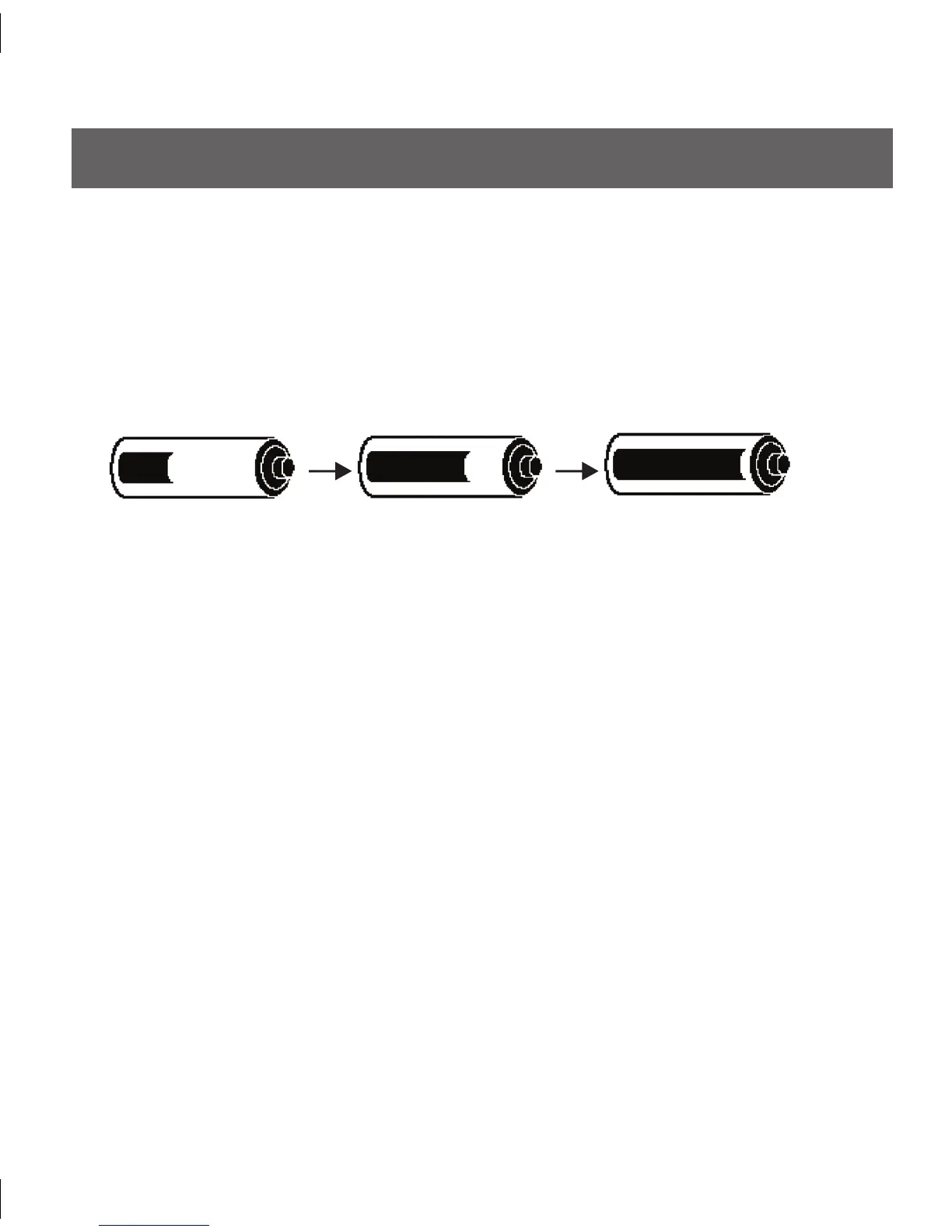
e Receiver will display the animated symbol below of a battery charging across the •
Receiver screen:
After a few seconds, the 1-hour Glucose Trend Screen will reappear with the •
animated Battery indicator displayed in the lower right corner next to the Antenna
Symbol (Y).
e battery will fully charge after 3 hours and will last approximately 5 days before
•
recharging is necessary.
If your charging cable has a “Push” button, press this to disconnect the cable.
•



 To Next Page