68 | SEVEN
™
CONTINUOUS GLUCOSE MONITORING SYSTEM
Calibration Update Screen
4.5 SEVEN SENSOR RECALIBRATION/ 12HOUR UPDATE
Upload any fingerstick BG readings you take during Sensor wear. ese BG readings will
update your System calibration.
If you have not uploaded any fingerstick BG readings in the past 12 hours, the Receiver
will request a fingerstick BG reading to update its calibration as follows:
e Calibration Update Screen will appear telling you to update Seven System
•
Calibration (Note: e Receiver will not vibrate at this time).
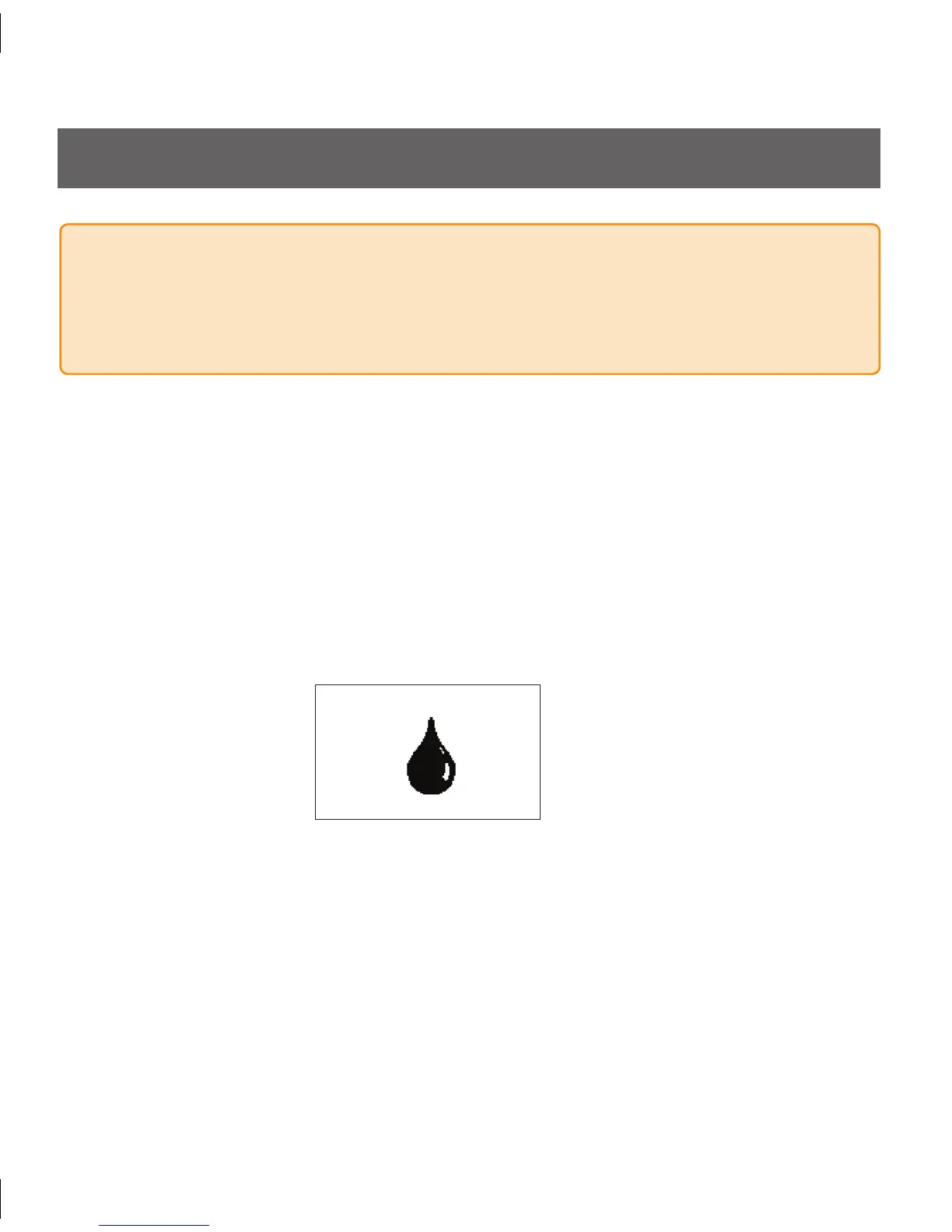
If you see the reminder symbol below, clear this display by pressing any Receiver button. e
•
Calibration Update Screen will not go away until you acknowledge it by pressing a button.
WARNING
Update the Seven System’s calibration every 12 hours at a minimum to ensure device
performance. e performance of the Seven System when calibrated less frequently than
the recommendation to calibrate a minimum of every 12 hours has not been studied.
Take a fingerstick at this time. Enter this reading to your Receiver to update your •
Sensor calibration.
is screen will reappear every 15 minutes until you upload a new BG fingerstick
•
reading that is accepted for calibration.
If this screen re-appears shortly after you have uploaded a new BG fingerstick
•
reading, review Section 4.6.3, “Missing Glucose Readings After Calibration Update/
Recalibration”.



 To Next Page