62 | SEVEN
™
CONTINUOUS GLUCOSE MONITORING SYSTEM
Press
p
q
Press
p
q
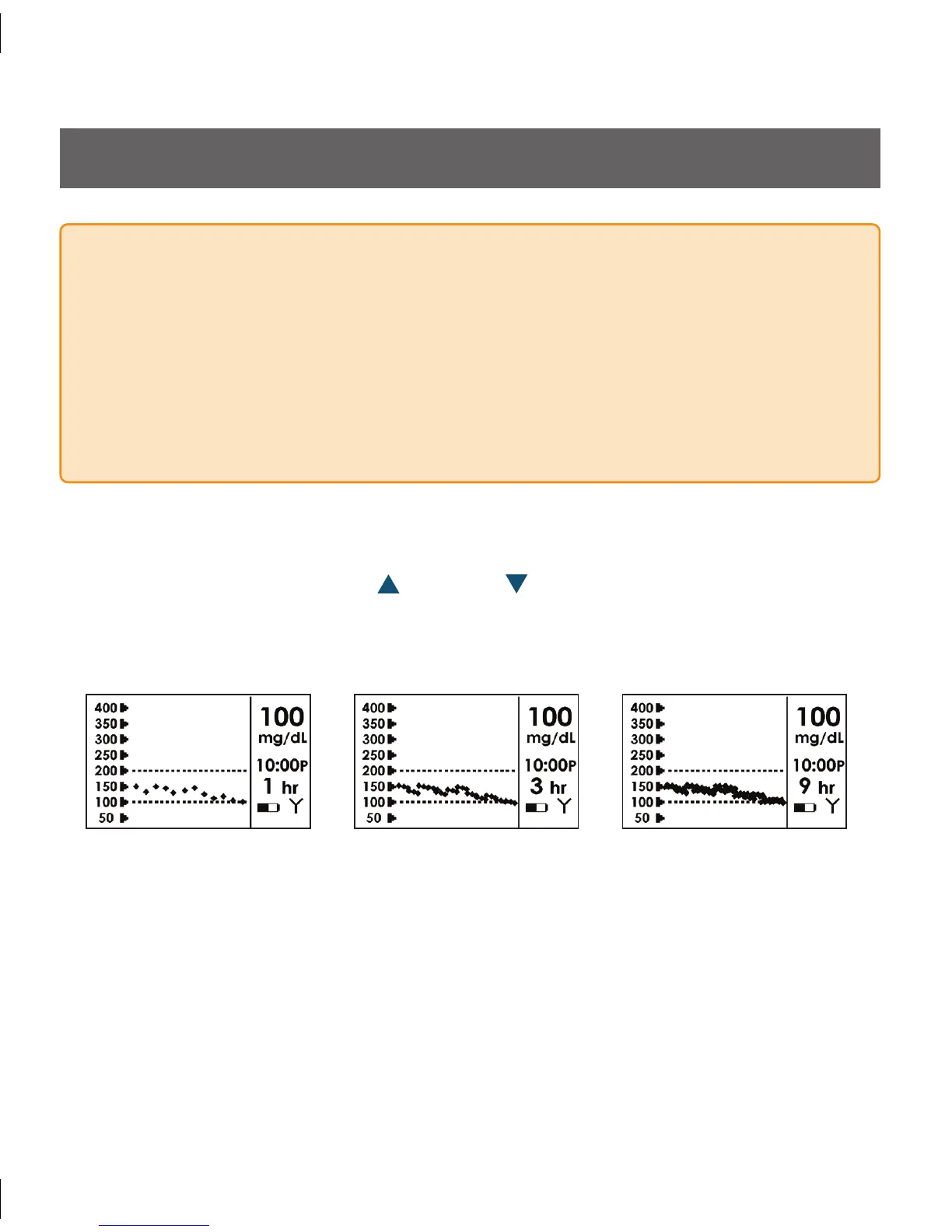
1-Hour
Glucose Trend Screen
3-Hour
Glucose Trend Screen
9-Hour
Glucose Trend Screen
4.1 GLUCOSE TREND SCREENS
You can see trend graphs of your glucose information from the past 1-hour, 3-hour and
9-hour periods by pressing the Up
and Down Arrows on your Receiver. ese
Glucose Trend Screens allow you to see where your glucose levels have been and where
your glucose levels are headed.
WARNING
Treatment decisions should not be based solely on results from the Seven
•
System. You must confirm with a blood glucose meter before making therapeutic
adjustments.
Update the Seven System’s calibration every 12 hours at a minimum to ensure device
•
performance. e performance of the Seven System when calibrated less frequently
than the recommendation to calibrate a minimum of every 12 hours has not been
studied.



 To Next Page