Seven
™
System User’s Guide | 81
After pulling out the Sensor with the Transmitter still in the Sensor Pod, you will need to
remove the Transmitter. To do this you can use either of the two methods below:
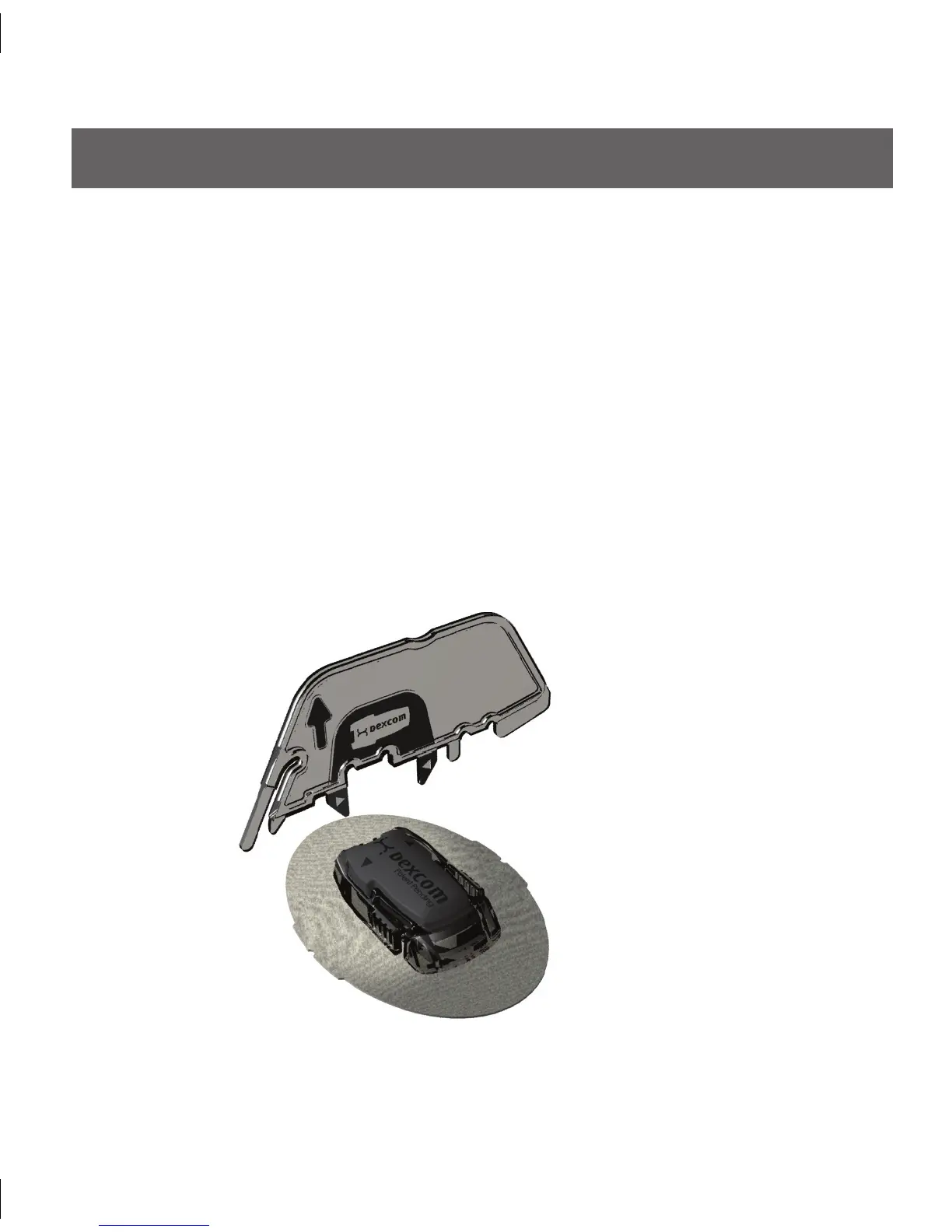
e Safety Lock/Transmitter Release (Section 2.2.3) detached from the Applicator
•
can be used as a tool to remove the Transmitter. Place the Sensor Pod on a table.
Hold the rounded edge of the Transmitter Release perpendicular to the Sensor Pod
length. Make sure the jagged edge of the Transmitter Release is facing down (the
direction away from the removal arrow) as shown below:
5.2 SEVEN TRANSMITTER REMOVAL
METHOD 1



 To Next Page