80 | SEVEN
™
CONTINUOUS GLUCOSE MONITORING SYSTEM
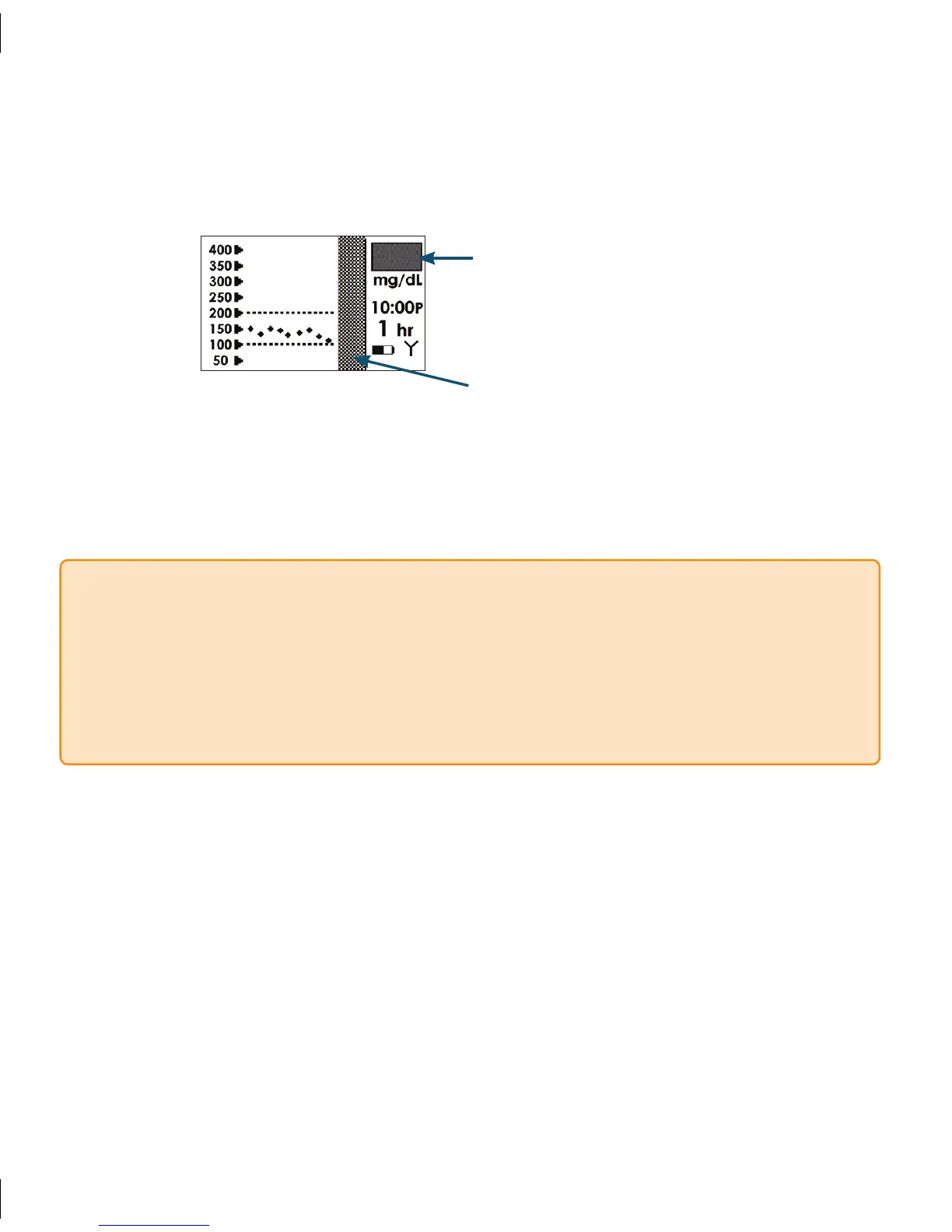
e Receiver will default to the 1-Hour Trend Screen. Glucose readings will no longer 5.
be displayed and the Receiver screen will indicate that the Seven System Session has
ended by displaying the gray rectangle in the Status Box.
Over time, the Receiver display (Trend Screen area) will continue to “gray out” if a new
Sensor is not inserted.
A grayed out Status Box indicates that your
Seven System Session has ended
The screen begins to gray out after your
Seven System Session has ended
NOTE
If you removed your Sensor before notifying the Receiver, the Failed Sensor Screen
•
will appear automatically (See Section 4.7.1). You must press OK before inserting a
new Sensor.
Your Transmitter is used for each Sensor session. Remove the Transmitter from the
•
Sensor Pod and store it for your next glucose monitoring session.



 To Next Page