Seven
™
System User’s Guide | 47
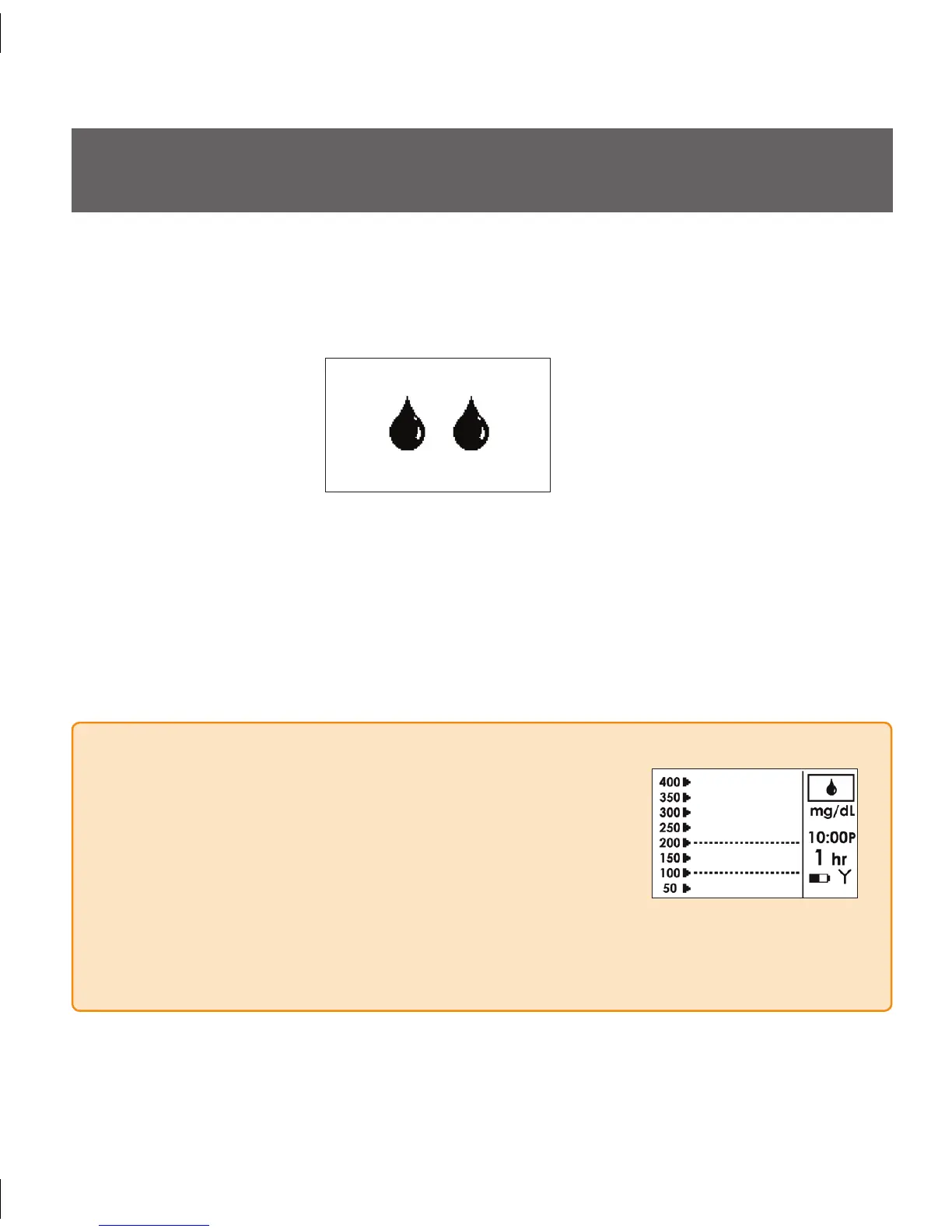
Double Blood Drop Prompt
3.1 THE SEVEN SYSTEM CALIBRATION PROMPT
THE END OF THE STARTUP PERIOD
Two (2) hours after Seven Sensor insertion confirmation (see Section 2.4) your Seven
Receiver will prompt you to calibrate your Sensor by vibrating and displaying the
following screen on the Receiver:
After you see this prompt press the
• C Button to clear the display.
Take 2 fingersticks with your meter.
•
Follow the steps provided in Section 3.2 (Auto Upload) or Section3.3 (Manual Entry) •
to complete System calibration.
NOTE
If you choose to silence the Double Blood Drop Prompt •
and calibrate at a later time, the Trend Screen will display
a Blood Drop in the Status Box (upper right corner). is
indicates that BG fingerstick readings are still needed for
calibration.
If you silence the Double Blood Drop Prompt, it will reappear every 15 minutes for 3
•
hours. You will still be able to calibrate after 3 hours. e Receiver will only display a
blood drop in the Status Box as a reminder.



 To Next Page