56 | SEVEN
™
CONTINUOUS GLUCOSE MONITORING SYSTEM
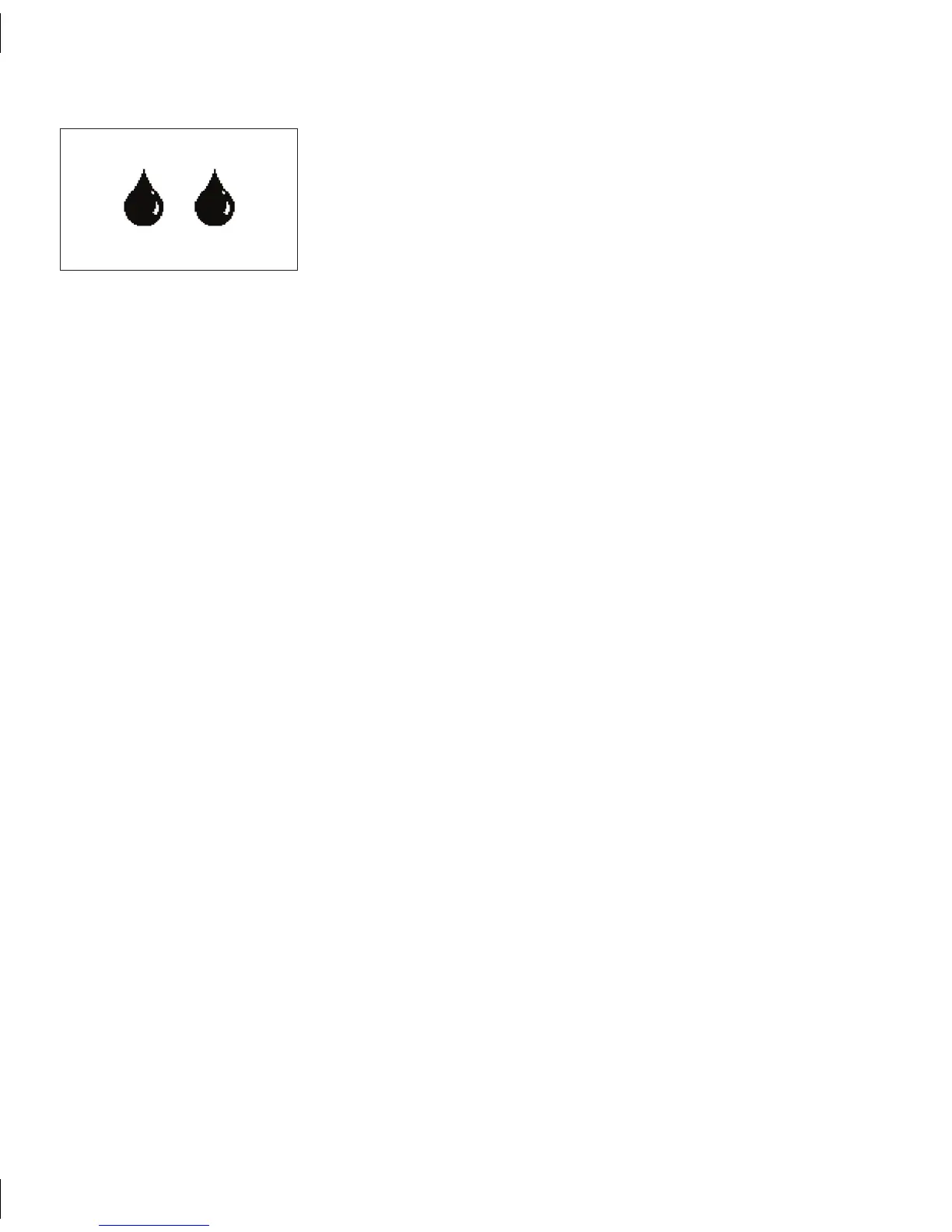
REPEAT DOUBLE BLOOD DROP PROMPT
If initial calibration is not successful, the Receiver will continue
to provide the Double Blood Drop Prompt every 15 minutes
for up to 3 hours after the Sensor Start-Up Period. Make sure
you have followed the instructions in Section 3 (Seven System
Calibration) and the instructions for how to address the
Connection Failure Screen and New Meter Screen. If you have
followed these steps and you still receive the Double Blood
Drop Prompt, then one of the following errors has occurred:
Both BG fingerstick readings you took and uploaded
•
for your first calibration attempt were outside of the
40-400 mg/dL range, or
e Receiver and Transmitter were not communicating
•
with each other at the time you took the 2 BG
fingersticks uploaded for calibration, or
e Receiver could not understand (“???” in Status
•
Box) your Sensor signal at the time you took the BG
fingerstick readings for calibration.
If you get prompted by the REPEAT DOUBLE BLOOD DROP PROMPT follow the steps below:
Clear the Screen by pressing any Receiver button.1.
Check the Status Box in the upper right hand corner of the Receiver for the current 2.
Receiver status and determine what to do based on the Receiver Status Symbol
displayed:



 To Next Page