58 | SEVEN
™
CONTINUOUS GLUCOSE MONITORING SYSTEM
Awaiting a Fingerstick Screen
To complete calibration after receiving the SHADED-OUT BLOOD DROP PROMPT
follow the steps below:
Clear the Screen by pressing any Receiver button.1.
Check the Status Box in the upper right hand corner of the Receiver for the current 2.
Receiver status and determine what to do based on the Receiver Status Symbol
displayed:
If the “Awaiting Calibration Fingerstick” Symbol (shown below) is displayed, take a.
1 more BG fingerstick (reading must be within 40-400 mg/dL) and upload that
reading to the Receiver.
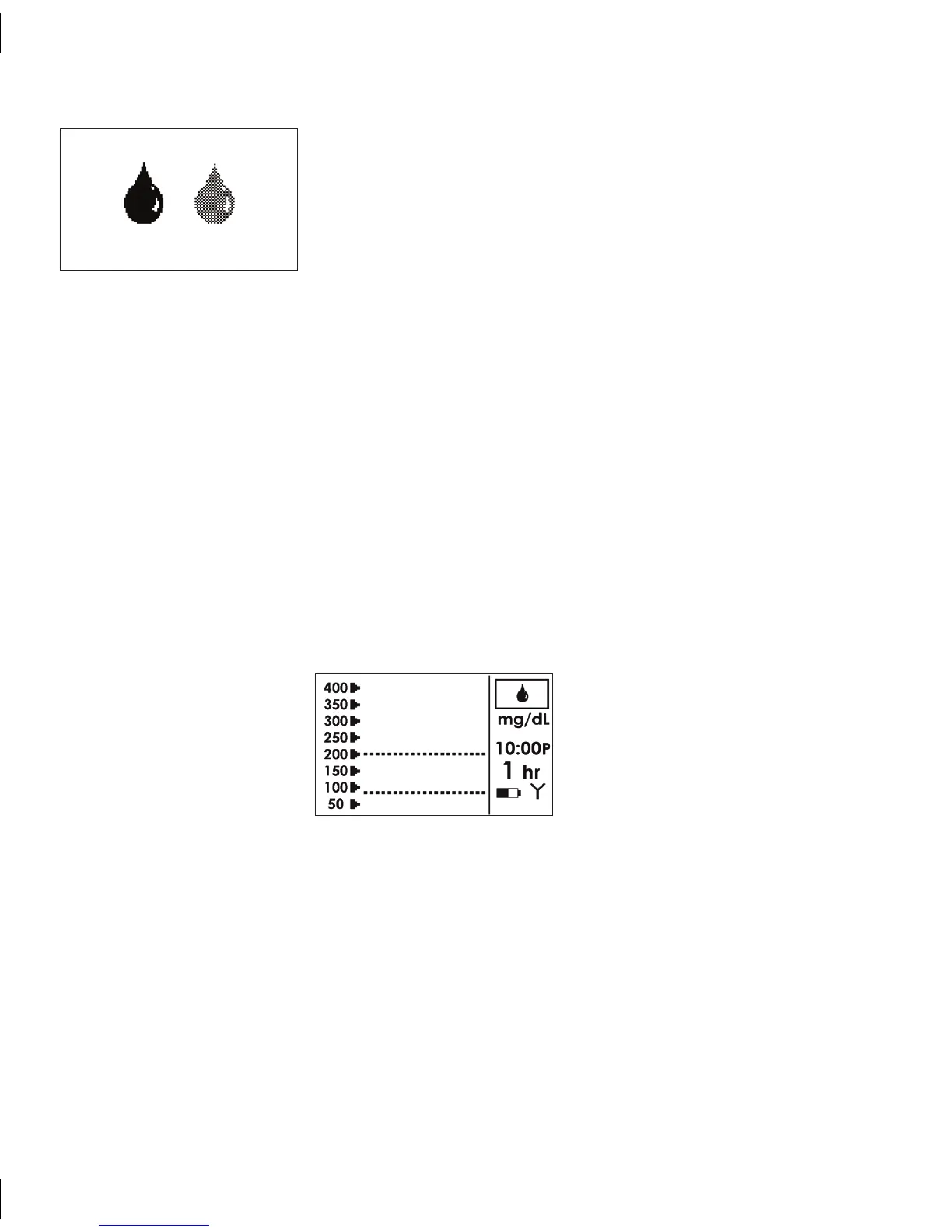
SHADEDOUT BLOOD DROP PROMPT
e Shaded-Out Blood Drop Prompt indicates that 1 more
BG fingerstick is needed for calibration. e Receiver will
continue to provide the Shaded-Out Blood Drop Prompt
every 15 minutes for up to 3 hours after the Sensor Start-Up
Period until a minimum of 2 BG fingersticks are successfully
taken and uploaded to the Receiver.



 To Next Page