Seven
™
System User’s Guide | 65
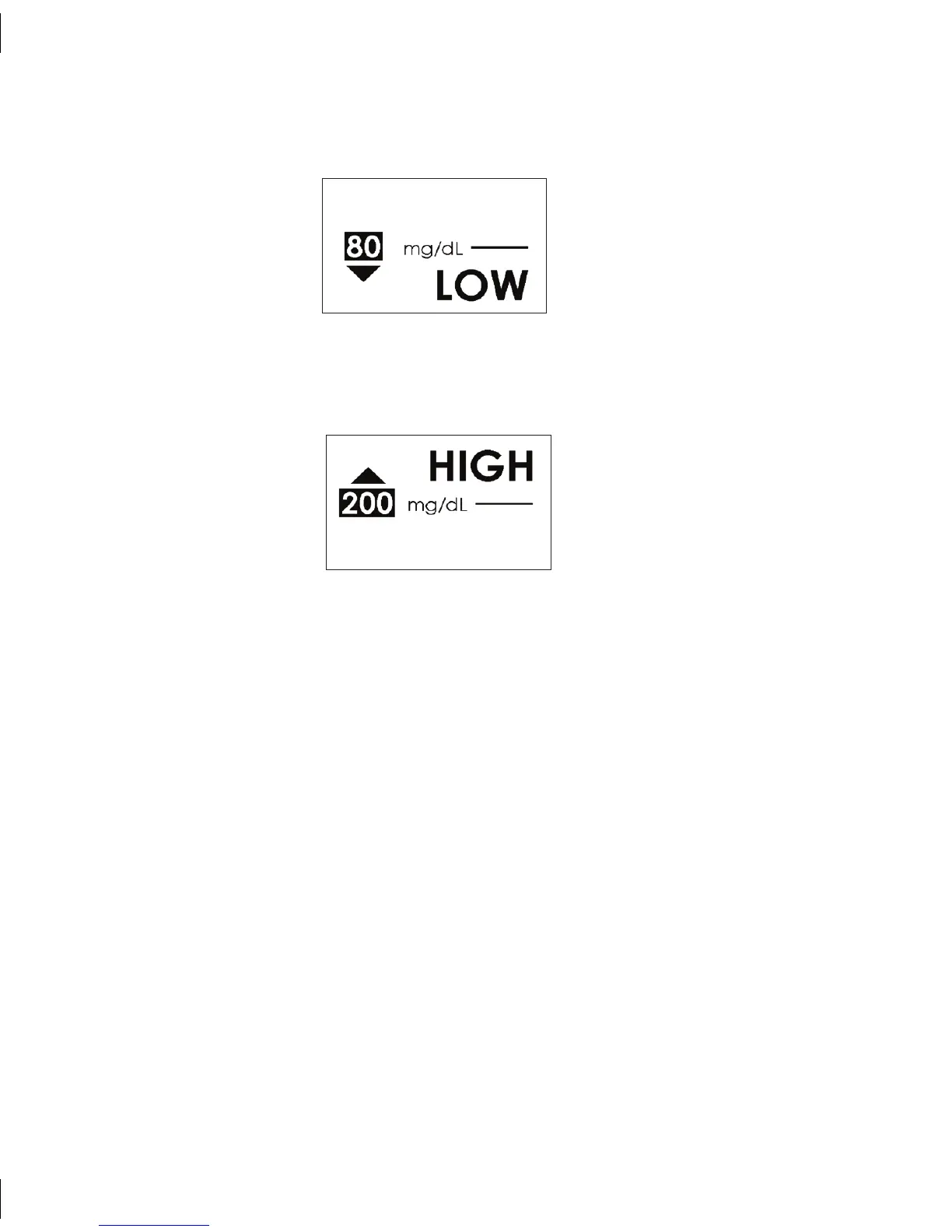
For High Alerts the Receiver will display the following screen with the notification:•
Low Glucose Alert Screen
High Glucose Alert Screen
Press any Receiver Button to stop the Alert notification (vibrating/beeping).•
Once you press a Receiver button to acknowledge the Alert, the Receiver will not •
notify you until your glucose readings rise above or fall below your High and Low
Alert settings again.
For Low Alerts the Receiver will display the following screen with the notification:
•



 To Next Page