Jackson User Manual rev 2.2 www.diamondsystems.com Page 46
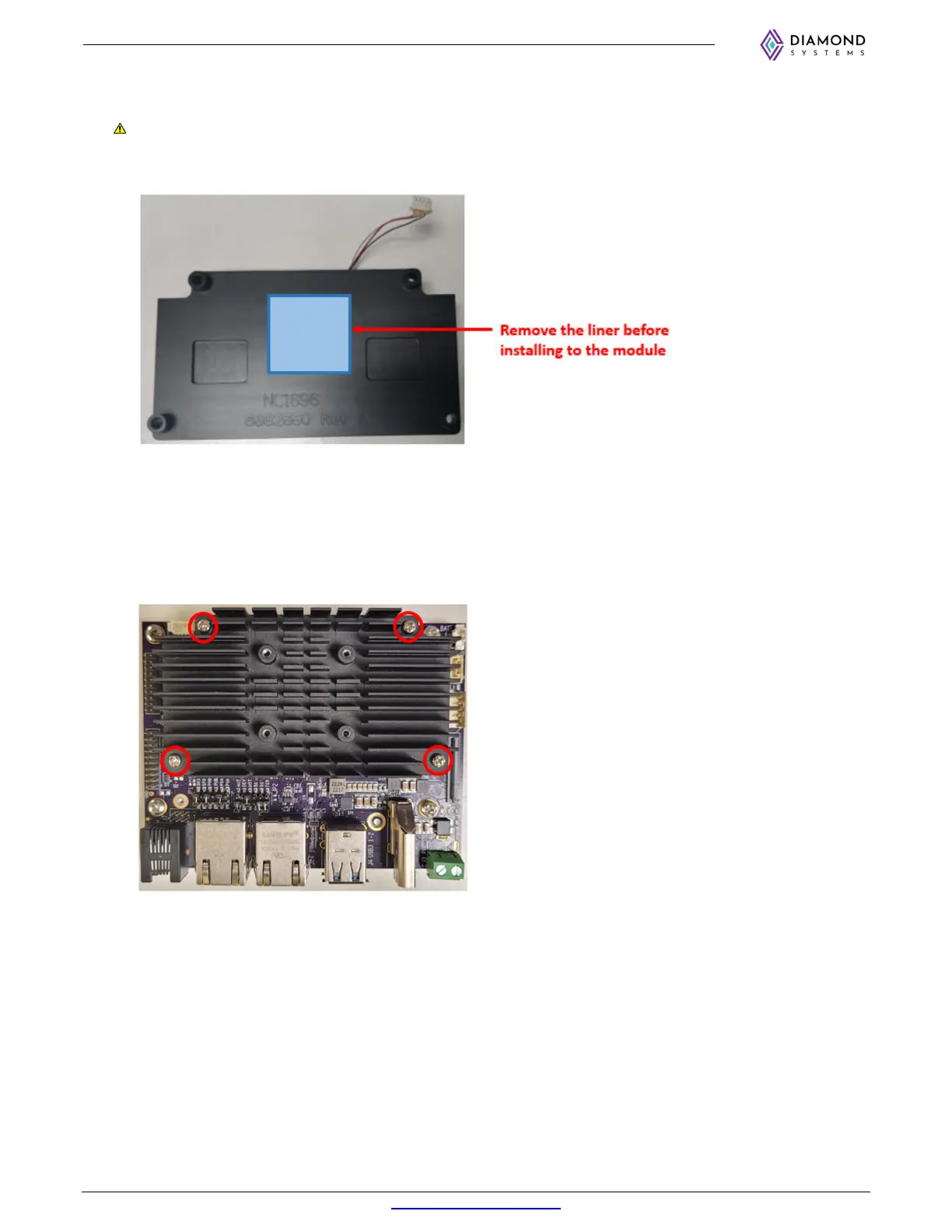
5. Remove liner on one side of the thermal pad and place it on the heat sink as shown below. Then remove
the liner on the other side before installing the heat sink onto the module.
If the second liner is not removed, the thermal performance of the heat sink will be greatly reduced. This
is a common oversight.
6. Place the heat sink on top of the module and align the heatsink to the mounting holes with spacers on
Jackson. Then press down gently.
7. Install 4 no’s of M2.5 x 12mm (92000A107) long screws through the mounting holes into the spacers on
Jackson. It is recommended to install all 4 screws loosely to ensure proper alignment, then tighten all 4
screws.



 To Next Page