Digitronic Digital Cam Switch Unit
Automationsanlagen GmbH CamCon DC50/51
7.3.4. Programing Time-Cams
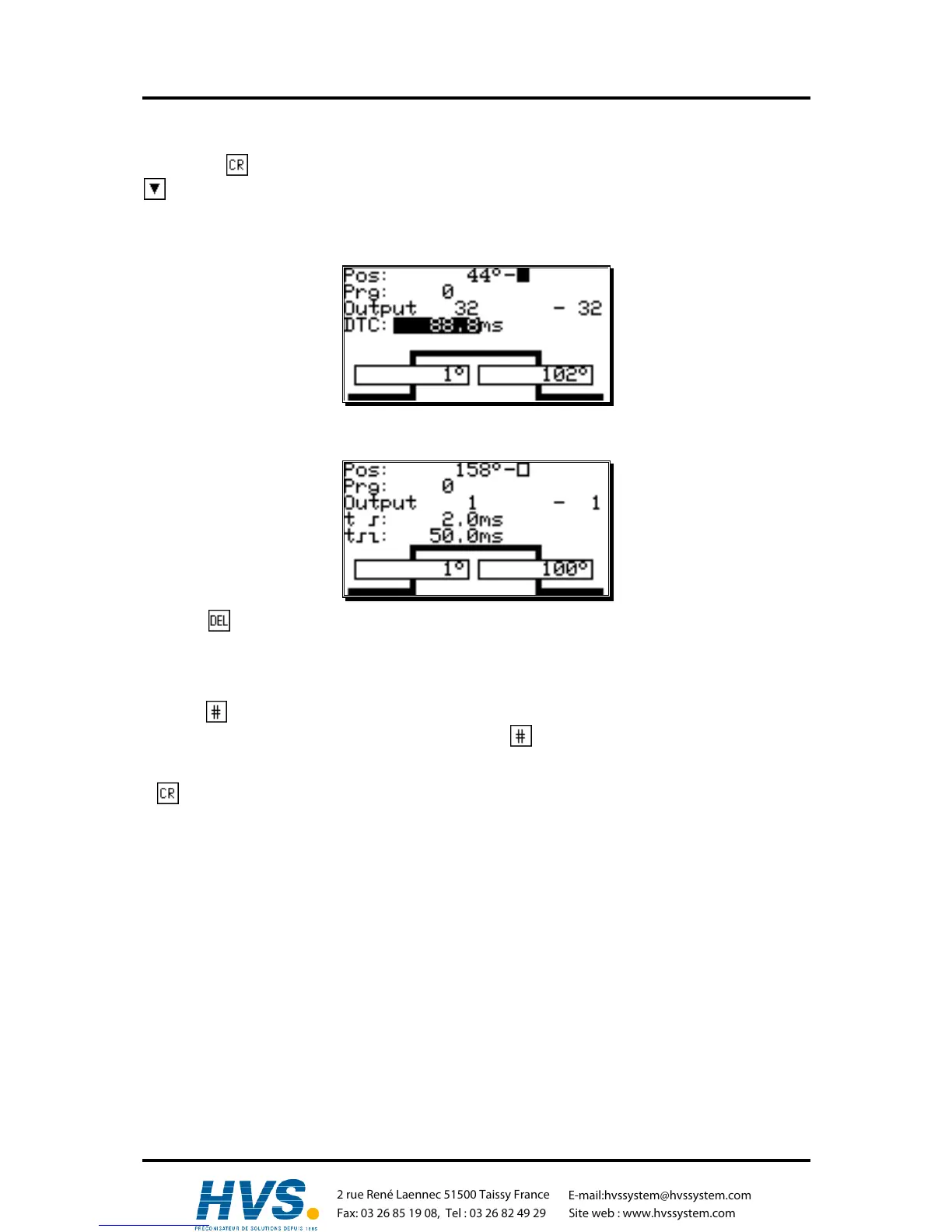
By pressing you get to enter the starting number, which can be adopted by confirming with key
. After that, you are put forward to entering the delay time.
Attention: When programing a Cam, the specific output must have a switched speed compensation.
Also see chapter "7.4.6.3. Setting the outputs with speed compensation" on page 63.
Using the numeric keys you can enter the delay time. Press while entering followed by pressing to
switch on your way-Cam, so that you are able to enter the switching time in steps of 0.1 ms.
Pressing while entering the switching time will switch of the Cam.
Attention:
If the next Cam switching point reaches a Cam that is not yet switched off, both Cams will be summed
up as one.
Pressing while entering delay time or switching-time values can limit the efffects of these values
on the program that is worked on (private). A second key will switch off the private input. This
function can be switched on or off separately for delay- and switching time.
A key will confirm these values and quit the input-section.
,Version from: Aug. 04 Page: 34
2 rue René Laennec 51500 Taissy France
Fax: 03 26 85 19 08, Tel : 03 26 82 49 29
E-mail:hvssystem@hvssystem.com
Site web : www.hvssystem.com



 To Next Page