Digitronic Digital Cam Switch Unit
Automationsanlagen GmbH CamCon DC50/51
7.4.4. Cable length / Cycle time
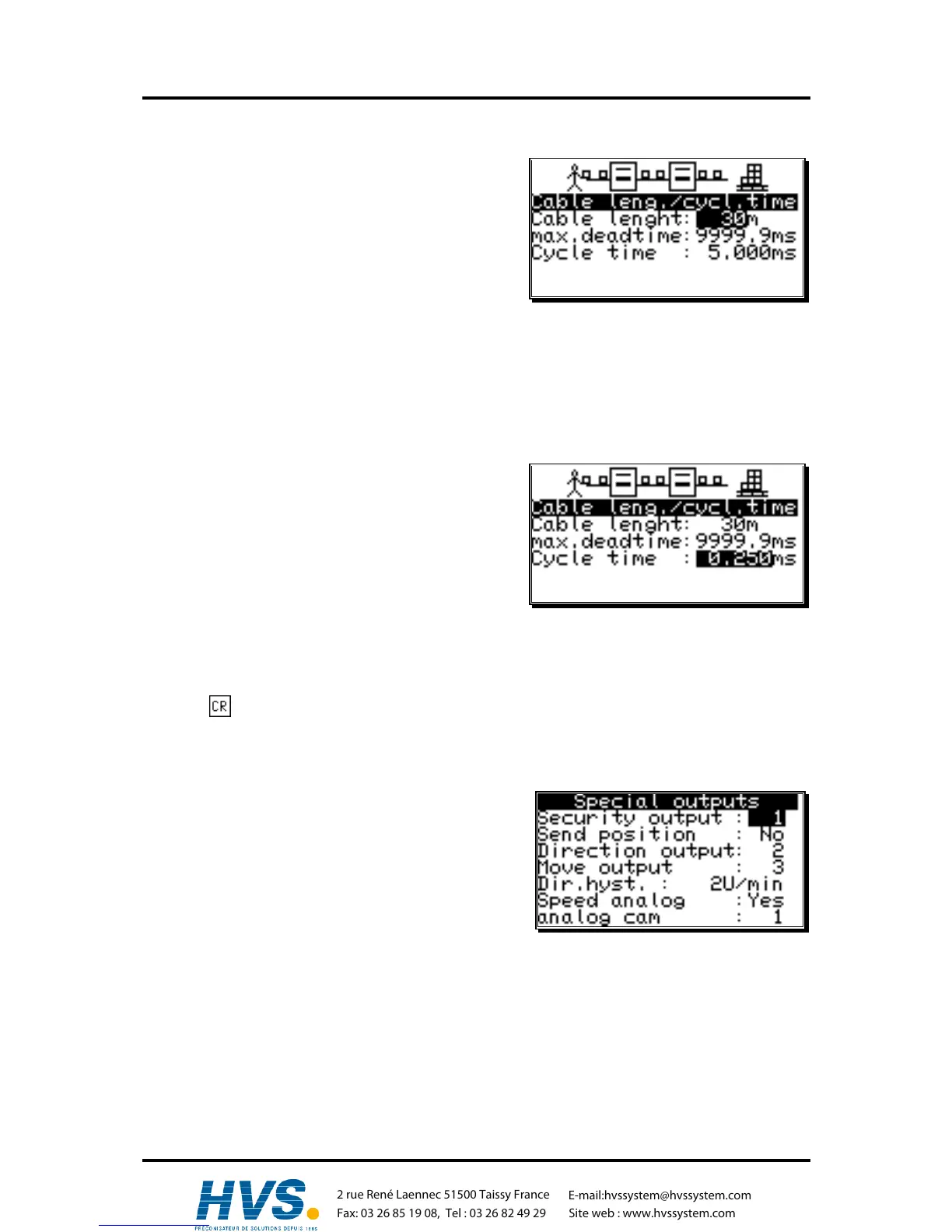
If you selected the menu "Cable length/Cycle time" in
the system setting menu, the following menu is set up on
the display:
7.4.4.1. The cable length
In this menu point you can set the conduction length
between the SSI measuring system and the CamCon, as
well as between external input or output extensions and
the CamCon, in meters. This is necessary, since the cable length determines the maximum possible
speed of serial data transmission. The larger the set cable length, the larger is the cycle time of the
transmission and the slower is the data traffic. The cable length can be set to a maximum of 1000m.
Attention!! With cables exceeding 300m in length use a corresponding measuring system as well as
extensions with a changed mono-flop-time.
7.4.4.2. The cycle time of the CamCon
Normally the CamCon operates with the shortest
possible cycle time. It is displayed as long as the cursor
is not on the menu field "Cycle time". With an input in
the menu field "Cycle time" this time value can be
changed.
This might become necessary, if e.g.:
- you are programming a large number of outputs with
delay time or with a high measuring system
resolution and need longer single delay times. These depend on the available memory and the
cycle time ( see chapter "12. Calculation the RAM storage-requirement for" on page 85). A
noticable change occurs only when the set value lies above the current cycle time. For this reason
the display also shows the maximum possible speed compensation.
- you connect a measuring system that allows the readout of the data only once in a given time.
Press the key to end your input and exit the menu.
7.4.5. The special outputs
If you selected "Special outputs" in the system setting
menu, the special outputs menu appears on the display:
7.4.5.1. The security output
To have the possibility to supervise the CamCon e.g. after
short circuits on the output channels or mistakes in the
measuring system, you can program a circulation cam for
a single output, so that this output is switched off at the occurence of a mistake and serves as a
security output. With a program change, the security output is reset for a short time (see chapter
"7.4.6.8. Setting the program selection mode" on page 64).
A "0" in the input field defines that no security output has been programmed..
,Version from: Aug. 04 Page: 59



 To Next Page