Digitronic Digital Cam Switch Unit
Automationsanlagen GmbH CamCon DC50/51
7.3.10. Cam deletion
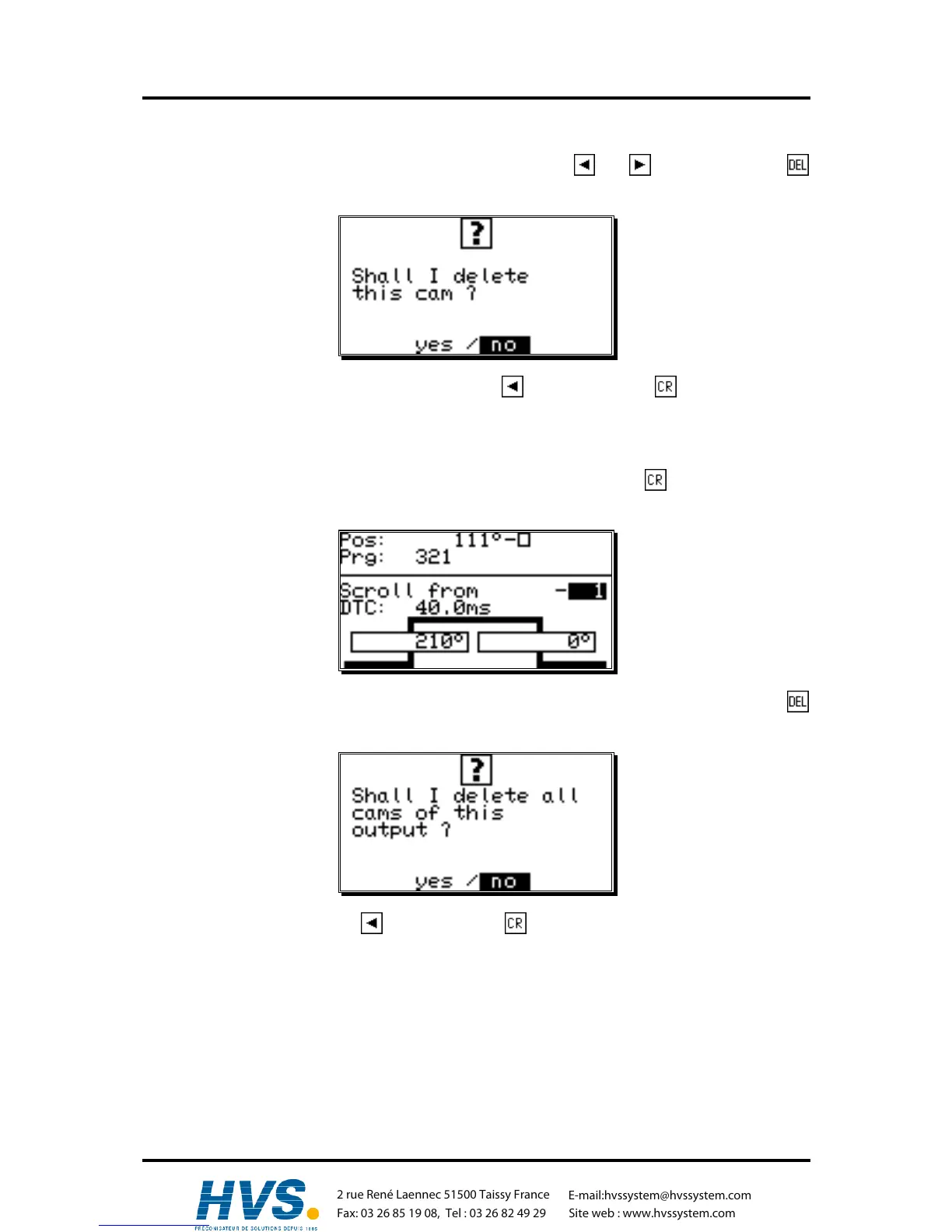
If you want to completely erase a cam, select the cam using the and keys and press the
key, causing the following question to be displayed:
To delete the cam, move the cursor to "yes" with the key, and press the key to confirm your
choice.
7.3.11. Output (cam track) deletion
If you want to completely erase an output (cam track), you have to press the key to enter the input
of the output number.
Now you can enter the number of the output you want to delete with the numeric keys. Press the
key and the following question is displayed:
Move the cursor to "yes" with the key and press the key to confirm your input.
,Version from: Aug. 04 Page: 37
2 rue René Laennec 51500 Taissy France
Fax: 03 26 85 19 08, Tel : 03 26 82 49 29
E-mail:hvssystem@hvssystem.com
Site web : www.hvssystem.com



 To Next Page