Digitronic Digital Cam Switch Unit
Automationsanlagen GmbH CamCon DC50/51
7.5.2. Complete deletion
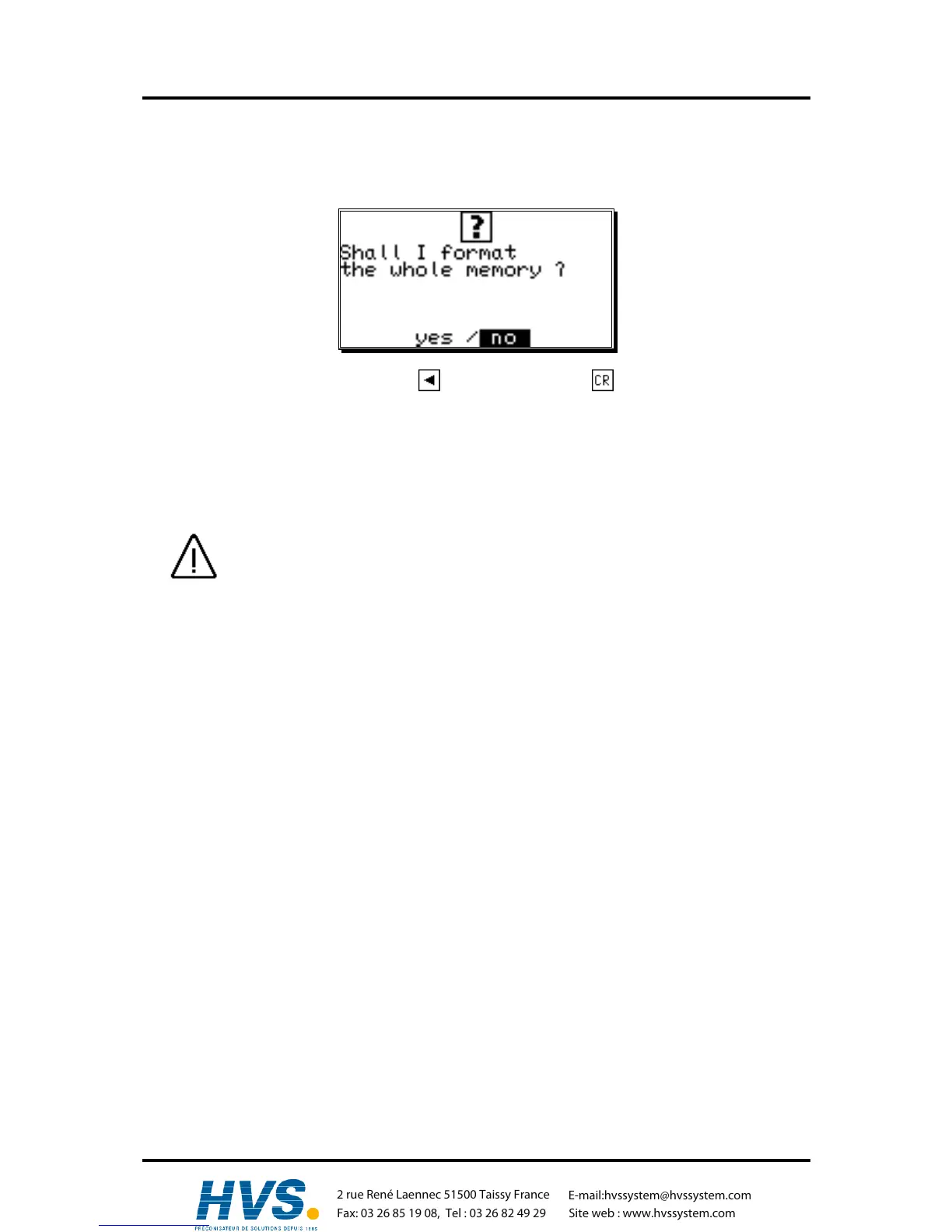
If you selected the menu point"Complete deletion" in the "Unit configuration" menu, the display
shows :
You can move the cursor to "yes" with the key and confirm it with .
After a short while the display returns to the main menu. This time depends on the size of the
EEPROM used, since the memory has to be formatted. Using e.g. a 32k EEPROM the process takes
about 2 minutes. Afterwards, the complete deletion is complete. All cams are deleted, and the system
registers have their standard values.
Now you can begin with the programming.
Attention: Deleted information cannot be restored.
,Version from: Aug. 04 Page: 68
2 rue René Laennec 51500 Taissy France
Fax: 03 26 85 19 08, Tel : 03 26 82 49 29
E-mail:hvssystem@hvssystem.com
Site web : www.hvssystem.com



 To Next Page