Digitronic Digital Cam Switch Unit
Automationsanlagen GmbH CamCon DC50/51
7.3.5. Programming the output name
You reach the input of the output number by pressing the key. You skip this by pressing the key
and enter the input of the output name of this output.
Here you can enter the output name via text input see chapter "5.8. Text input" on page 27.
7.3.6. Cam Input
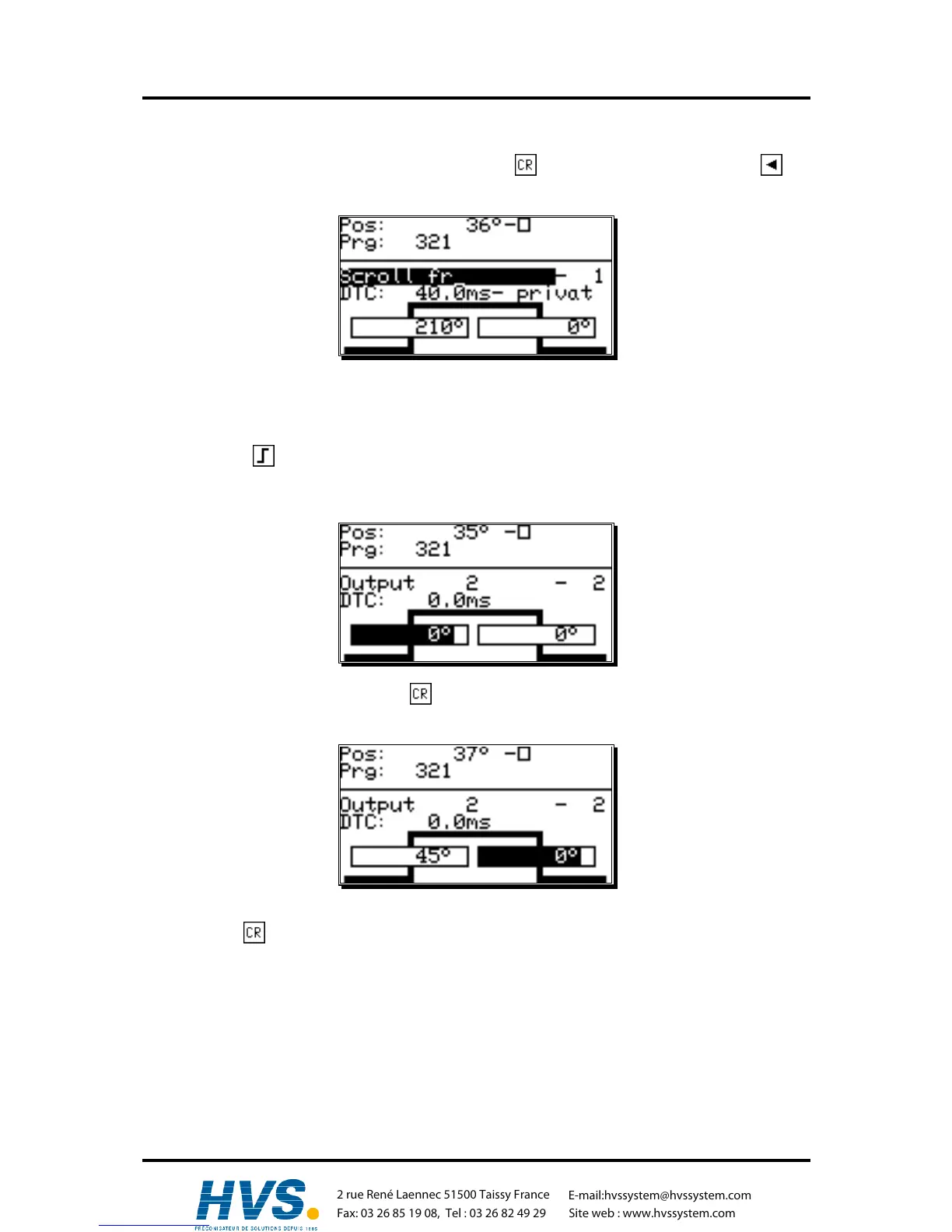
By pressing the key you start the input of a cam. On the display the field for the cam activation
point (left bar) is underlayed in black, while a stylized cam blinks in the range of the two bars. With the
numeric keys you enter the position for the cam activation point.
After you confirm your selection with the key, the field for the cam deactivation point is underlayed
in black. Simultaneously, the dropping flank of the stylized cam starts to blink.
Enter the value for the cam deactivation point with the numeric keys and finish your input with the
pressing of the key.
Remember: The maximum expansion of a cam can never reach a full rotation. For the
programming of such a cam you have to program a security output (see chapter
"7.4.5. The special outputs" on page 59.
,Version from: Aug. 04 Page: 35
2 rue René Laennec 51500 Taissy France
Fax: 03 26 85 19 08, Tel : 03 26 82 49 29
E-mail:hvssystem@hvssystem.com
Site web : www.hvssystem.com



 To Next Page