Digitronic Digital Cam Switch Unit
Automationsanlagen GmbH CamCon DC50/51
13.Choose between "yes" and "no" with keys and .
14.Press the key. The cursor moves to the input field for the access to the outputs, generally
and for every output.
15.Choose between "yes" and "no" with keys and .
16.Press the key. If you chose "no" in the previous input field, you can now assign the access to
each output one by one.
The cursor moves to the input field for the access to output No. 1.
17.Choose between "yes" and "no" with keys and .
18.Press the key. The cursor moves to the input field for the access to output No. 2 and so on...
19.You can leave this menu at any time by using the key.
Note: You can also select the menu fields for the single access rights with keys and .
7.5.1.2. Deletion of a user key
You can delete a user key according to the following
procedure:
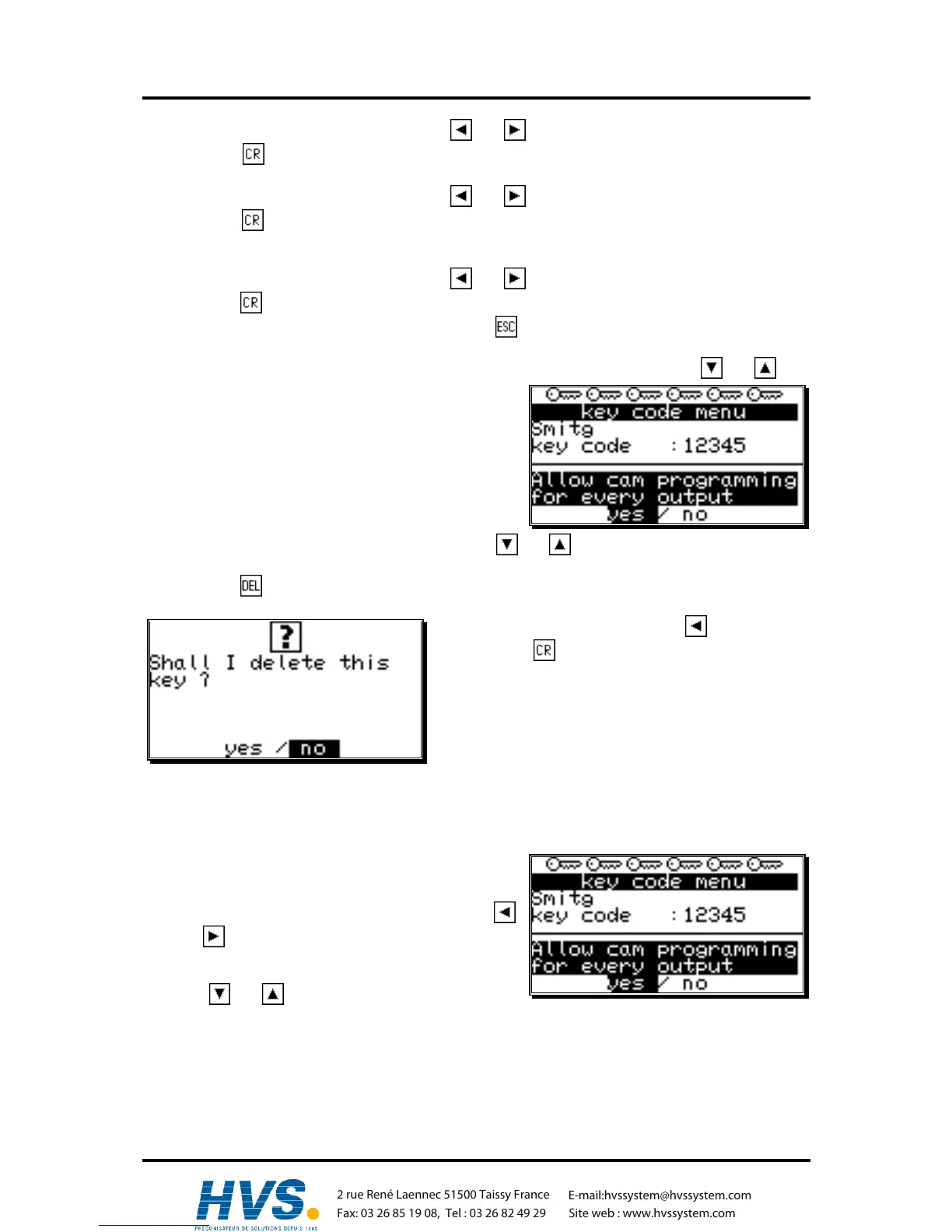
1. Select the menu point "Key allocation" in the
configuration menu; the menu for the key allocation
appears:
2. Select the user key you want to delete with keys and .
3. Press the key; the display shows the question:
4. Move the cursor to "yes" with the key.
5. Press the key, and the key is deleted.
Additionally: If you happen to delete every key in this
menu, the standard key code "5693" is
automatically generated.
7.5.1.3. Checking the key configuration
You can check an allocated key the following way:
1. Choose the menu point "Key allocation" in the
configuration menu; the menu for the key allocation
appears:
2. Select the key that is to be checked with keys
and .
3. Now you can check the single access rights mit
keys and .
,Version from: Aug. 04 Page: 67



 To Next Page