81
160XT 180XT 210XT
3. Outriggers do not move
Boom is not resting on the transport support. Drive the boom onto the transport support.
The selector switch is in the wrong position. Turn the selector switch to position 1.
Limit switch on the boom support has not
closed.
Drive the boom onto the transport support
and check the operation of the limit switch
RK3.
4. Platform cannot be turned
Automatic fuse F10 has tripped. Reset the automatic fuse via its reset button.
5. No power supply to the lift, although the main switch is on and the selector
switch is in position 1, 2 or 3
Power supply has not been activated. Press the start button to activate the power
supply.
One of the fuses F1, F11 or F12 has blown. Change the fuse an press the start button.
Battery is flat. Recharge the battery.
Check, whether the fault is in the electric system or in the hydraulic system.
6. Malfunctions of platform movements – only one of the movements can be
operated
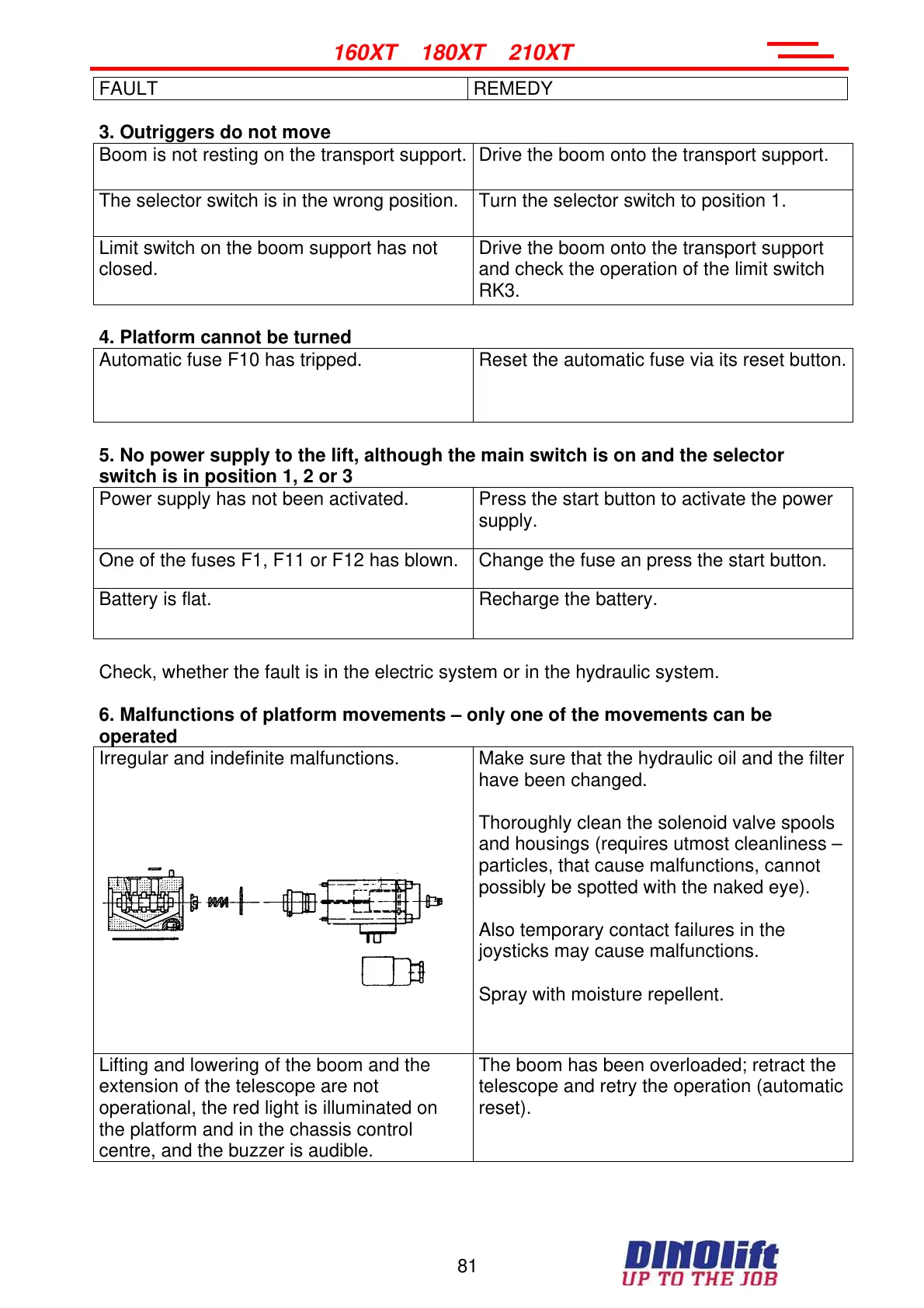
Irregular and indefinite malfunctions.
Make sure that the hydraulic oil and the filter
have been changed.
Thoroughly clean the solenoid valve spools
and housings (requires utmost cleanliness –
particles, that cause malfunctions, cannot
possibly be spotted with the naked eye).
Also temporary contact failures in the
joysticks may cause malfunctions.
Spray with moisture repellent.
Lifting and lowering of the boom and the
extension of the telescope are not
operational, the red light is illuminated on
the platform and in the chassis control
centre, and the buzzer is audible.
The boom has been overloaded; retract the
telescope and retry the operation (automatic
reset).
FAULT REMEDY
Courtesy of Crane.Market



 To Next Page