Copyright @ 2011-2015 Dinstar
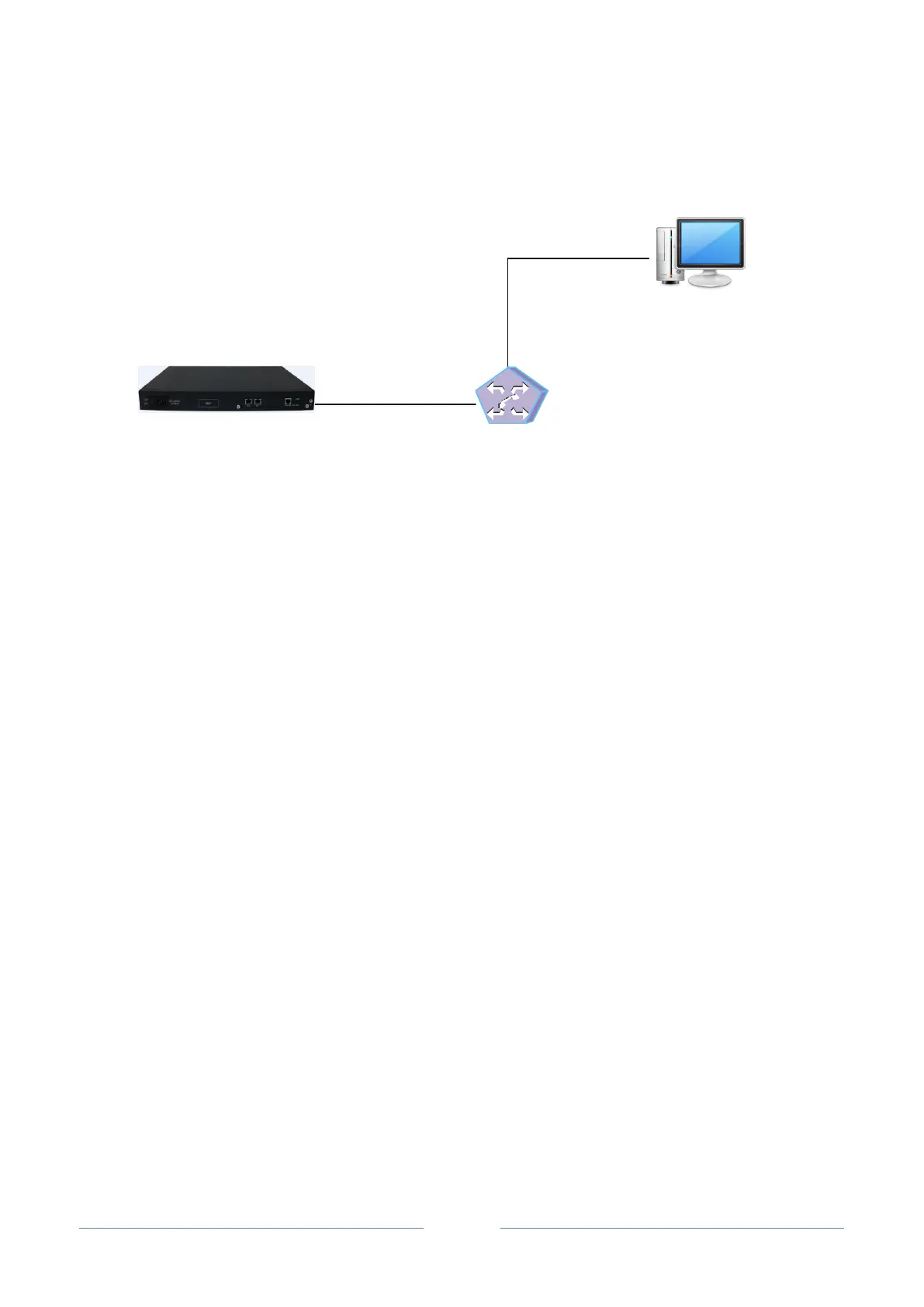
2.2.4 Network Connection
The UC2000 universal gateway has two 10/100M Ethernet interfaces, namely FE0 and FE1.
UC2000
Switch
PC
FE0
192.168.11.1
192.168.11.10
Note: The IP address of FE0 port and the IP address of PC should be at the same network segment.
As for the basic configurations about the network, SIP trunk, route and FXS/FXO/CDMA port, please
make reference to the Quick Installation Guide of UC2000.














 To Next Page