Copyright @ 2011-2015 Dinstar
4.4.4 Operation Log
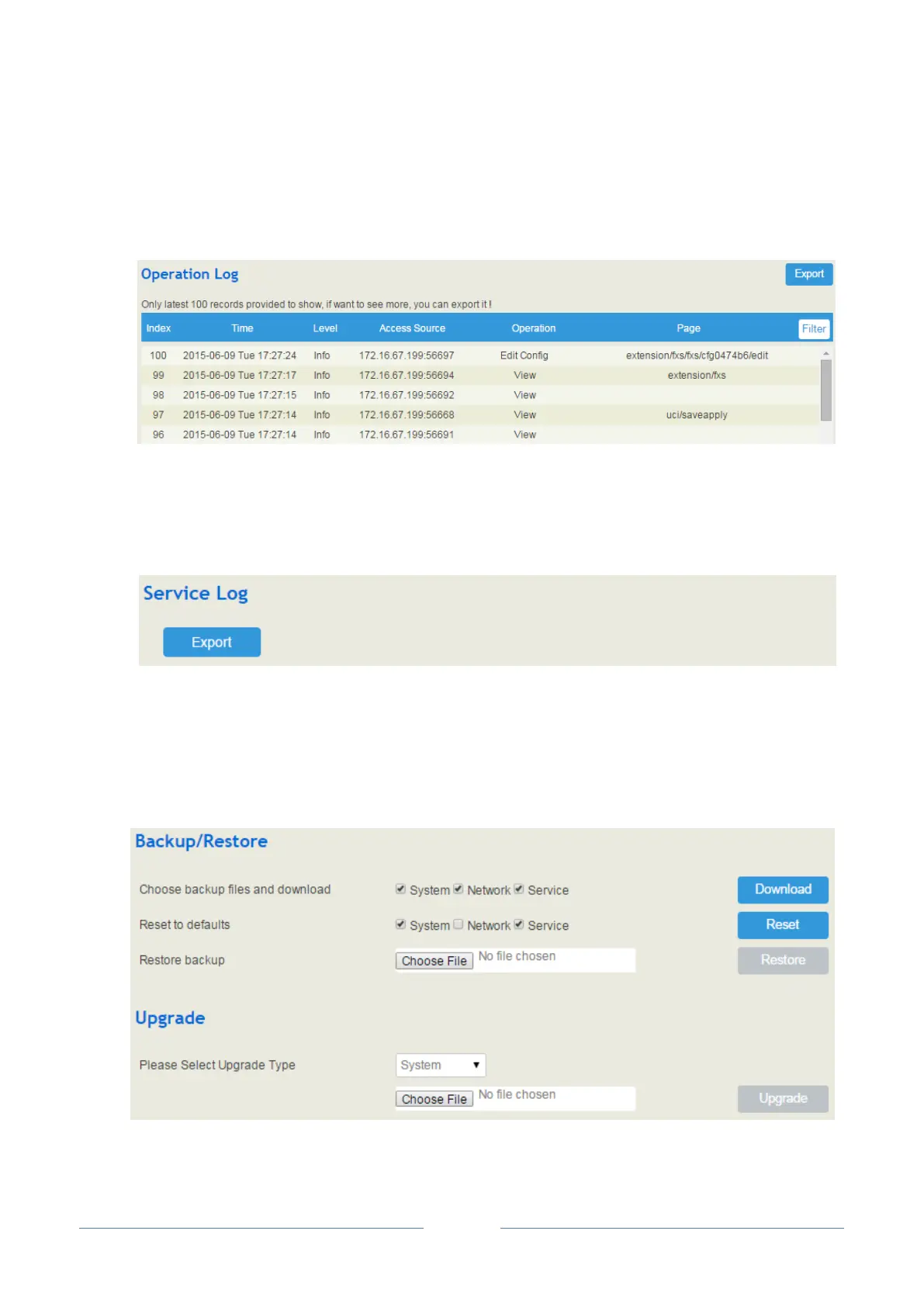
The logs tracing the operations carried out on the Web can be queried on the System Operation Log
interface. You are allowed to set query criteria to query the logs that you want and to export the logs
through clicking the Export button at the top-right corner.
4.4.5 Service Log
Service logs (the running logs of UC2000) can be exported on the System Service Log interface. Those
logs are used for analyzing where a problem has occurred on UC2000.
4.4.6 Backup/Restore/Upgrade
On the System Backup/Restore/Upgrade interface, you can back up or restore configuration data, and
can upgrade UC2000 to a new version. But you need to restart the device for the change to take effect after
executing restore or upgrade.














 To Next Page