Copyright @ 2011-2015 Dinstar
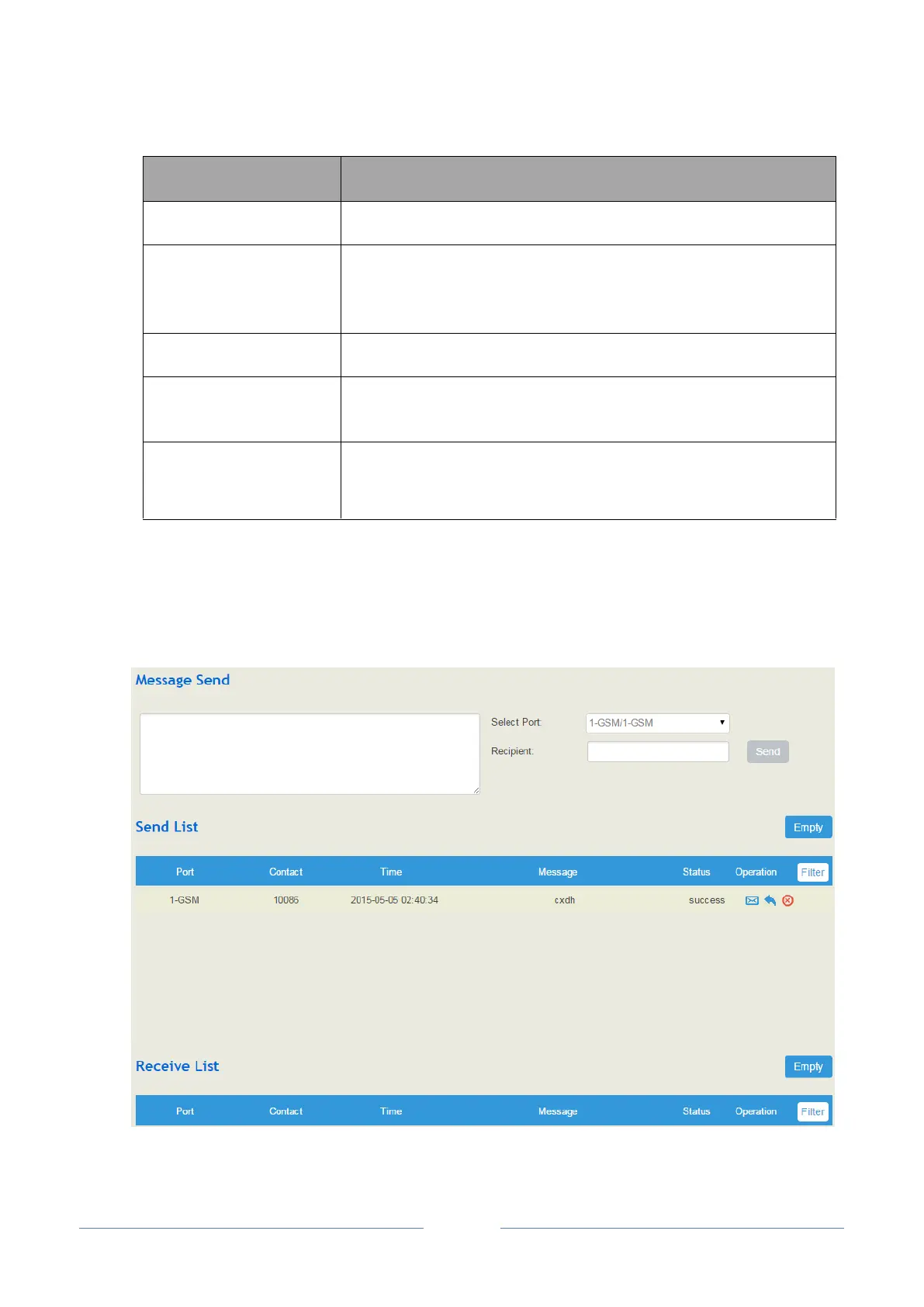
4.9.6 SMS
If an SIM card has been inserted into a GSM/CDMA userboard, you can send or receive SMS on the Call
Control SMS interface.
If it is disabled, the IVR cannot be seen in the destination of route.
If it is set as ‘10’, it means if no DTMF tone is received during 10
seconds, the IVR will be played repeatedly or the call will be hanged up.
The default value is 20 seconds.
Whether to allow direct dialing of extensions during the playing of IVR
If it is set as ‘3’, the call will be hanged up after the IVR has been
repeated for three times during timeout.
It is the menu of quick-dial numbers for extensions or trunks. If it is a
quick-dial for trunks, you need to configure the called number.
Quick-dial numbers are 0 to 9.














 To Next Page