Copyright @ 2011-2015 Dinstar
Note:
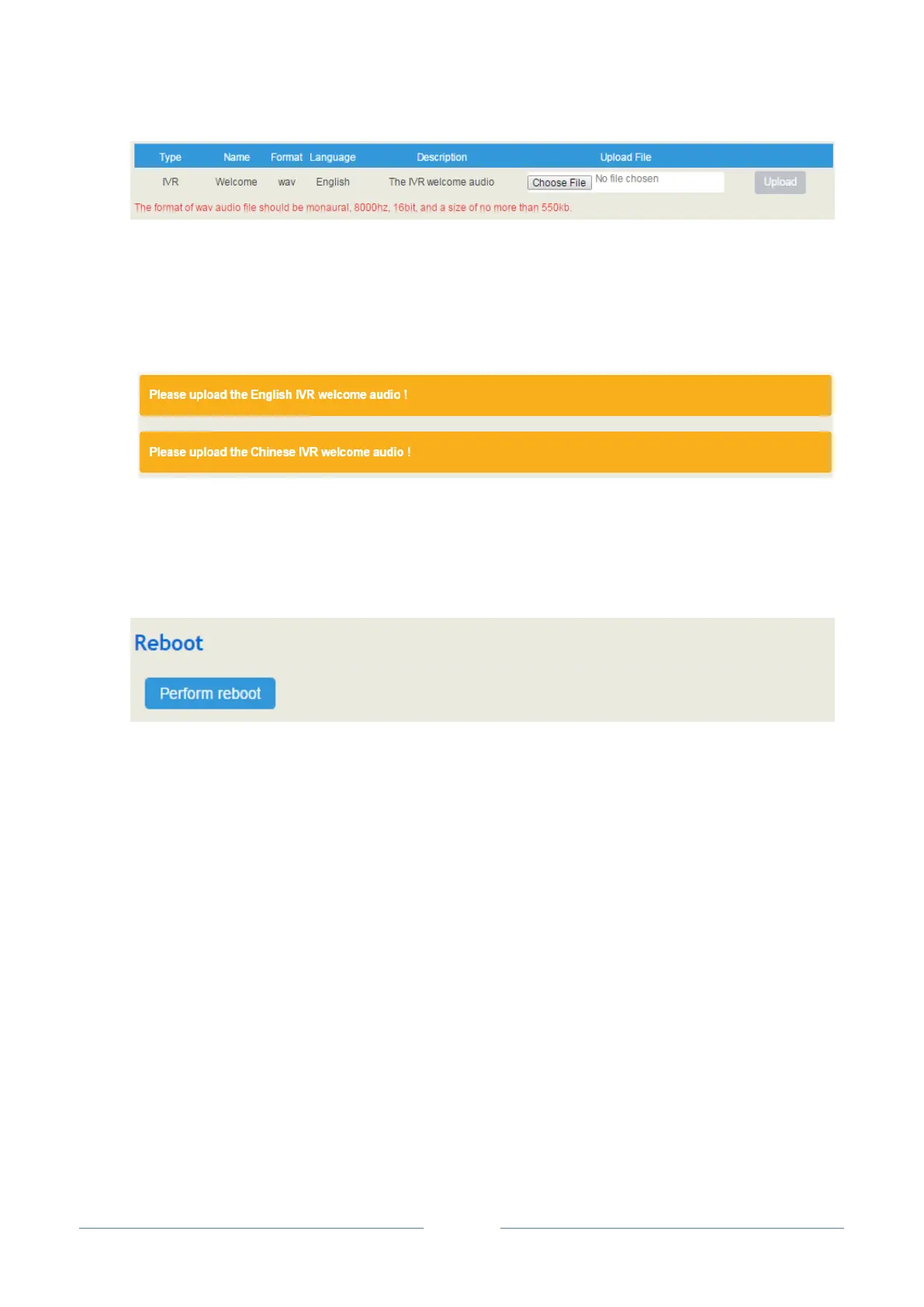
The format of the wav audio file should be monaural, 8000hz, 16bit, play time of less than 30s, and size
of no more than 1M bytes;
If the following yellow bars appear, it means the UC2000 device lacks an IVR file and you need to
upload one.
4.4.9 Reboot
On the System Reboot interface, you can click Perform Reboot to reboot the UC2000 device. After
the device is rebooted, those configurations that have been saved will remain unchanged.
4.5 Network
UC2000 only works in bridge mode, with FE0 port and FE1 port functioning identically
4.5.1 Setting
There are three kinds of IP addresses for selection for the FE0 and FE1 ports, including Static IP address,
DHCP IP address and PPPOE IP address.
DHCP: Obtain IP address automatically.
UC2000 is regarded as a DHCP client, which sends a broadcast request and looks for a DHCP server to
answer. Then the DHCP server automatically assigns an IP address to the UC2000 from a defined range
of numbers.














 To Next Page