Copyright @ 2011-2015 Dinstar
4.4.3 Provision
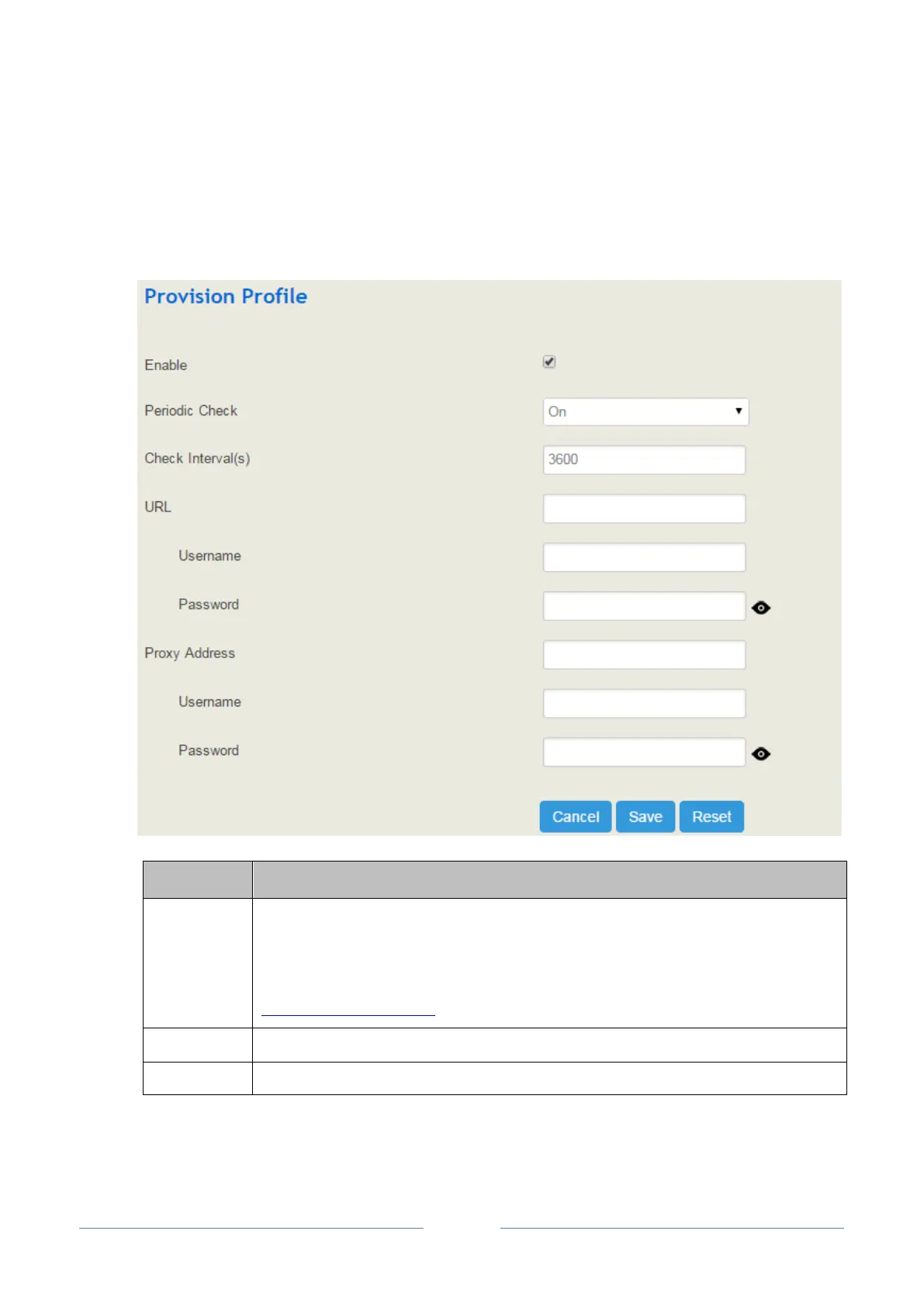
Provision is used to make UC2000 automatically upgrade with the latest firmware stored on an http server
an ftp server or a tftp server.
Select the checkbox on the right of Enable, and you will see the following interface:
The URL of the http/ftp/tftp server
for example:
ftp://172.16.77.200/home
tftp://172.16.77.200/provision.xml
http://test.domain.com/test
The login username of the http/ftp/tftp server
The login password of the http/ftp/tftp server
Note: Proxy Address, Proxy Username and Proxy Password are optional to be configured.














 To Next Page